

Start with the task you do every single day.
Think about the last hour of manual work you did. Someone filled out your intake form, and you retyped their details into your CRM by hand. A lead came in on Tuesday and the follow-up that should have gone out on Wednesday never went, because nobody remembered to send it. The weekly numbers got copied from one screen and pasted into a report, the way they were last week, the way they'll be next week. None of it took skill. All of it took you.
That is the work AI automation is for. Not "AI" as a slogan on a homepage. AI as the intake form that answers itself, the follow-up that sends itself, the report that builds itself while you sleep. The point isn't to sound futuristic. The point is to get hours back and hand the dull, repeatable steps to something that never forgets and never gets tired.
Here's the honest frame we start from. Most of what drains your week isn't hard. It's just repetitive: the same copy-paste busywork, the same manual data entry, the same follow-up nobody sends. Each piece is small. Added up across a month, it's a part-time job you're doing for free. Automation doesn't make you smarter or faster. It removes the tasks that were never worth your time to begin with.
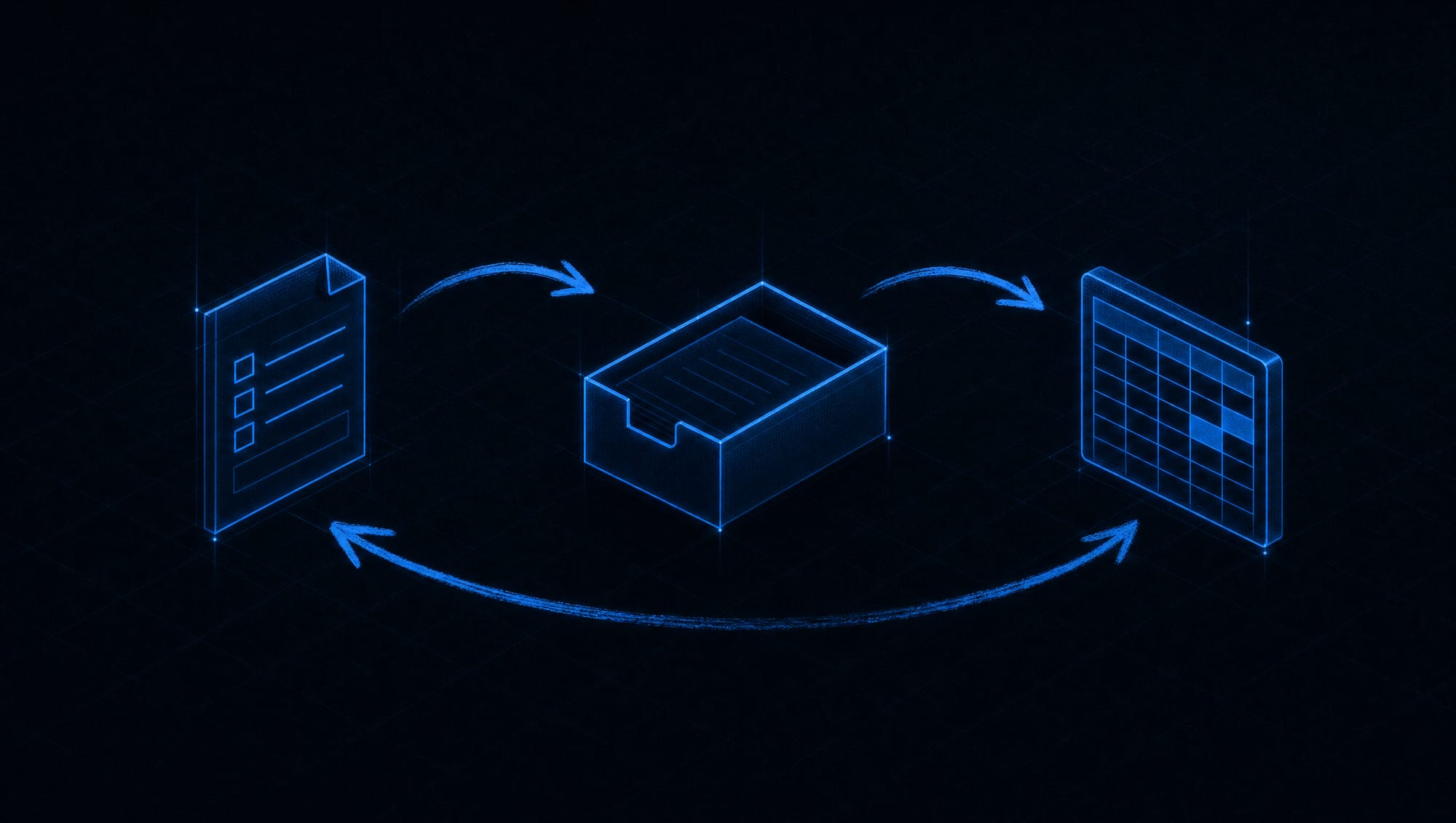
Some work should run itself. Some shouldn't.
Not everything should be automated, and a provider who tells you otherwise is selling you the demo, not the result. The trick is knowing which work is a good fit. Repetitive, high-volume tasks with clear inputs and clear outputs are where automation pays for itself. Judgment calls, relationships, and anything where a mistake is expensive stay with a person. We're strict about that line, because crossing it is how automation projects go wrong.
Here's the kind of work that tends to fit:
- Lead intake and follow-up. The form fills in your CRM by itself. The first reply goes out in seconds instead of days. The follow-up nobody had time to send now sends itself, on schedule, every time.
- Manual data entry between systems. The details that got retyped from one tool into another now move on their own, without the copy, the paste, or the typo that comes with them.
- Reports and summaries. The weekly numbers assemble themselves and land in your inbox, already formatted, so nobody spends Friday afternoon rebuilding last Friday's file.
- Document processing. Invoices, applications, and intake paperwork get read, sorted, and filed instead of stacking up in a folder waiting for a human pass.
- Routing and alerts. The right message reaches the right person the moment it matters, so nothing important sits unseen in a shared inbox over the weekend.
Notice what these have in common. They're all things you're already doing by hand, over and over, with a predictable shape. That predictability is exactly what makes them safe to hand off. We don't go hunting for exotic uses of AI. We go hunting for the dull, repeatable task you'd be glad to never touch again.
“The best automation isn't the most impressive one. It's the one that quietly deletes a task you hated.”
If you're not sure which of your tasks qualify, that's a question worth answering before anything gets built. Mapping the honest fit, where AI genuinely saves you hours and where it's just noise, is its own piece of work: our honest AI consulting exists for exactly that conversation. Automation is what you do after you know what's worth automating.
AI does the busywork. You do the business.
There's a fear underneath most of these projects, and it's fair to say it plainly: that automation means replacing people. That's the wrong picture. The automations we build take tasks off a person's plate, not the person off the payroll. The intake gets typed by a machine so your team can spend that hour on the call that actually closes. The report builds itself so the person who used to build it can read it and act on it instead.
Every workflow we wire has a human where a human belongs. That means approval checkpoints on anything that carries risk. It means a person reviews before money moves, before a contract goes out, before a message lands with a customer who matters. The automation does the fetching, the sorting, the drafting, the routing. A person makes the calls that need a person. That boundary isn't a limitation we apologize for. It's the design.
This is also why we'll sometimes tell you not to automate something. If a process is broken, automating it just makes the mess run faster. If the data feeding it is messy, the output will be too. When that's the case, we say so before you spend a dollar. Fixing the process comes first, or the automation isn't worth building. That honesty is the difference between a workflow that saves you time and a demo that impresses you once and breaks in week two.

The automation lives inside your own tools.
Your business already runs on software: a CRM, an email platform, a calendar, accounting, whatever mix you've built up over the years. Good automation doesn't replace any of that. It connects the pieces so they stop needing you as the messenger between them. The lead in your form flows into your CRM. The CRM triggers the email. The email books the calendar. You stop being the wire that carries data from one screen to the next.
We build these connections into the systems you already have, using secure access with permissions kept as narrow as the job needs. The automation reaches only the data it must touch to do its work, and nothing else. That's not a nice-to-have. It's how you keep a workflow from becoming a security problem the day someone forgets it exists.
If the tool you need doesn't exist off the shelf, that's a different, bigger job than wiring up connections between systems you already own. A custom assistant trained on your business, or an agent built around a workflow no template covers, is its own build: that's what custom AI solutions are for. Automation connects and coordinates what you have. When the job needs something genuinely new, we tell you, and we point you at the right service instead of forcing a fit.
Five steps. No mystery, no magic.
You'll always know which step we're in and what's next. The work is deliberately unglamorous, because that's what makes it hold up after launch.
STEP 1Find the repetitive task+
We start with your week, not a tool. What do you and your team do by hand, over and over, that follows the same shape every time? We watch the real process, count the manual steps, and pick the task where automation buys back the most hours with the least risk. If nothing qualifies yet, we say so before you spend anything.
STEP 2Map the trigger+
Every automation starts with a trigger: the thing that kicks it off. A form gets submitted. An email arrives. A date passes. We map exactly what starts the workflow, what data it carries, where that data has to go, and the moment a human needs to step in. This map gets your approval before a single connection is wired.
STEP 3Wire it up+
We build the workflow into your own accounts, connecting your existing tools with secure, narrow permissions. The trigger fires, the data moves, the draft gets written, the record gets updated, the alert gets sent. Approval checkpoints go in wherever a mistake would be expensive, so nothing risky runs fully unattended.
STEP 4Test it against reality+
Before it touches a real customer, we run it on real cases. Does it handle the messy input as well as the clean one? What happens when something is missing or wrong? We test accuracy, the failure cases, and the security of every connection, and we fix what breaks before you ever rely on it. An impressive demo is not a working system, and we don't confuse the two.
STEP 5Monitor and adjust+
Automation is not a one-time install. Models change, tools update, and your business shifts. We set up monitoring so you can see the workflow running and catch a problem early, and we adjust as things change. Ongoing beats set-and-forget, because a workflow nobody watches is a workflow quietly drifting out of date.
The honest note on timelines: a single, bounded automation can be live in a matter of weeks. A larger program that touches several systems takes longer, and we'll give you a written shape of it before anything starts. What speeds it up is clarity about the process. What slows it down is a process nobody has fully written down yet, which is common, and which we help you untangle.

The automation runs in your accounts, not ours.
Here is the part most AI shops leave out of the pitch. When we build an automation, it lives in accounts registered to you. Your CRM. Your email platform. Your connections. The workflows, the prompts, the settings, the logins: all in your name, from day one. We don't run your automation on our box and rent it back to you. We build it where it belongs, which is inside the business it serves.
That matters most on the day you'd want to leave. Ask any automation provider the clarifying question: if we part ways next month, what do I keep? With a lot of shops, the honest answer is nothing, because the whole thing lived on their platform and walked out the door with them. Our answer is that everything stays, because everything was always yours. The workflows keep running. Another developer can pick them up the same day. The door is never locked.
“If your automation only runs on someone else's account, you don't own it. You're renting your own week back.”
The rule we build underThis is real work on real terms. There's a setup fee, a clear scope written down before we begin, and an honest plan for keeping the workflows healthy after launch. What you'll never sign is a trap. The commitment matches the work; the ownership is permanent and separate from it. We keep your business by building automations that keep working, not by holding the keys to your own operations.
Asked and answered, before the call.
Q1Which task should we automate first?+
The one that's repetitive, high-volume, and has a clear start and finish. Lead follow-up and manual data entry between systems are the two most common first wins, because they run constantly and follow the same shape every time. We watch your real process before recommending anything, and if nothing is a clean fit yet, we tell you that instead of building something you don't need.
Q2What does it cost?+
Honestly, it depends on the workflow, and we won't pretend otherwise. The price tracks how many systems the automation connects, how complex the logic is, how much testing the risk demands, and the ongoing model or platform usage once it's running. Every automation is quoted per project: a setup fee and a flat number you approve before we begin, plus clear terms for keeping it healthy after launch. No hourly meter, no surprise line items, and we'll flag the ongoing running costs up front so nothing shows up later.
Q3Does this replace my employees?+
No. It takes repetitive tasks off their plates so they can spend that time on the work only a person can do. The copy-paste busywork and the follow-up nobody sends go to the machine; the calls, the judgment, and the relationships stay human. Every workflow keeps a person at the checkpoints that matter.
Q4Can the AI make mistakes?+
Yes, and any provider who says otherwise is overselling. That's exactly why we build in approval steps, monitoring, and human review points on anything that carries risk. The automation drafts and routes; a person signs off before an output reaches a customer or moves money. We test the failure cases before launch, not after.
Q5What if my systems are old or messy?+
Common, and not a dealbreaker on its own. But if a process is broken or the data feeding it is a mess, we fix that first, because automating a broken process just makes the mess run faster. Sometimes the most valuable thing we tell you is to hold off and clean up the process before wiring anything to it.
Q6Who owns the automation?+
You do, completely. The workflows run in your own accounts, with the prompts, settings, connections, and logins in your name. If you ever leave, everything stays with you and any developer can keep it running the same day. Nothing we build can be held hostage.
Q7How is this different from a chatbot?+
A chatbot talks to your visitors; an automation does work in the background. They're related but separate. If what you want is a site assistant that answers questions, qualifies leads, and books time while you work, that's a website chatbot trained on your business, and it's often the front end that feeds an automation behind it.
Q8Can automations run privately, without sending our data to the cloud?+
Yes. When privacy is the priority, we can build automations and AI that run on your own machines, so sensitive material never leaves your office. Meeting notes, client files, and confidential records stay in-house instead of passing through a third-party service. For law firms, clinics, and financial practices, that on-premise setup is often the difference between using AI at all and not being allowed to.
That's the whole service, told straight: find the repetitive work, wire it to run itself, keep the human where it matters, and hand you the keys. If your week is full of tasks you'd be glad to never do again, you already know where to begin.