You already know video would help. You have probably been told so more than once, and each time the conversation ended at the same place: you do not want to be filmed, and you do not have time to become a presenter.
That is a reasonable position, and it does not rule video out. When you search for marketing videos without showing your face, most of what comes back is aimed at people building anonymous channels, or at tools selling you an AI presenter.
Neither is really for a business owner. What is for you is usually already on your phone: the work, the product, the place and the result. This week, you can make one short, useful video from those.
Key Takeaways
Your product, your process, your location, finished work or a screen recording can carry a video on their own when the video answers one customer question.
Photos of finished jobs, short clips on your phone and screenshots of your website or app are often enough for a first 10 to 30 second video.
TikTok's own research reports that 93% of its users use the app with sound on, so captions and on-screen text are for access and clarity, not because nobody listens.
YouTube asks creators to disclose realistic altered or synthetic content, and a synthetic voice should never imitate a real person without permission.
Hire help for difficult sound or lighting, safety-sensitive or regulated work, aerial footage, or a campaign that has to be right the first time.
Do you have to be on camera for video to work?
No. Nothing in YouTube's, TikTok's or the FTC's published guidance says a business owner must appear on screen for video to be useful. What those sources measure is attention: how long people keep watching, whether the opening holds them, whether the message is clear. A face is one way to earn that. The work itself is another.
Think about what your customers actually want to see before they call you. For a contractor, it is the job in progress and the finished result. For a bakery, it is the bread coming out of the oven. For a software business, it is the screen where the problem gets solved. For a shop, it is the product in someone's hands. None of those needs you in the frame, and in many cases the video is more convincing without a person talking over it, because the viewer is looking at evidence rather than at a pitch.
People sometimes call this "faceless" video. The word comes mostly from creators building anonymous channels, and the advice that goes with it is often about monetizing a channel rather than winning customers. You do not need that framing. You need one clear video about one thing a customer cares about.

What can you film this week with a phone?
A current phone can shoot most of what a small business needs. Process footage, product close-ups, hands at work, a walk-through of your space, before-and-after sequences, an unboxing, or a single clear result on a screen are all within its reach. In these cases the immediacy of real footage can be more persuasive than a polished shoot, because it looks like what it is.
A few habits make phone footage look intentional rather than accidental:
- Use the rear camera and clean the lens: The rear camera is better, and a thumbprint on the lens softens everything.
- Film near a window or outdoors: Daylight does more for footage than any setting in the camera app.
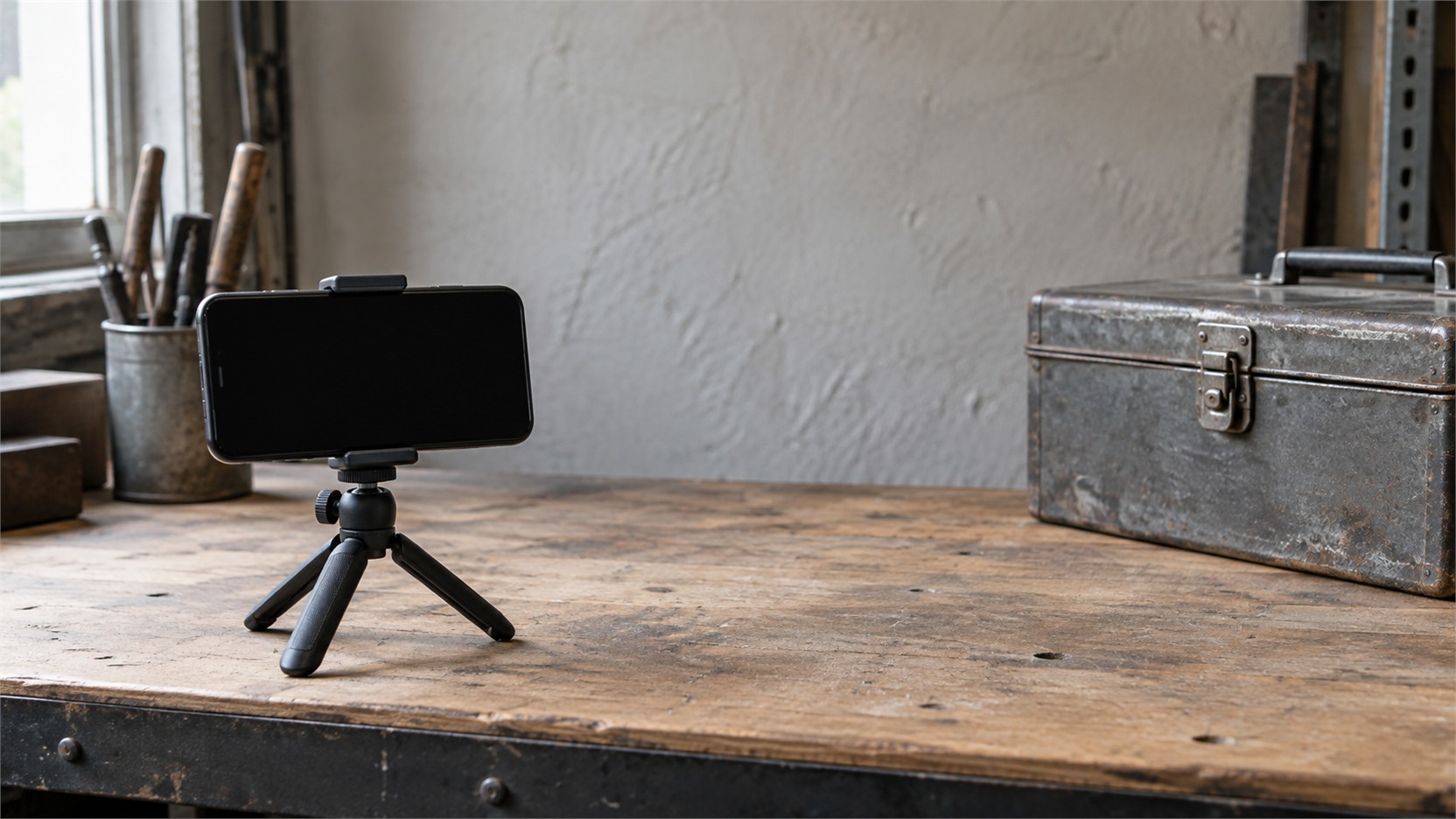
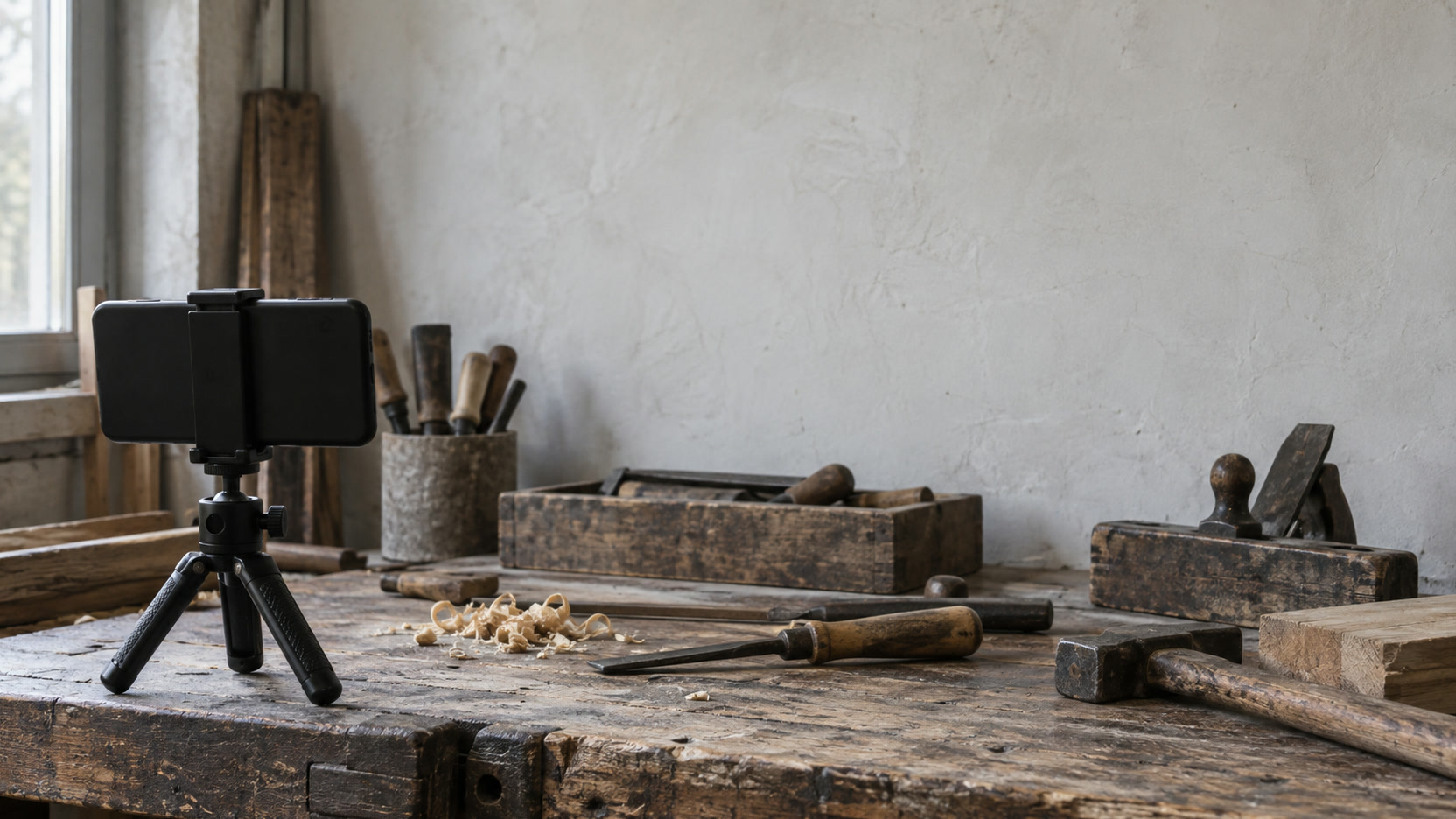
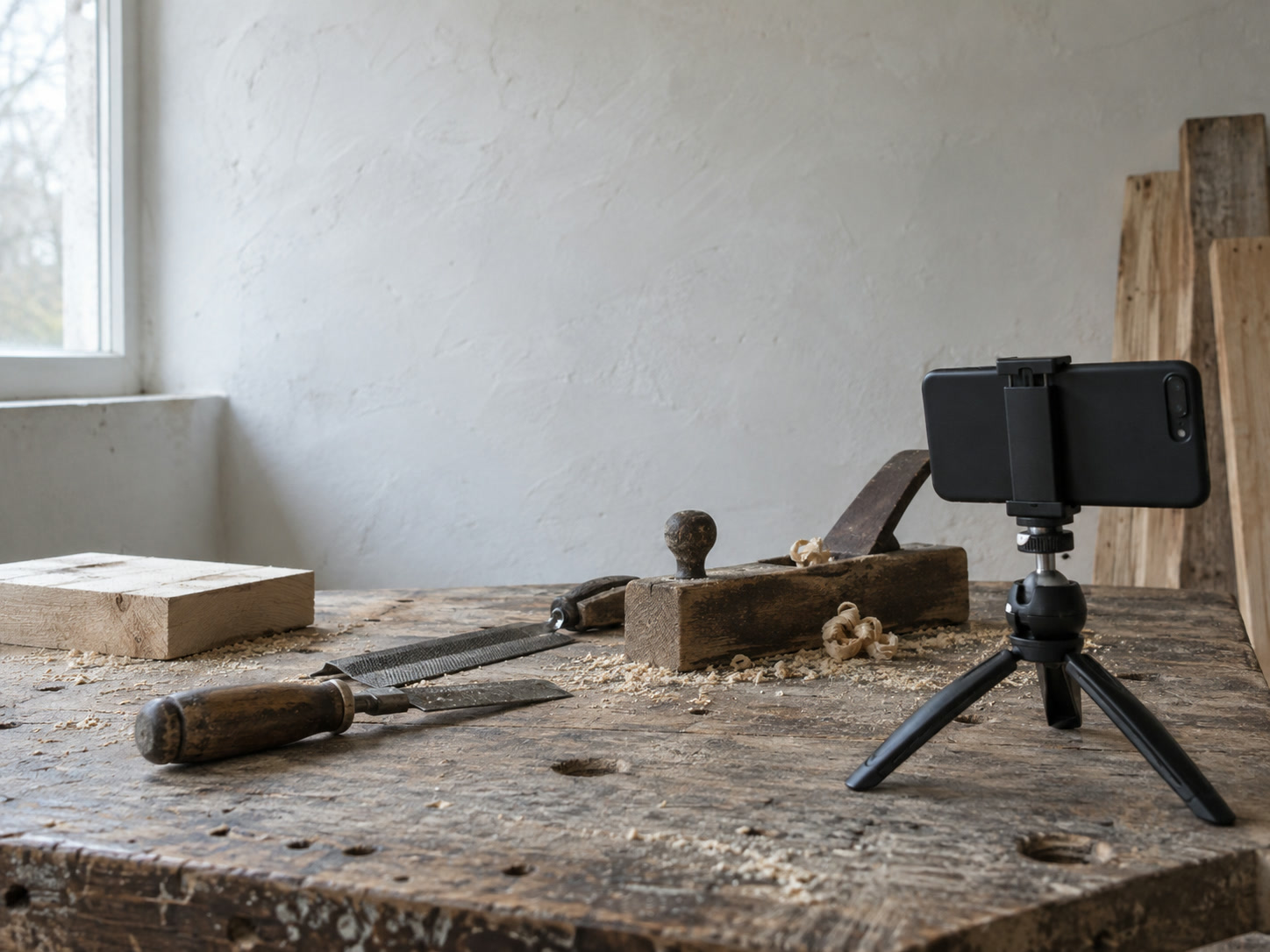
- Keep the phone steady: Lean on a counter, brace your elbows, or use a small tripod.
- Shoot short clips, not one long take: Several five-second clips are far easier to edit than one five-minute recording.
- Film vertically for social platforms: TikTok's creative guidance recommends vertical 9:16 video at 720p or better, with room left for the app's own buttons.
For software or online services, a screen recording does the same job. Record one task being completed, from the problem to the result, and nothing else.
Can you make a video from photos you already have?
Yes, and it is often the fastest start. You may be sitting on more material than you realize. Before you film anything new, go through three folders on your phone or computer:
- Photos: Finished work, product details, your location, staff hands at work.
- Short clips: Anything you have filmed of jobs, deliveries, unboxings or events.
- Screens: Screenshots or recordings of a booking, a dashboard, your website or your product in use.
Mark each one for three things: whether you own it, whether a customer or employee appears and has agreed to be shown, and whether it accurately represents what you sell. Then pick one outcome, not the whole company story. A strong short video usually opens on the result or the question, shows three to six visuals in order, states one plain benefit, and ends with the one thing you want the viewer to do.
TikTok's own analysis of ads found text boxes in 86% of the ads it studied, and its guidance recommends product close-ups and wide shots that show context. That is advertiser research rather than a rule for every post, but it points the same way: readable on-screen text over real visuals is a workable format that needs nobody on camera.
A one-week test using what you already have
- 1
Day 1: gather
Pull 5 to 10 photos, clips or screenshots about one customer question or one visible result.
- 2
Day 2: check
Confirm you own each one, that anyone shown has agreed, and that it shows what you really sell.
- 3
Day 3: assemble
Put together 10 to 30 seconds: the result or question first, 3 to 6 visuals in order, one benefit, one call to action.
- 4
Day 4: make it readable
Add captions or on-screen text so the video makes sense with the sound off, then add licensed music or narration if it helps.
- 5
Day 5: publish
Post one vertical version where your customers already follow you.
- 6
Day 7: look
Compare how long people watched and what they did against your recent posts. One view count is not the verdict.
How do you make it work with the sound on and off?
The old line that everyone watches social video with the sound off is not what the platforms report. TikTok's Creative Center says 93% of its users use the app with sound on, and it reports that half of ad recall and awareness impact happened in the first two seconds in the research it cites. Sound matters there.
That does not make captions optional. They are how people who are deaf or hard of hearing follow your video, how people in a quiet office or a waiting room follow it, and a clear way to reinforce the point. The W3C's accessibility guidelines include captions for prerecorded video as a standard. The practical approach is to build the video so the story reads visually with the sound off, then add narration or music where it adds meaning.
The opening seconds deserve the most care. YouTube's audience retention reports show you exactly where viewers leave, and YouTube suggests paying attention to the first 30 seconds. Open on the result or the question, not on a logo or a slow establishing shot.
Should you use an AI voice or an AI avatar?
AI tools can now turn a script into a narrated track, and some can render a synthetic presenter who reads it. For a business owner who does not want to be filmed, they can look like a neat answer. They come last on this list for a reason: a text-led, screen-recorded or process-led video is often clearer, and it carries fewer trust and disclosure questions.

If you do use them, a few rules apply:
- Disclose realistic synthetic content where the platform asks: YouTube requires creators to disclose content that is realistic and meaningfully altered or synthetically generated, and it explains the labels viewers see in its guide to how this content was made.
- Never present an avatar as a real customer: The FTC's rule on consumer reviews and testimonials prohibits fake testimonials, including ones attributed to people who do not exist.
- Disclose any paid relationship behind an endorsement: The FTC's guidance on endorsements says the disclosure belongs in the video itself, not only in the description.
- Do not imitate a real person's voice without written permission: The law here is still developing and differs by place. Tennessee's ELVIS Act protects voice, California passed digital-likeness protections for performers in September 2024, and the U.S. Copyright Office's 2024 report on digital replicas recommended federal legislation. This is general information, not legal advice.
A synthetic presenter is still a synthetic presenter. It can read your script. It should not be presented as someone who used your service.
When is a phone better than a professional?
A phone clip is often the most credible choice when speed, access and reality matter more than polish: the job as it happens, the product as it really looks, the customer's result on the day. Professional equipment does not create relevance on its own.
Help earns its cost in specific situations: difficult sound in a noisy space, complex lighting, safety-sensitive or regulated work, clinical or industrial settings, several locations, planned customer interviews with approvals, a high-stakes campaign, or editing a large library of footage into a system you can reuse. Aerial footage is its own case. In the United States, flying a drone for a business generally requires a remote pilot certificate under the FAA's Part 107 rules, so it is not a casual add-on.
Do not buy an AI avatar simply because nobody wants to be filmed, and do not hire a production company for a first test when you already have real footage and only need to learn which question earns attention. Make the simple version first. Then you will know what a professional would actually add. If that first video will run as a YouTube ad, our guide on making a YouTube ad without filming a video covers the steps.
Which video would you make first?
Pick an answer to begin.
1. You run a landscaping business and do not want to be filmed. What is the best first video?
2. What does TikTok's own research report about sound?
3. You use an AI avatar that says it loved your service. What is the problem?
Frequently Asked Questions About marketing videos without showing your face
Do I have to be on camera for video marketing?
No. Film the product, the work, your location, a screen or a result, and give the viewer one useful point. None of the major platforms requires a presenter.
Can I make a business video from photos?
Yes, if the photos show real work or products and the on-screen text explains why they matter. Three to six photos in order, with one clear point, can make a strong 10 to 30 second video.
Should I add captions if people watch with the sound on?
Yes. Captions make the video accessible and let it work in quiet places. TikTok reports most of its users have sound on, so treat captions as support for the story, not a replacement for it.
Can I use customer videos in my marketing?
Yes, with their permission and in a truthful context. If you paid them or gave them something in return, disclose that relationship where the FTC's endorsement guidance requires it.
Is it legal to use an AI voice or avatar in a business video?
Generally yes, with care. Disclose realistic synthetic content where the platform asks, never present an avatar as a real customer, and never imitate a real person's voice without permission. Rules differ by state and are still changing.
Can I use drone footage in a business ad?
In the United States, flying a drone for business generally requires an FAA Part 107 remote pilot certificate. Hire a certified operator if you do not hold one.
Wrapping Up
Marketing videos without showing your face are not a workaround. Your work, your product, your place and your results are often the most convincing subjects you have, and a phone can capture them. Start with what you already own, make one short video about one customer question, build it to read with the sound off, and judge it by how long people watch and what they do next. Keep AI voices and avatars for last, and use them within the disclosure rules.
A few weeks of this gives you something that lasts: a small library of real footage, a format you can repeat, and a way to tell what works. The camera stops being the thing standing between you and video.
If you would like help turning footage you already have into something you can reuse, that is what our video marketing work at Web Leveling is for, and our first advice is often to film one more job on your phone. When narration would help and you would rather not record it yourself, our podcast and voiceover production team works from your script. We work with small and medium businesses across the country and overseas, wherever they are. Send us three photos of your work and tell us which customer question you want answered, and we will suggest the first video we would make.
Terms
Video words used in this post
Tap a term to see what it means.
B-roll. Supporting footage, such as close shots of work or a location, used around or instead of a speaker.
Screen recording. A video capture of a computer or phone screen, used to show a task being done.
Audience retention. How much of a video people watch, and where they stop. YouTube reports it for every video.
9:16. The tall, vertical shape used by TikTok, Reels and Shorts.
Synthetic content. Video or audio generated or meaningfully altered by AI, such as an avatar or a cloned voice.
Part 107. The FAA rules for flying a drone for business in the United States.