
Your customers say kind, specific things about you. They say them at the counter, in a thank-you email, in a text after the job is done. Then a new visitor lands on your website and finds three typed quotes with first names and no faces.
Video testimonials can close that gap, because a real customer describing a real result in their own voice is hard to fake and easy to believe. The part that stops you is rarely the camera. It is the ask: it can feel awkward, you may not know what questions to send, and you may wonder whether you need permission before anything goes online.
None of that calls for a film crew or a big budget. It calls for a short, repeatable way to ask, record, approve and place one clip at a time, and you can start it this week.
Key Takeaways
Send a short, optional request with three questions, a phone-recording tip sheet and an upload link, soon after the customer has praised you, renewed or referred someone.
A written release should cover the recording, where it will appear, for how long, what edits you may make, and use of the customer's name, likeness and voice.
Since October 21, 2024, the FTC's rule bans fake testimonials and incentives tied to a positive or negative sentiment, and no edit may change what the customer meant.
How do you get video testimonials from customers without a film crew?
You ask a happy customer soon after a good result, give them three short questions, let them record on their own phone, and send them an easy upload link. You ask about the problem they had before, why they chose you and what changed afterward. Then you get written permission, caption the clip and place it next to the service it talks about. That is the whole process, and every step fits in an ordinary work week.
- Pick the moment: Right after a finished project, a renewal, a referral or an unprompted compliment.
- Send a short request: Make it optional, name what they praised, and say how long the clip should be.
- Give three questions: Problem before, why they chose you, what changed.
- Make recording easy: Their phone, a quiet spot, a few tips, and one upload link.
- Get written permission: A simple release, signed before anything is published.
- Trim, caption and place: Keep their words and meaning, add captions, and put the clip beside the matching service.
The first goal is not a library of videos. It is one usable, approved testimonial from one willing customer. Once you have done it once, the second request takes a fraction of the time, because the questions, the tip sheet and the release already exist.
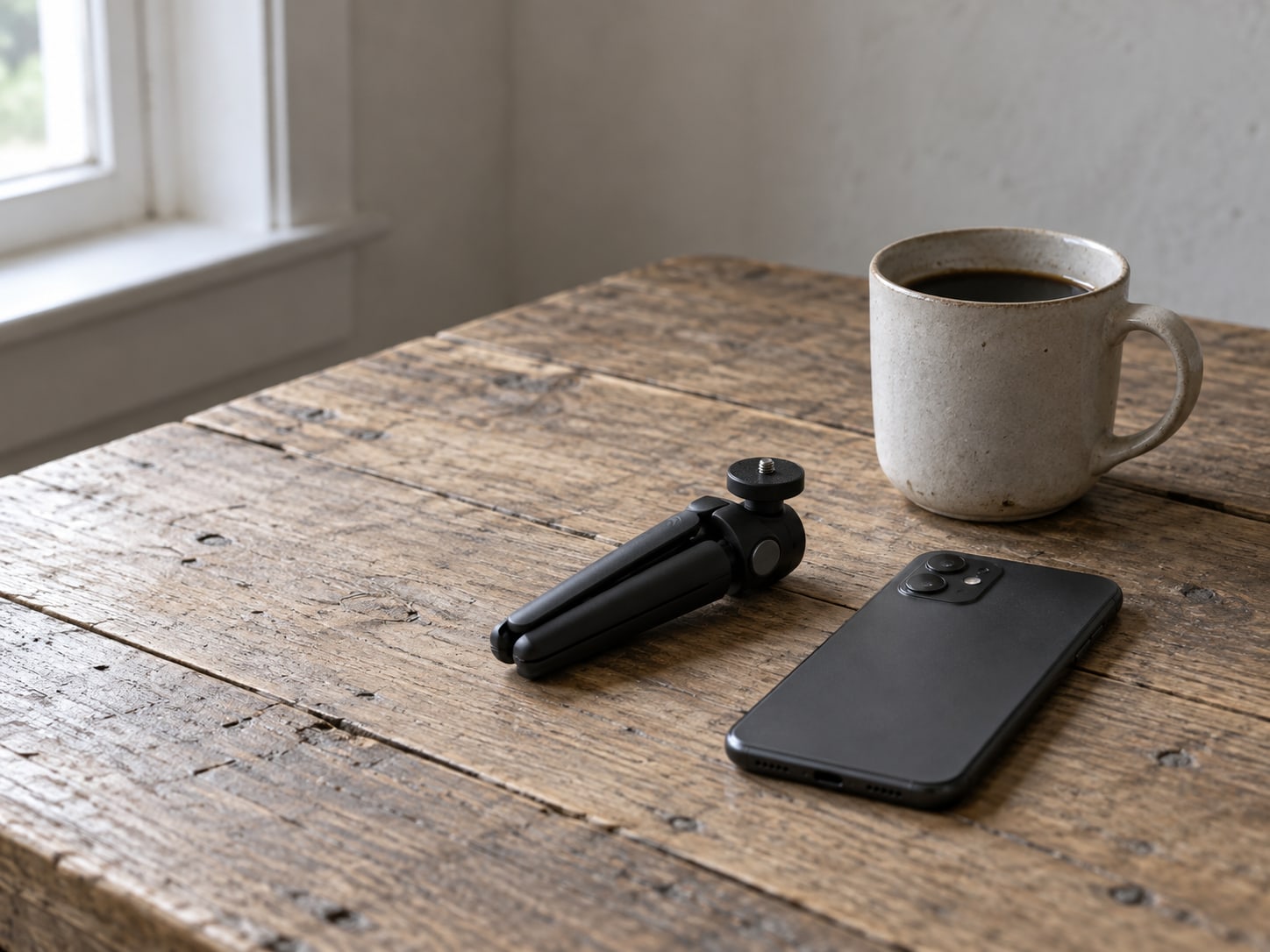
When should you ask, and what should the request say?
Timing does most of the work. Ask shortly after a customer has told you they are happy, finished a successful project with you, renewed, referred someone or sent praise you did not ask for. At that point the good experience is fresh, and you are asking them to repeat something they already said rather than invent something new.
Keep the request specific and plainly optional. A short message along these lines works well: "You mentioned that the new website made it easier for customers to contact you. Would you be willing to record a 30 to 60 second video about your experience? You can use your phone, answer three questions, and upload it through this link." Swap in whatever that customer actually praised. The specific detail shows you listened, and it hands them a starting point for their answer.
Then strip out every bit of effort you can. Include the three questions, a suggested maximum length, a few recording tips, the upload link, and a line saying they can review the clip or withdraw permission before it goes live. Offer an audio-only or written option for anyone who would rather not be on camera. Never suggest that their future service depends on saying yes. A customer who feels pressured gives a stiff answer, and pressure also creates the kind of problem the FTC rules below are written to stop.
A few recording tips to paste into the request:
- Light: Face a window, not away from it.
- Sound: Pick a quiet room and hold the phone close enough that your voice is clear.
- Framing: Keep the phone steady, propped up or on a stand, with your face and shoulders in view.
- Length: About a minute is plenty; you do not need to cover everything.
- Delivery: Talk the way you would to a friend. Pauses and ordinary words are fine.
What questions make a testimonial sound real?
Open questions that follow a before-and-after story produce the most useful answers. Four cover almost everything you need:
- What problem were you trying to solve before working with us?
- Why did you choose us?
- What changed after we helped?
- What would you tell someone considering us?
The first three are the core, and they are the ones to send in the request. The fourth is a good closer if the customer is comfortable. If an answer comes back general ("they were great"), ask one follow-up that pulls out a concrete example: what exactly was different the week after, or what moment made them decide. One real detail does more for the next buyer than any amount of praise.
A clip feels real when the customer uses their own words, describes a situation the viewer can recognize, and is not asked to repeat a slogan. Resist the urge to script it. A narrow, specific account of what happened is more believable than a broad claim like "best in the industry," and it is also safer, because the FTC treats a customer's claim in your advertising much like a claim you made yourself. Light editing is fine, such as trimming a long pause or a false start, as long as it does not change what the customer meant.

How long should a video testimonial be?
For a video testimonial on a website service page, aim for roughly 30 to 90 seconds. For social posts, cut several shorter vertical clips of about 15 to 60 seconds, depending on the platform and placement. For a Google Business Profile, keep it short and check Google's current photo and video requirements before you upload. One good recording can supply all of these, which is why it helps to ask the customer for a little more than you plan to use.
These are practical production targets, not proven thresholds, so treat the table as a starting point and let the customer's story decide the final cut.
| Where the clip goes | Length to aim for | Format notes |
|---|---|---|
| Website service page | About 30 to 90 seconds | Captions on, poster image, loads only when played |
| Home page | The same service-page cut | Use a customer who matches your main buyer |
| Social posts | About 15 to 60 seconds each | Vertical, several short cuts from one recording |
| Google Business Profile | Short | Check Google's upload requirements first |
| Sales follow-up email | Link to the page clip | A link keeps the email light |
If you are looking for video testimonials examples to copy, look for what the good ones have in common rather than how they look: a clear problem at the start, one concrete detail in the middle, and a plain statement of what changed. Studio lighting is optional. Understandable sound and captions are not.
Do you need permission to use a customer's video?
Yes, get written permission before you publish. A customer sending you a video, even one they recorded on purpose, does not automatically cover every use you might want. A short written release also gives you a record you can point to if anyone asks later. The rules from the FTC matter too, mainly around incentives, relationships and editing. The points below are general information, not legal advice, and state law may add its own requirements, so a quick review by a lawyer is sensible before you use testimonials in paid ads.
What should a testimonial release cover?
A useful release names the customer and the recording, then spells out the permissions in plain words. It should cover:
- The channels: Your website, social accounts, email, ads, or a named subset of these.
- The duration: How long you may keep using it, and how the customer can withdraw.
- Editing rights: That you may trim and caption it without changing its meaning.
- Identity details: Whether you may show their name, job title, company, face and voice.
- Geographic scope: Where the clip may appear, if that matters to your business.
A release is not required by every federal rule, but it is practical proof of permission and helps with privacy, publicity, copyright and contract questions.
What do the FTC rules say about testimonials?
The FTC's Endorsement Guides, revised in 2023, say an endorsement must reflect the genuine "experience or opinion of the endorser." If there is a connection the viewer would not expect, such as a customer who is also a relative, an employee or someone you paid, that connection has to be disclosed. The FTC's page on endorsements, influencers and reviews gathers its guidance in one place.
The FTC's Consumer Reviews and Testimonials Rule took effect October 21, 2024. It prohibits fake or false reviews and testimonials, undisclosed testimonials from insiders, review suppression, and incentives conditioned on a particular sentiment. In practice, you may thank a customer with a small gift for recording a testimonial only if the gift does not depend on the testimonial being positive, and you may still need to disclose it. Adding "results may vary" does not fix a claim that would be misleading coming from you directly, as the FTC's advertising FAQ for small businesses explains. And never edit a clip into something the customer did not say.
One more distinction: a customer video on your website or social feed is a testimonial, not a Google review, even if you also upload it to your Business Profile. Present it as what it is. Asking for Google reviews is a separate process, covered in our post on how to get more reviews.

Where do video testimonials on a website do the most work?
Put each clip where the same question comes up for the next buyer. The strongest spots are beside the service the customer bought, on case-study pages, near a contact or booking button, on the home page when the customer matches your main audience, in sales follow-up emails, and in social or paid campaigns. A customer who talks about a fast turnaround belongs on the page where buyers worry about timing. A customer who talks about price belongs near your pricing or quote form.
How the clip loads matters as much as where it sits. Add captions, because video is often watched with the sound off. Use a poster image, compress the file, load the video only when someone plays it, and host it somewhere that does not drag the page down. Google's Core Web Vitals measure loading speed, responsiveness and visual stability, and a heavy video that plays on its own can hurt all three on a phone. If your current site makes that hard, it is a web design problem worth fixing on its own.
Testimonials also feed the rest of your reputation work. The words customers use on camera tell you which worries come up again and again, and those phrases can shape your service pages, your replies to reviews and your online reputation plan.
What usually goes wrong, and how big is each fix?
The order below is a practical one, based on FTC requirements and how collecting customer videos tends to work for a small team. Each row names the problem and the size of the fix.
| Problem | The fix | Job size |
|---|---|---|
| Never asking, or asking vaguely | Set a trigger to ask after a finished job or a compliment | Small, usually under a day |
| Too much effort for the customer | Mobile-friendly request, three questions, one upload link | Small |
| Generic praise, no story | Before, decision and after questions, plus one follow-up | Small |
| No permission, or incentives mishandled | A written release; legal review of disclosures where needed | Medium |
| Too long, dark or hard to hear | Simple recording tips, or a guided remote recording | Small to medium |
| Clip placed on an unrelated page | Match each clip to the matching service or worry | Small |
| Slow page or no captions | Compress, host, load on play, caption, test on a phone | Medium |
| An edit that changes the meaning | Restore the original wording or get fresh approval | Small to medium |
| One clip and no repeat process | Write down triggers, consent, storage, editing and publishing | Medium |
Notice where the weight sits. The fixes at the top are small and cost nothing but a little attention. The medium jobs are about permission, page speed and turning one good clip into a habit.
Do you need software or a video company for this?
Not to start. A phone, a quiet room, a private cloud folder or a simple form for uploads, and captions added before publishing will produce a perfectly usable first testimonial. What matters far more than the tool is permission, easy recording, a clear audio track and a process you will repeat.
Dedicated collection tools such as Senja handle the request, the upload and the display widget in one place. Plans and limits change, so read the current Senja pricing page before you sign up, and only pay once asking customers has become a regular habit that a spreadsheet no longer handles well.
Outside help makes sense when the work has to happen every month and you do not have the hours: choosing the right customers, sending requests at the right time, collecting releases, organizing files, editing without changing meaning, captioning, cutting versions for each platform, and placing clips without slowing the site. Help cannot manufacture trust or promise more sales. What it can do is turn scattered praise into a steady, approved, accessible set of clips while you keep serving customers.

What can you do in the next fifteen minutes?
You can set up everything you need for your first request before your next coffee break. Work through these five steps:
- List five customers: Recent ones who gave specific praise, referred someone, renewed or got a clear result.
- Write your three questions: Problem before, why they chose you, what changed.
- Check your site: On a phone, see whether a page could show a captioned video without slowing down, and whether any video plays on its own.
- Gather what you have: Existing written testimonials, emails and reviews, marked by who has already agreed to public use.
- Pick one recording path: A phone video uploaded to a private folder or form, then draft your optional request.
Send the request to one or two of those five this week. If someone declines, thank them and move on; the written quote they already gave you still counts.
Check your testimonial plan
Pick an answer to begin.
1. When is the best time to ask a customer for a video testimonial?
2. Under the FTC rule that took effect October 21, 2024, what kind of thank-you gift is off limits?
3. What is a sensible length for a testimonial on a website service page?
Frequently Asked Questions About video testimonials
How do I ask a customer for a video testimonial?
Ask soon after a good result or a compliment, say it is optional, mention what they praised, and send three questions, a suggested length and an upload link. Offer an audio or written option too.
What should I ask in a video testimonial?
Ask what problem they had before, why they chose you and what changed afterward. If the answer is general, follow up for one concrete example.
How long should a video testimonial be?
Roughly 30 to 90 seconds for a website service page, with shorter vertical cuts of about 15 to 60 seconds for social posts. These are practical targets, not proven rules.
Do I need permission to put a customer's video on my website?
Yes, get written permission first. It should cover where the video appears, for how long, what edits you may make, and use of their name, face and voice.
Can I give customers a discount for recording a testimonial?
Only if it does not depend on the testimonial being positive or negative, under the FTC rule that took effect October 21, 2024. You may still need to disclose it. This is general information, not legal advice.
Is a video testimonial the same as a Google review?
No. A testimonial is a customer's account that you publish in your own marketing. A Google review is left by the customer on Google, and a testimonial should never be presented as one.
The Bottom Line
Getting video testimonials comes down to a few small habits. Ask a happy customer soon after a good result, send three questions and an upload link, and let them record on their own phone. Get written permission, keep their words and meaning intact, follow the FTC rules on incentives and connections, then caption the clip and place it where the next buyer has the same question. None of it requires a film crew.
Do it once and you have real proof on the page where buyers decide, in your customers' own voices. Do it every month and you build a set of clips, and a record of the exact words customers use, that keeps working for your sales calls, your emails and your social posts.
When the asking, releases, editing, captions and placement start taking more time than you have, Web Leveling can run that system for you. Our video marketing work covers collecting customer clips, cutting them for each platform and placing them on fast pages you own. We work with small and medium businesses across the country and overseas. Tell us about the customers already praising you, and we will help you get their stories on your site.
Terms
Video testimonial terms in this post
Tap a term to see what it means.
Testimonial. A customer's own account of their experience with your business, used in your marketing.
Review. A customer's rating or evaluation posted on a review platform, such as Google, rather than by you.
Endorsement. The FTC's term for any message that a buyer is likely to read as someone's own opinion or experience of a product or business.
Release. A signed permission form that says how, where and for how long you may use a customer's recording.
Material connection. A link between you and the person giving the testimonial, such as payment, a gift or a family tie, that a viewer would not expect.
Case study. A longer, structured story about one customer, with background and evidence, rather than a short clip.
Poster image. The still frame shown before a video plays, which lets the page load without the full video.