
Someone told you to start YouTube. Maybe it was an agency, a friend who runs a gym, or a course you signed up for, and now you are wondering whether a plumber, an accountant or a bakery can really get customers from it. The bigger fear is quieter: giving up your evenings to film and edit videos that nobody watches.
A YouTube channel for small business owners can be worth it, but not for the reasons it usually gets sold on. It rarely comes down to posting every day or buying a good camera. It comes down to two things you can check this week: whether your customers keep asking the same questions before they buy, and whether you can keep up with one solid answer video a month.
If both are true, the channel has a real job to do. If they are not, you can walk away without guilt and spend those evenings on something that brings in work.
Key Takeaways
A channel fits when buyers repeatedly ask questions you can answer in a 5 to 10 minute video, and a phone with clear sound is enough to begin.
YouTube sets no required upload frequency and says the best schedule is one you can keep, so budget roughly 2 to 6 owner-hours per simple episode as a planning estimate.
Views are heavily concentrated on a small share of channels, so a small channel that answers one high-value buyer question can still earn its keep through calls, bookings and assisted sales.
Know Quickly Whether YouTube Fits Your Business
Usually, a YouTube channel is worth it for a small business when it can answer real customer questions in useful long-form videos at a pace the owner can sustain, often one strong video a month. It is not worth forcing if there is no repeatable know-how to show, no time to keep it going, or an urgent need for steady, predictable leads next month.
That answer puts the decision on things you already know. You know what customers ask on the phone, at the counter and in estimate emails. You know whether one morning a month is realistic, or whether it would be the first thing dropped when the schedule fills up.
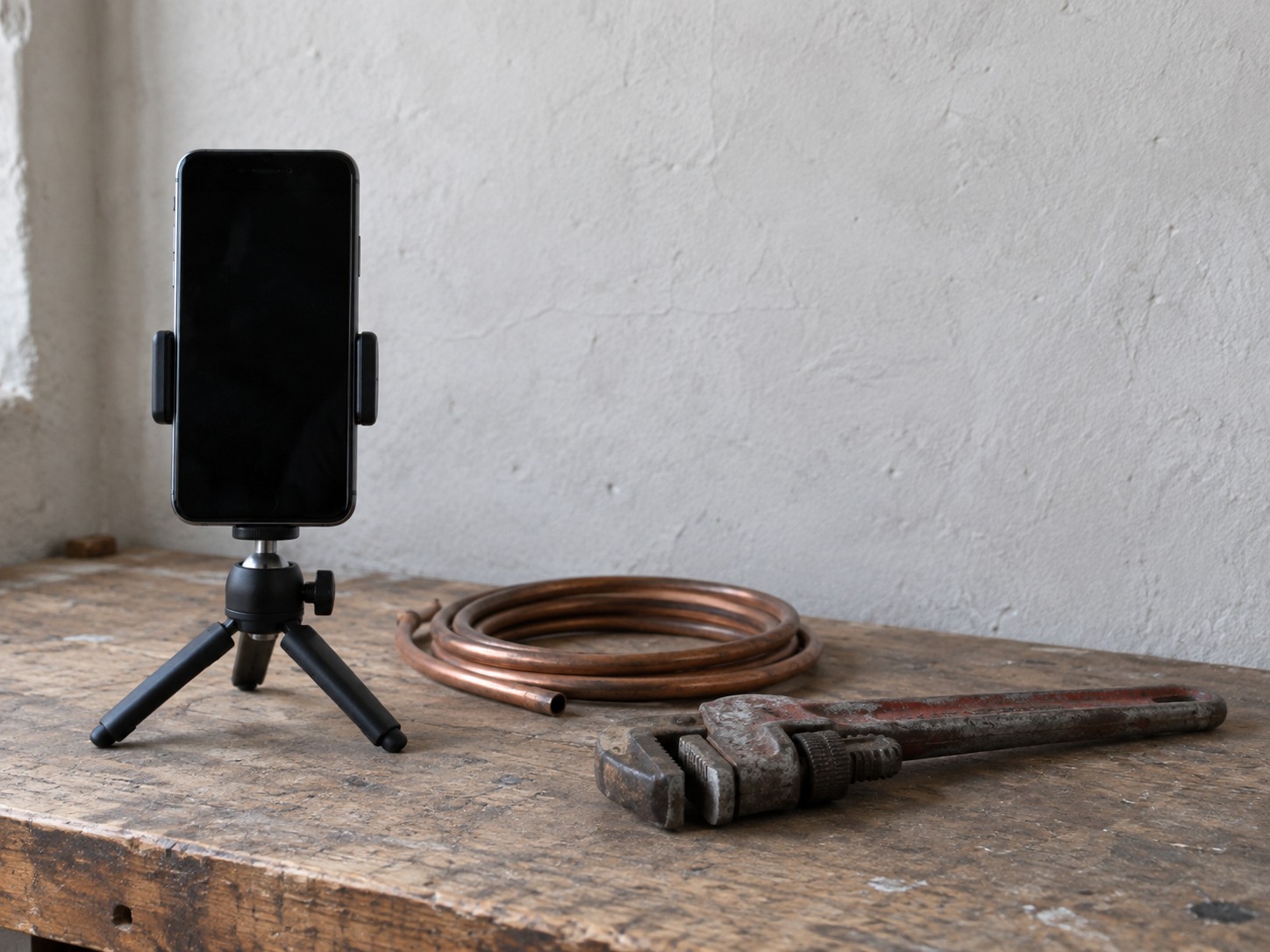
What it does not depend on is gear, a big personality, or a promise to post daily. YouTube's upload schedule tips ask creators whether a cadence is sustainable over the long run and suggest filming several videos in one sitting. Its tips for filming with a phone say a mobile device is enough to get started, with attention on light and sound. The hard part is choosing the right questions and showing up for them month after month.
See Which Businesses Get the Most From Answer Videos
Long-form answer videos suit businesses whose buyers need to see a process, understand a costly choice, judge someone's skill, or learn to use a product properly before they spend money. In practice that includes:
- Trades and home improvement: Plumbers, repair firms and contractors whose customers want to know what a job involves, what can go wrong and when to call a pro.
- Accountants and other advisers: Firms whose clients want a clear explanation of a decision before booking time.
- Clinics: Practices whose patients want to know what an appointment or procedure is like, within the professional rules that apply to them.
- Specialty retailers and manufacturers: Shops whose products need setup, care or a demonstration.
- Instructors and classes: Anyone whose buyer wants to see the teaching style first.
- Bakeries and food makers: Especially those selling classes, custom orders or products with technique behind them.
This is a fit based on how buyers decide, not proof that every business in these categories will win. YouTube's own page on how YouTube search works says Search weighs relevance, engagement and quality, which makes a precise customer question a safer starting point than a general brand film about your company.
Real examples show the format can sit alongside a real business. YouTube's blog tells the story of how Dylan Lemay turned his ice cream day job into a New York storefront: he began filming ice cream making skills in 2020 while working in an ice cream shop, and later opened Catch'n Ice Cream. Treat that as a creator's story, not evidence that the videos caused the store's success. Small-business interest in the format is real too. The SBA listed a 2025 SCORE webinar on creating a YouTube channel for your small business.
Understand How People Actually Find Your Videos
YouTube does not show videos in one big ranked list. It has separate surfaces, and they work differently. Knowing which one you are aiming at tells you what kind of video to make.
YouTube Search
When someone types a question, YouTube ranks results on three things. Relevance covers how well the title, tags, description and video content match the search. Engagement includes watch time for that search. Quality uses signals meant to identify sources that are authoritative and trustworthy on the subject. Results are also personalized to each viewer's history. YouTube states that it does not accept payment for better placement in organic search results.
Home and Up Next recommendations
According to YouTube's page on how recommendations work, the Home feed is shaped mainly by a viewer's own watch history, and the Up Next list uses the video they are watching now as a main signal. A new channel is not shut out of either one. It is simply competing with every other video that viewer might choose.
Google Search
Your videos can also appear in Google itself. Google's video SEO guidance says videos can show on the main results page, in the Videos tab and in image results, and that a YouTube video embedded on your site can be indexed both on YouTube and on your own page if that page meets Google's criteria. Google is clear that indexing and special video features are not guaranteed, even when everything is set up correctly.
For a small business, Search is usually the surface that matters most. A person typing an exact question is closer to buying than someone scrolling a Home feed, and an answer video matches what that person asked for.
Make Peace With Small View Counts, Because a Few Views Can Pay Off
Expect small numbers. A peer-reviewed study of a random sample of channels, published in Convergence in 2018, found that 85% of average views went to just 3% of channels. The data is older than YouTube's current product, but the pattern is clear enough to plan around: a new business channel should expect a small audience.
That is less of a problem than it sounds. A video titled with the exact question a buyer types, watched by a small group of people who live in your service area or want your kind of product, can do more for you than a clever video watched by a big crowd that will never hire you. One call from the right viewer may cover the time you spent on the video. No one can promise that call will happen, and you should not plan around any view, subscriber or lead target. The point is that the scoreboard for your channel is inquiries, bookings and sales it helped produce, not the view counter.
Subscribers are a weak measure too. YouTube's page on building a fanbase says subscriber count is not the same as your active audience. A channel with a few hundred subscribers and a steady trickle of search views on the right questions can be doing its job.

Find Your First Video Topics in Fifteen Minutes
Before you film anything, check whether there is a gap your business could fill. This takes a quarter of an hour, a notepad and a private browser window. It works because YouTube's own tips for video descriptions point creators toward the words viewers actually search. Your customers have already told you those words.
The fifteen-minute YouTube gap check
- 1
Minutes 0 to 5, write the questions
List ten questions customers ask before they buy, book, renew or compare, in their own words, pulled from calls, emails, reviews, estimates and counter conversations. Favor questions that change a buying decision, clear up a common misunderstanding or show your work.
- 2
Minutes 5 to 13, search each one
Search each exact question on YouTube in a logged-out or private window. Note how old the top results are, whether they actually answer the question, and whether a business serving your market shows up. Remember results are personalized, so treat them as one view, not the final word.
- 3
Minutes 13 to 15, mark each question
Give each one a mark: no useful answer, stale answer, creator answer only, competitor answer, or already well answered.
The marks tell you where a first video has the best chance of being useful.
| What you found | What it suggests for a first video |
|---|---|
| No useful answer | The clearest opening. A plain, accurate answer has little competition. |
| Stale answer | Room for a current answer, especially if prices, rules or products have changed. |
| Creator answer only | Viewers get general advice but not a business that can do the job. Your answer adds a next step. |
| Competitor answer | Still possible, but your video needs to be clearer or more specific to earn the view. |
| Already well answered | Skip it for now and pick a question further down the list. |
If you can fill a real gap without making unsafe, regulated or unverifiable claims, you have a sensible pilot. Pick one question you can answer accurately in 5 to 10 minutes. Make that video, publish it, embed it on the matching page of your website, and track the inquiries that mention it. That single test gives you your own evidence, and it is easy to stop if nothing comes of it.
Keep It Going With a Monthly Workflow That Fits Around the Work
A sustainable minimum is one useful long-form answer video a month, filmed in batches when you can. YouTube does not set an ideal frequency. It asks whether a schedule is one you can keep, recommends batch filming, and its page on the recommendation system favors quality over quantity and says taking breaks does not bring an algorithm penalty.
Plan on roughly 2 to 6 owner-hours for a simple episode. That is a planning estimate, not a figure YouTube publishes, and your first few will sit at the top of the range. If someone else will film or upload for you, add them as a manager on your YouTube channel rather than sharing your Google login.
| Step | What it covers |
|---|---|
| Pick the question | Choose one from your gap check list and note the exact words customers use. |
| Outline | Write the answer as a few bullet points, plus the next step you want viewers to take. |
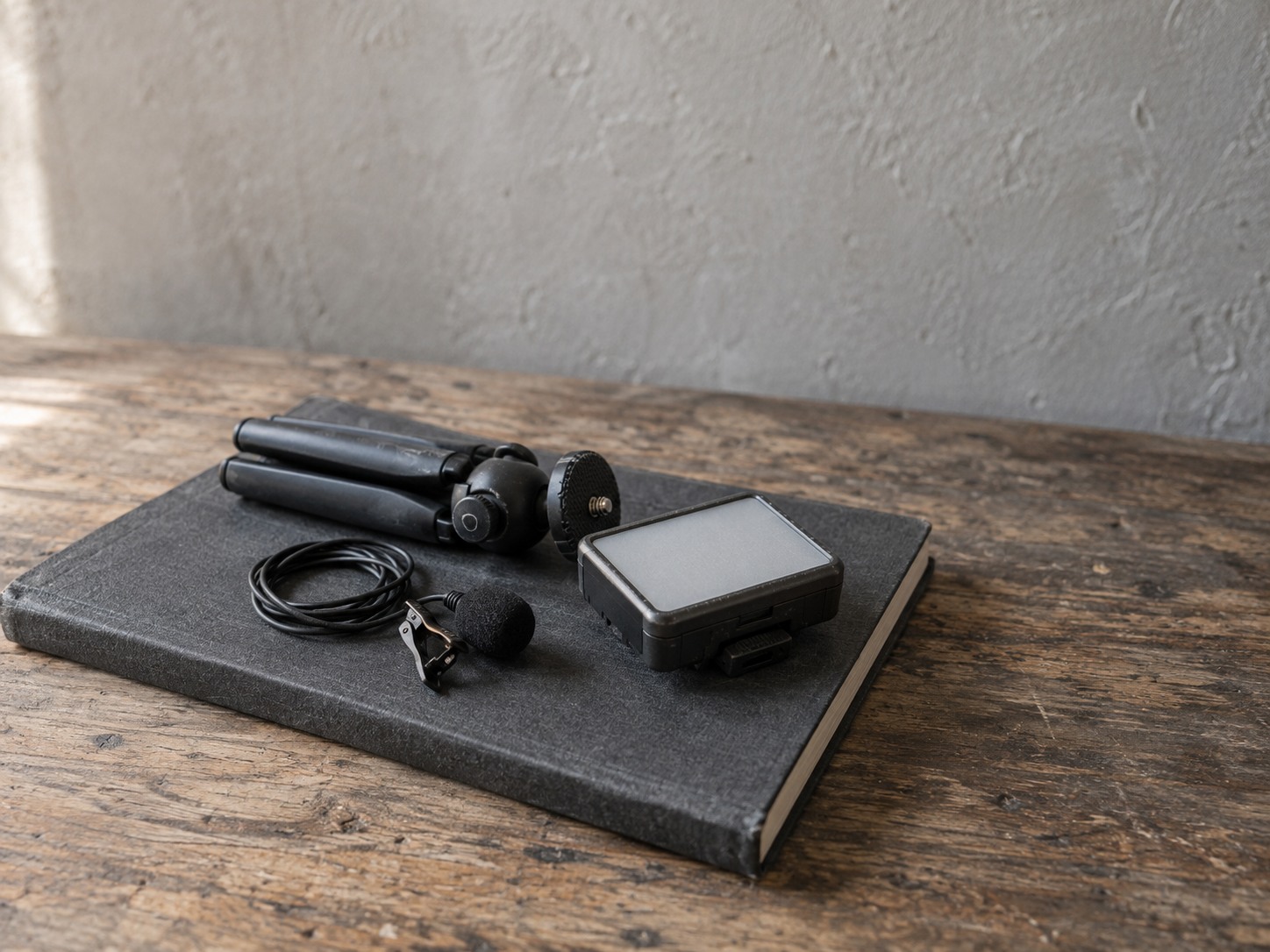
| Film | A modern phone, a quiet room, steady support, usable light and a mic close to the speaker. |
| Edit | Trim the start, cut mistakes and keep the answer early in the video. |
| Title, thumbnail and description | Put the question in the title and describe what the video answers. |
| Captions | Review YouTube's automatic captions and fix errors before publishing. |
| Upload and schedule | Publish, then embed it on the matching page of your site. |
Batching makes the month lighter. Filming two or three answers in one sitting means one setup, one tidy of the room, and a queue of videos for the months ahead.
Several worries can come off your list. YouTube's page on how its recommendations behave says there is no universal ideal video length, no evidence that the time you publish affects long-term viewing, and that one underperforming video does not penalize the channel as a whole. Trying Shorts alongside long videos does not inherently hurt either. What deserves your care is clear sound, a real answer, truthful claims, accurate captions and a schedule you can keep.
Get More From Each Video Across Your Website and Google Profile
One good video can work in several places, as long as each version stays accurate.
Start with your website. Put the full video on YouTube, then embed it on the page it relates to, alongside a transcript, a short summary or the matching FAQ. Google's video guidance says an embedded YouTube video can be indexed on your page as well as on YouTube, provided the page meets its requirements. That turns one answer into support for your service page, not just a post on someone else's platform.
Next, your Google Business Profile. Google's help page on Business Profile posts says an update, offer or event post can include a video and a button linking to your site. Posts can appear on Search and Maps, and Google reviews them against its post policy.
Short clips come last. Cut a clip only where it stands on its own, and point viewers to the full answer or the next step. If you want the short-form side worked out in detail, our post on whether short videos bring local customers covers it. Reusing a video is not automatic reach, so do not present a clip as a new result or a fresh piece of news.
A few rules follow the video wherever it goes:
- Captions: WCAG 2.2 success criterion 1.2.2 requires captions for prerecorded video at Level A. YouTube's page on automatic captioning warns that auto captions may misrepresent speech and says to review and edit them.
- Testimonials: The FTC's guidance on advertisement endorsements, revised in June 2023, says testimonials must be truthful and not misleading.
- Paid or connected voices: The FTC's Disclosures 101 says a material connection should be disclosed, and in a video that disclosure belongs in the video itself, not only in the description.
- Prices and offers: Keep them current in every version, or leave them out of the video and put them on the page instead.
None of this needs a legal team for a simple how-to video. It needs a few minutes of review before each version goes live, so the website, the Profile post and the clip all say the same true thing.

Save Your Evenings When the Timing Is Wrong
Some answers are "not yet," and that saves you money and time. Hold off on a channel, and on paying anyone to run one, if any of these is true:
- You cannot name ten recurring customer questions: Without them there is nothing specific to answer.
- No one can speak credibly on camera or show the process: The video needs a real source.
- There is no room for even one well-made video a month: A channel that stops after three uploads is a cost with no return.
- Your website or follow-up is not working: Viewers who reach a broken form or a slow reply are lost anyway.
- You need predictable leads right now: Neither YouTube nor Google guarantees views, rankings or leads.
- Your topics need individual professional advice: Medical, legal, financial or safety answers that cannot be responsibly generalized and reviewed are a poor fit.
In those cases, fix the sales page, the Business Profile, measurement and the way you capture demand first. YouTube will still be there.
It also helps to separate two things that sound alike. YouTube ads for small business and YouTube advertising for small business are paid media: you pay to put a video in front of viewers. A YouTube channel is owned content that builds up over time. They answer different needs, so decide which problem you are solving before you commit budget or evenings to either one.
Is a YouTube channel right for your business?
Pick an answer to begin.
1. According to YouTube, how often should a small business upload?
2. What is the strongest reason to start with a customer question rather than a brand film?
3. Your first answer video gets only a small number of views in its first month. What should you check first?
Frequently Asked Questions About youtube channel for small business
Is a YouTube channel worth it for a small business?
It can be, when your business can answer real customer questions in useful videos and keep a schedule you can sustain, such as one video a month. No view, lead or growth outcome is guaranteed.
How often should a small business post on YouTube?
YouTube sets no official ideal frequency. Start with a pace you can keep, such as one useful long-form video a month, and film in batches when you can.
Do I need expensive equipment for business YouTube videos?
No. YouTube says a mobile device is enough to start. Put your effort into clear sound and decent light rather than a better camera.
Can YouTube videos show up in Google search?
Yes. Google can show videos on its main results page and in its video results, and a video embedded on your site can be indexed there too. Indexing and special video features are not guaranteed.
What are good video marketing ideas for small business owners?
Start with the questions customers ask before they buy: what a job involves, how to choose between options, how to care for a product, or what an appointment is like. Run the fifteen-minute gap check to find the ones that are not already well answered.
Can one bad video hurt my whole channel?
YouTube says one underperforming video does not penalize a channel overall. Each video is judged on its own performance, so learn from it and move on to the next question.
Moving Forward
A YouTube channel is worth it for a small business when it answers questions your buyers already ask, at a pace you can keep. YouTube Search rewards relevance, engagement and quality, not daily posting or expensive gear, and a phone with clear sound is enough to begin. Expect small view counts, measure inquiries instead of subscribers, and treat one video a month as a real plan.
The fifteen-minute gap check and a single pilot video turn a vague "you should be on YouTube" into a decision you can make on your own evidence. If it works, you end up with a library of answers your staff can send to prospects and your website can use for years. If it does not, you have lost one video's worth of time, not a season of evenings.
If the gap check shows a real opening but you do not have the hours or the production skills to keep up with it, Web Leveling can help. Our video marketing work starts from your customers' questions and covers the parts owners find hardest to keep up with: planning, filming support, editing, accurate captions and a path from each video to your website. We will not promise views or subscribers, because no one can. We work with small and medium businesses across the country and overseas. Tell us which customer questions you want to answer on video, and we will help you decide whether a channel is worth starting.
Terms
YouTube words in this post
Tap a term to see what it means.
Long-form video. A standard YouTube video, usually several minutes long, as opposed to a vertical Short.
YouTube Search. The results YouTube shows when someone types a query, ranked on relevance, engagement and quality.
Recommendations. The videos YouTube suggests on the Home feed and in Up Next, based mainly on viewing history and the current video.
Embed. Placing a YouTube video on your own web page so visitors can watch it there.
Automatic captions. Subtitles YouTube generates from speech, which should be reviewed and corrected before relying on them.
Batch filming. Recording several videos in one session to cut setup time across the month.
Gap check. A quick search of your customers' questions on YouTube to see which ones lack a good, current answer.