
Someone told you a modern homepage needs a video, and now you are looking at a quote for something you did not plan to buy. Maybe you worry that a plain page will look dated, or suspect a video will make the page crawl on a phone.
A homepage does not need a video by default. It needs one when a clip shows or explains something that helps a customer choose you, such as your work, your team, your space, a product in use, or what a first visit looks like.
If it does not do that job, a strong photo and a clear headline will carry the first screen better, and cost less to keep fast.
Key Takeaways
Add a video when it answers one specific question a buyer has, like what the finished work looks like or what happens at a first visit. A video that repeats your headline has no job to do.
A muted background loop is decoration. A clip the visitor chooses to start can carry a demonstration or a testimonial, and it keeps the first screen light.
Use a poster image with a play button, a fixed aspect ratio, a click-loaded YouTube embed, captions for speech, and never autoplay with sound.
Test the mobile page in PageSpeed Insights before and after, and compare LCP, CLS, INP, transferred bytes and third-party JavaScript. It measures speed, not whether customers prefer the video.
A clearer headline, a better offer, an easier contact path, real photos or written reviews may do more first. Add video once you have a subject, a purpose and a plan to maintain it.
A homepage video earns its spot when it shows what text cannot
Motion and a human face answer some questions that paragraphs answer poorly. How does the crew leave a job site? Who will actually knock on the door? What does the waiting room look like? What happens after I book? When your video answers one of those, a visitor gets less uncertainty and a reason to pick up the phone.
web.dev's guidance on video performance treats video as optional, and so should you. The test is simple: finish the sentence "This video lets a customer see ___." If you cannot fill the blank with something specific, the video is decoration.
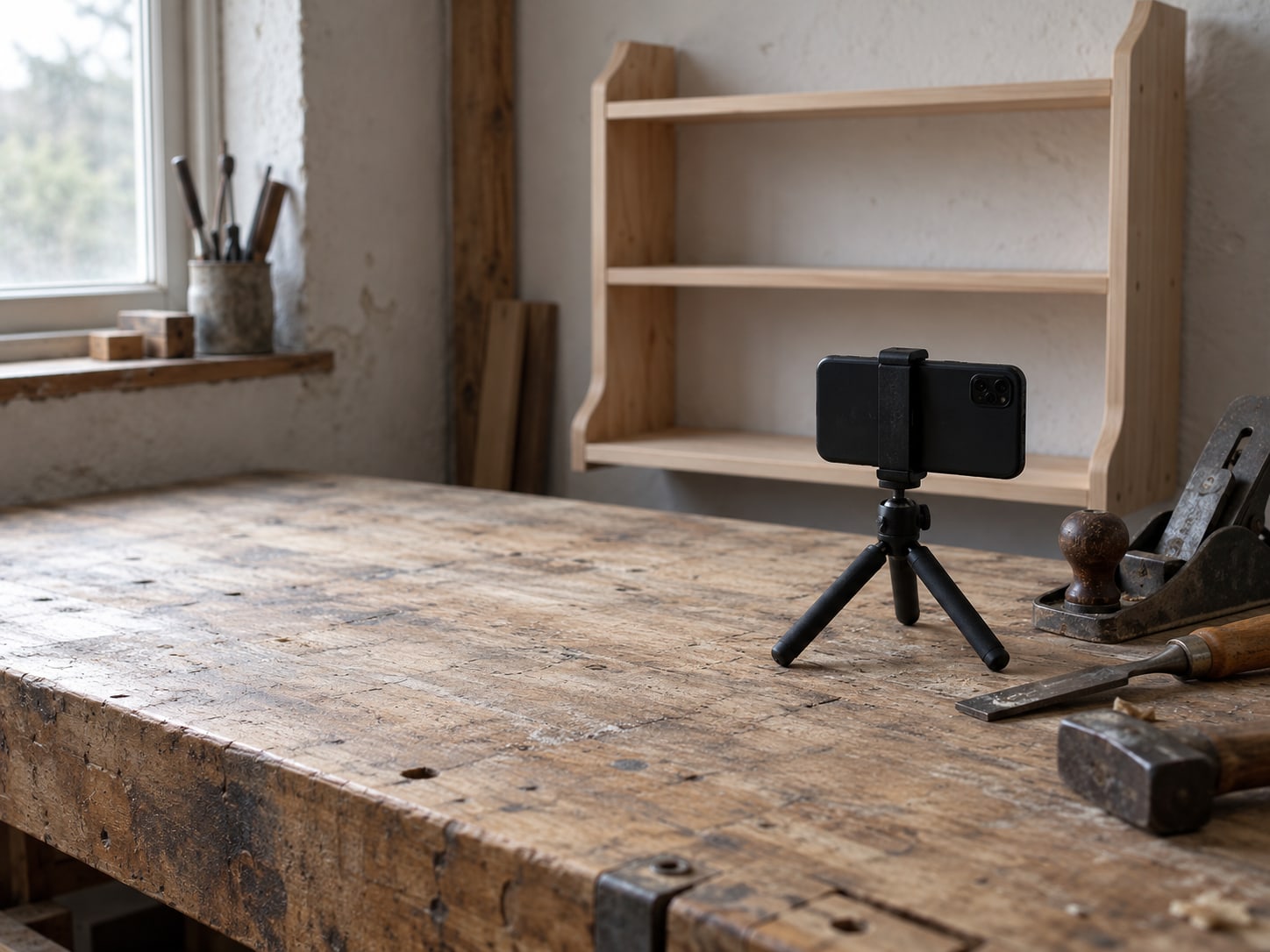
Phone-shot clips can pass that test. These subjects tend to earn a spot:
- A short introduction from the owner about who you serve.
- A before-and-after sequence of real work.
- A walkthrough of the entrance, parking or reception.
- A product or service shown in use.
- A staff introduction that puts names and faces to the business.
- A short explanation of what happens after someone books or calls.
- A customer testimonial, with permission and accurate wording.
- A close-up of materials, equipment or quality checks.
A generic montage, a logo animation or an unrelated trend clip does not belong on that list. Nielsen Norman Group's usability guidance on video is a useful read before you brief anyone.
A looping background and a clickable clip do different jobs
The phrases "hero video" and "background video" usually describe a loop, when what you may need is something else. A background video is a muted, looping clip behind your headline. It sets a mood, but it asks nothing of the visitor and teaches them little.
A clickable clip is the opposite. The visitor sees a poster image and a play button, chooses to watch, and gets a demonstration, an explanation or a customer talking. That is the version that can carry real evidence.
| Feature | Muted background loop | Click-to-play clip |
|---|---|---|
| What it does | Sets a mood behind the headline | Demonstrates, explains or shows a customer |
| Visitor choice | None; it moves on its own | The visitor presses play |
| Starts loading | Immediately, if it autoplays | After the click, when set up as a facade |
| Sound and captions | Silent by design | Clear sound with synchronized captions |
| Good fit | Rarely a deciding factor | Work samples, team intros, first-visit walkthroughs, testimonials |
The speed cost differs too. web.dev notes that an autoplaying `<video>` starts downloading right away, even when it sits below the fold. So, a hero loop adds weight to the exact moment your visitor is waiting for the page. A poster image does not.
A poster, a fixed shape and a click-loaded player keep the page fast
Four settings do most of the protecting. Each one is small, and each one is worth checking whether you hire the work out or ask your current developer.
First, show a poster image with a visible play button. web.dev recommends a poster for video that does not autoplay. Second, declare the video's width and height or its aspect ratio, so the page does not jump when the player appears. Jumping content shows up as layout shift (CLS).
Third, load the heavy part only after a click. For a YouTube or other third-party embed, web.dev recommends a facade: a light thumbnail that stands in for the player, and the real iframe loads only after the visitor clicks. A normal embed can pull in substantial scripts before anyone presses play, so a plain YouTube embed is not automatically light. The page on lazy loading images and iframes explains the technique.
Fourth, lazy-load video that sits outside the first screen, and keep your headline, offer and contact button as real text. A video should never be the only place a customer can learn what you sell.

Hosting on YouTube or on your own server is a trade between convenience and control
YouTube is convenient when sharing and distribution matter to you, and it handles encoding and delivery. YouTube documents the current embed steps in its help center. A direct MP4 or WebM file on your own site gives you more control over how the video looks and which third parties get involved. It also makes you responsible for encoding, storage, delivery and upkeep.
If you use a direct `<video>` tag, add `controls`, a poster, a declared aspect ratio and a WebVTT caption track when there is meaningful speech. web.dev's guide to audio and video in HTML covers those attributes.
Do not autoplay with sound. MDN's autoplay guide says browsers commonly block autoplay with audio unless the visitor has interacted with the site, the media is muted, or another browser-specific condition applies. If a silent loop is truly needed, use `muted`, `playsinline` and `controls`, and keep a poster as the fallback.
Third-party players can set cookies and collect data. Confirm the privacy and consent rules where your visitors live before you add one.
Captions are part of the setup, and sound quality decides whether people stay
If the clip has speech or important sounds, it needs captions. The W3C Web Accessibility Initiative describes captions as synchronized text that carries speech and the non-speech audio a viewer needs. WCAG 2.2 Success Criterion 1.2.2 calls for captions on prerecorded synchronized media, except where the media is an alternative for text and is clearly labeled as one.
Captions help people who are deaf or hard of hearing. They also help a visitor on a phone in a waiting room with the sound off.
Clear sound matters as much as clear footage. For many demonstrations and introductions, relevance, clear sound and useful captions matter more than a cinematic look. Write the captions from a script or a correction pass, not from a raw auto-transcript you have never read.
Video indexing is possible, but it is not a ranking plan
Owners are sometimes told that a homepage video helps search rankings. Google Search Central's video guidance says Google can find videos in `<video>`, `<embed>`, `<iframe>` and `<object>` elements, and recommends a stable thumbnail URL, preferably through `poster`, `thumbnailUrl` or video sitemap metadata. It also says indexing is not guaranteed just because a video is embedded.
Google's structured data page for video adds that markup does not guarantee a search feature either. Treat indexing as a possible extra, never as the reason to add the clip.
Leaving a video off does not make a homepage incomplete in Google's eyes. A page with clear text, good photos and a fast load is a complete page.
One large study found video did little for conversion, and it does not settle your case
Unbounce looked at roughly 35,000 customer landing pages from late 2020 through early 2021 and reported that video had a minimal or negative overall effect on conversion rates. That was Unbounce's own observational analysis of landing pages. It is not a rule for every homepage, and it does not describe local businesses specifically.
Read it as a caution against assuming a lift. A video can help understanding and trust when it shows something relevant. It can hurt when it slows the first screen, autoplays with sound, repeats the text, lacks captions or pushes the call button down the page.
No one can tell you a conversion percentage for your business. Your own calls, forms and bookings before and after a change are the evidence that counts. For a wider look at what a good number even means, see what a good website conversion rate looks like.
A short list of fixable mistakes covers the usual homepage video problems
Each of these problems has a fix, and several are small jobs. Treat the order as a practical checklist rather than a ranking of how often each one happens.
| Problem | Fix | Size of the job |
|---|---|---|
| A full YouTube or Vimeo player loads at once | Swap in a poster facade that loads the player after a click | Small to medium |
| A large video or poster becomes the biggest item on the first screen | Resize, compress and encode properly, then review the LCP element | Small to medium |
| Autoplay with sound | Remove autoplay or mute it, add controls and a clear play button | Small |
| No captions or transcript | Create an accurate caption file and a transcript where useful | Small to medium |
| A generic clip that answers no question | Reshoot or edit around one customer question | Medium |
| No fixed dimensions, so the layout shifts | Declare width and height or an aspect ratio | Small |
| A mobile crop that hides the action | Frame a mobile-safe version or supply a separate mobile source | Small to medium |
| No way to tell if anyone uses it | Track video plays alongside calls, forms and bookings | Medium |
If your site feels slow already, fix that first. Our post on why a website is slow to load covers the usual causes, and a video added to a slow page only makes the wait longer.
A ten-minute check shows what the video cost your page speed
You can run this yourself, with no developer. Open Google's PageSpeed Insights and test your homepage on mobile before you add or change anything. Write down LCP, CLS, INP, total transfer size and any third-party warnings. Run it twice if the numbers wobble.
Then add the video the way you intend to keep it, and run the same URL again. Compare the mobile results first. Look for these changes:
- Whether the video or its iframe now appears among the first requests.
- Whether the poster causes layout shift.
- Whether the largest element on the screen changed.
- Whether third-party JavaScript grew.
This is a performance check, not a conversion test. A faster page does not prove visitors prefer the video, and a slower one does not prove they dislike it. To judge the business result, watch your calls, form submissions and bookings over a fair stretch of time.

You may not need a homepage video yet, and that is a sound decision
Sometimes the answer is to wait. If you cannot name the customer question the video answers, if you have no usable clip, or if you cannot caption and host it properly, the money may do more elsewhere. A sharper headline, a clearer offer, an easier contact path, real photos or written testimonials may earn more first. Our guide to what belongs on a small business homepage lays out what to settle before you add anything moving.
Cost matters here too. A phone-shot clip with clear sound and captions costs far less than a produced piece, and our post on how much a marketing video costs shows how the price ranges move. If your best video material is a customer talking, read about video testimonials for a small business before you plan a shoot.
A video becomes a justified project once you have a useful subject, a measurable purpose, and a plan for hosting, accessibility, performance and upkeep. Without all four, hold off. A fast, custom-built page with a strong first screen is a better place to start than a video that nobody asked for.
Does your homepage video earn its spot?
Pick an answer to begin.
1. A designer says every homepage needs a hero video. What is the best first question to ask?
2. Which setup keeps a YouTube video from slowing the first screen?
3. After you add the video, PageSpeed Insights shows a faster page. What does that prove?
Frequently Asked Questions About Homepage Videos
Does every homepage need a video?
No. Use one when it answers a customer question or shows evidence that text and photos cannot, such as your work, your team or what a first visit looks like.
Will a homepage video improve SEO?
Not automatically. Google may index eligible videos, but Google says embedding a video does not guarantee indexing, rankings or video features.
Should a homepage video autoplay?
Usually use click-to-play. Browsers commonly block autoplay with sound. If autoplay is genuinely needed, keep it muted, add controls and show a poster as the fallback.
Does a YouTube embed slow a website?
It can, because a standard embed may load substantial scripts before anyone presses play. A facade loads a light thumbnail first and the player after the click.
Should I host the video on YouTube or on my own site?
YouTube is convenient for sharing and handles delivery. Direct hosting gives you more control over presentation and third-party requests, and it adds the work of encoding, storage and upkeep.
Do website videos need captions?
Speech and important sounds should be captioned, with the captions synchronized to the video. WCAG 2.2 Success Criterion 1.2.2 covers prerecorded synchronized media.
The Bottom Line
Add a homepage video when it answers a customer question you can name, and skip it when it would only decorate the page. Set it up with a poster, a fixed shape, a click-loaded player, captions and no autoplay with sound. Then run the before-and-after check on mobile so you know what it cost the page in speed.
A short, useful clip with clear sound can earn its place and keep earning it. A generic one never will. If you decide to wait, you have lost nothing; a stronger headline, an easier contact path and real photos work hard for you in the meantime.
If you want a hand deciding or building it, Web Leveling can help you pick the one question a clip should answer, then set it up for speed and captions through our video marketing work. If the right call is to skip video for now, we will tell you. We work with small and medium businesses across the country and overseas. Tell us what you want a homepage video to do, and we will help you plan it.
Terms
Homepage video terms
Tap a term to see what it means.
Poster image. A still image shown in place of the video until the visitor presses play.
Facade. A lightweight stand-in, usually a thumbnail with a play button, that loads the real YouTube player only after a click.
LCP. Largest Contentful Paint, the time it takes for the biggest visible item on the screen to load.
CLS. Cumulative Layout Shift, a measure of how much the page jumps around while it loads.
INP. Interaction to Next Paint, a measure of how quickly the page responds when a visitor taps or clicks.
Captions. Synchronized text that carries speech and the important non-speech sounds in a video.