
The lease is signed, the boxes are stacking up, and a customer is about to follow Google Maps to a storefront you no longer occupy. You need to change your address on Google Business Profile, and you are worried about the years of reviews sitting on that listing. Maybe you have already moved and the old address is still showing.
Either way, you do not have to start over. The fix is a short edit to the profile you already have, followed by a sweep of every other place your old address lives. This post gives you the steps in order, what happens to your reviews, and the list of places to update so customers find the new door.
Key Takeaways
Update the address on your existing Business Profile through Edit profile, then Location. Google says not to create a new profile because a physical location changed.
Google says reviews transfer automatically when you move and keep the same business name. Hotels, golf courses and some other categories may be exceptions.
Google may ask you to verify the new location, so keep your owner account and proof of the new address handy.
Your website, structured data, Apple, Bing, Yelp, Facebook, invoices and email signatures can all still show the old address.
Change your address in the right order and keep your profile
The core edit takes a few minutes. What matters is doing it on the profile you already own, with the new address entered exactly as it will appear on your sign, your lease and your mail. Google's address help page walks through the same path.
- Open your profile: Search for your business name while signed in to the account that owns it, or open Google Maps and select Business.
- Select Edit profile, then Location: This is where your current address is listed.
- Edit the Business location: Select Edit beside Business location and enter the new address.
- Check the map pin: Google lets you adjust the pin when the official address is hard to locate, so zoom in and confirm it sits on your entrance, not the building next door.
- Save: Then watch for a verification request, which may arrive right after the save.
Before you touch anything, write down your current review count and a few details from the profile, such as your hours, categories and photos. That takes two minutes and gives you something to compare against once the edit goes live.
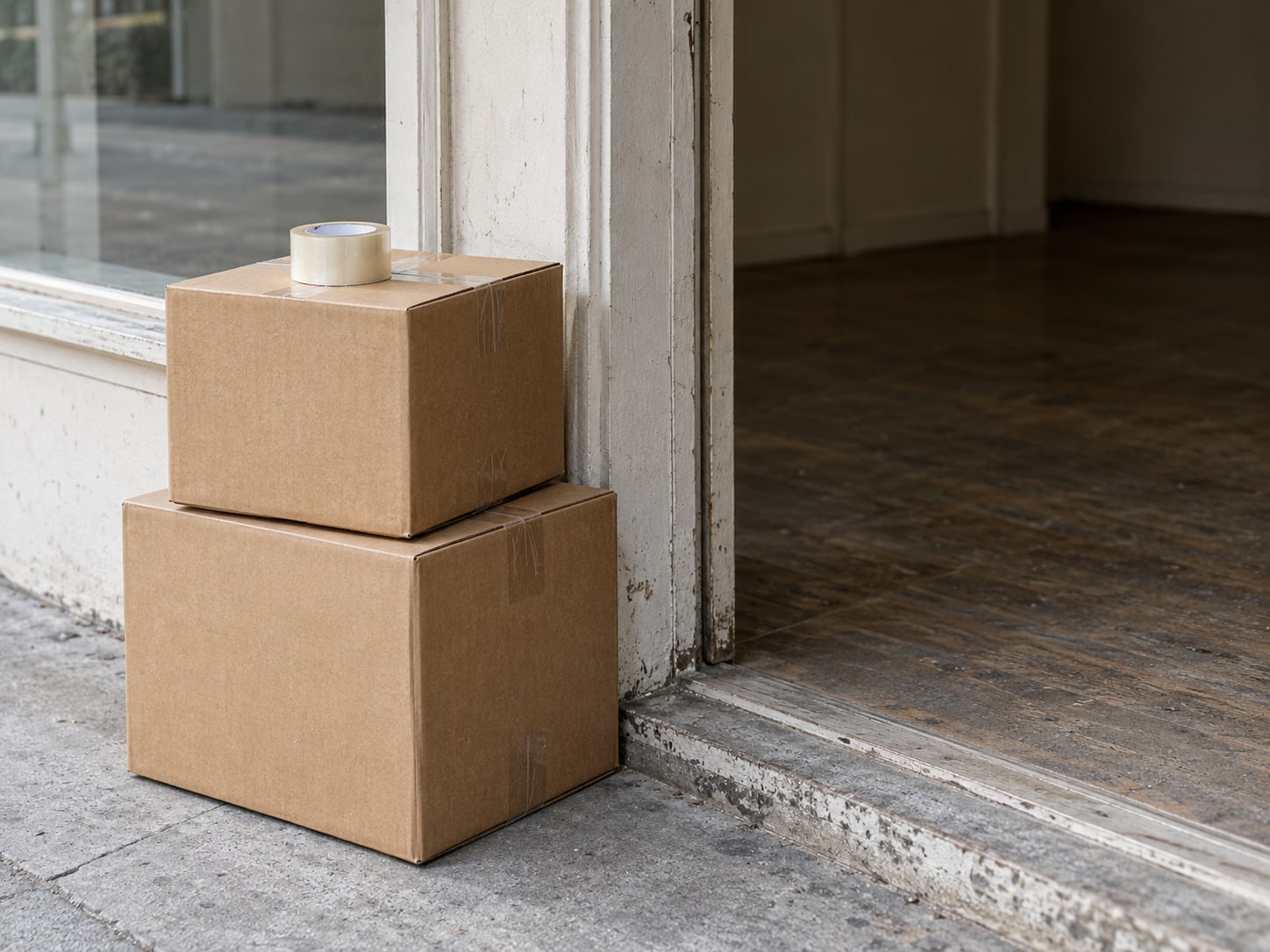
Keep years of reviews attached to your name
The worry that brings you to this search is the review count. Google's relocation guidance says that when a business moves to a new address and keeps the same name, its reviews transfer automatically. That is why a move is handled as an edit rather than a new listing.
Two limits are worth knowing. Hotels, golf courses, scenic attractions and some other categories may be exceptions, so read the help page for your category before you assume nothing changes. And a new name changes the answer: Google's rules on rebrands and new businesses decide whether your existing profile stays eligible when the name changes along with the address.
Photos stay attached to the profile unless they are removed or rejected under Google's policies. After the edit, open the profile and compare it with your notes. Check the review count, the photos, the hours and the categories. If something looks off, the edits not showing post covers what to check while a change is pending.
What about your ranking? A move changes where your business sits on the map, so treat your position as something to watch over the next few weeks rather than something you can lock in. Look at the profile from a phone near the new location and note what you see.
Use one profile and avoid a duplicate cleanup later
When an owner is nervous about reviews, a fresh profile at the new address can look like the safe choice. Google's Business Profile Help says: "Do not create a new Business Profile because of a change in a physical location or ownership." A second profile splits your history across two listings and can leave customers looking at the old one.
A new profile belongs in a different situation. If the business itself is different, or the name changes beyond what Google's minor rebrand rules allow, the old profile may need to be marked permanently closed and a new one created. A physical move of the same business is not that case.
If you already created a second profile by mistake, work out which one holds your reviews and contact Google through Business Profile support about transferring reviews and resolving the duplicate. Do that before you add photos or posts to the wrong one. The same help center covers what to do when a profile is suspended, which is the other mess a rushed move can cause.

Finish verification so the new address goes live
Google may ask you to verify the business again after the address changes. The methods on offer vary by business and region, so follow what your own account shows rather than a screenshot from somewhere else. Google's verification help lists the options.
Plan for the request before it arrives. Keep the owner account signed in, have proof of the new location ready, and make sure someone is at the new address to receive a postcard or take a call if that is what Google asks for. A request left unanswered can leave the old address showing or the change stuck, so check your email and the profile each day until it clears.
If you are asked for a video, the video verification post explains what to show. If the new address is a home or a space without a storefront, read about service-area businesses versus storefronts first, because it changes how the address is displayed.
Find every place your old address is still hiding
The profile edit does not touch your website, and it does not touch any other listing. Customers meet your address in a lot of places, and every one that still shows the old street is a wrong turn waiting to happen. Bing recommends keeping your business name, address, phone and website consistent across your channels, and the same advice keeps Google, Apple and Yelp telling one story.
Work through the list below in order. The first rows are the ones you control completely, so they take the least time and fix the most.
| Where | What to update | Who controls it |
|---|---|---|
| Website footer and contact page | The street address and any directions text | You |
| Location pages and embedded maps | Address text, map embed and driving-direction links | You |
| Structured data on your site | The address in your Organization or LocalBusiness markup | You |
| Google Business Profile | Address, map pin, hours and service area if they changed | You, with Google verification |
| Apple Business Connect | The place card for your business | You, with Apple review |
| Bing Places | Name, address, phone and website | You |
| Yelp | General business info through its suggest-a-change process | You, with Yelp review |
| Facebook, Instagram and LinkedIn | Page address, bio and contact buttons | You |
| Directories, chambers and trade groups | Each listing's address field | The directory |
| Invoices, proposals, email signatures and ads | Templates and saved documents | You |
Google's structured data guidance for organizations covers the address fields on your site, so a developer or your site editor can match them to the new location in minutes. Apple's Business Connect page is where you claim and edit your place card, and the Bing Places help covers the same job on Bing. For Yelp, use its help article on suggesting changes to business info.

Run a ten-minute check so no old address is left behind
Once the updates are in, spend ten minutes confirming that nothing still shows the old location. A quick pass catches the pieces that update slowly and the ones you forgot to touch.
Check these in order:
- Your website footer and contact page, on a phone as well as a laptop.
- Any location pages, embedded maps and directions links.
- Your structured data, including LocalBusiness or Organization markup.
- Your Google Business Profile, including the map pin and verification status.
- Apple Business Connect, Bing Places and Yelp.
- Facebook, Instagram and LinkedIn, including the contact buttons.
- Directories, chamber listings, trade associations and licensing sites.
- Booking, delivery and reservation platforms.
- Email signatures, invoices, proposals, PDFs and printed customer instructions.
- Driving directions: search your business name from a phone and follow the route to your door.
Citation clean-up is the longest part of any move. Our local SEO citations post covers which listings are worth chasing and how to fix wrong or duplicate ones. If the pin is off after the edit, the wrong map pin post shows how to correct it. And if your website also changes address, domain or structure during the move, the moving your website without losing rankings post covers that side.

Decide whether to do it yourself or bring in help
For one location, a working Google account and a few free hours, the core change is a job you can do yourself. You have the steps above and the checklist to follow. Open the profile, make the edit, finish verification and work down the list. A single move with one address and ordinary listings fits in an afternoon.
Paid help makes more sense when the move is bigger or has gone wrong. That includes several locations, a duplicate profile, a failed verification, a suspension after the edit, a tangle of old listings, or a website with many location pages and structured data to rewrite. In those cases a person who handles this every week can audit the full footprint, correct the pin and the markup, and hand you a written record of what changed.
Treat your ranking as something to watch after the move. Google's Business Profile help covers how edits are reviewed, and your results will depend on your category, your area and your competitors. Judge any help by how complete the audit is and which problems it resolves. If you are deciding, the add a second location post and the where to edit your profile post show what the work looks like.
Can you move your Google listing safely?
Pick an answer to begin.
1. You are moving to a new address and keeping your business name. What does Google say to do with your Business Profile?
2. What does Google say happens to your reviews when you move and keep the same business name?
3. After the Google edit, your website footer still shows the old street. What should you do?
Frequently Asked Questions About change address on google business profile
Will I lose my Google reviews if I move my business?
Google says reviews transfer automatically when the business relocates and keeps the same name. Hotels, golf courses, scenic attractions and some other categories may be exceptions, so check Google's help page for yours.
Should I create a new Google Business Profile at the new address?
No. For an ordinary move, update the address on your existing profile. Google's help says not to create a new profile because of a change in physical location or ownership.
Will Google ask me to verify the business again?
It may. Google can request verification after an address change, and the methods vary by business and region. Follow the options your own account shows.
Where do I change the address?
Open your profile, select Edit profile, then Location, then Edit beside Business location. Enter the new address, adjust the map pin if needed, and save. In Google Maps, select Business first.
What if I already created a second profile?
Work out which profile holds your reviews, then contact Google through Business Profile support about transferring them and resolving the duplicate. Do not keep building up the extra profile in the meantime.
What if my business name changed along with the address?
Google's rebrand and new-business rules decide whether your existing profile stays eligible. A minor rebrand may be handled on the same profile, while a different business may need a new one.
The Bottom Line
Moving your business does not mean losing your Google history. Edit the address on the profile you already own, finish any verification Google asks for, check the map pin, and update the places your website and listings still show the old street. Keep the same business name, and Google says your reviews come along.
The payoff is simple and physical: customers arrive at the right door, the phone stops ringing with people asking where you went, and the work you put into reviews keeps working. Once your checklist is done, the move is finished in every place a customer might look.
If you want help with the pieces that eat time, Web Leveling can handle the whole address footprint with you, from your profile and website to your citations. Our Google Business Profile management work covers edits, verification and clean-up, and you can reach us through the contact page to talk through your move. We work with small and medium businesses across the country and overseas.
Terms
Words used in this post
Tap a term to see what it means.
Business Profile. A business's free listing on Google Search and Maps, formerly called Google My Business.
Verification. The step where Google confirms you control a business at its address, by methods that vary by business and region.
Map pin. The marker on Google Maps that shows where your business is located.
Structured data. Code on your website that tells search engines facts such as your name and address.
Citation. A mention of your business name, address and phone number on another website or directory.
Duplicate profile. A second Business Profile for the same business, which can split reviews and confuse customers.