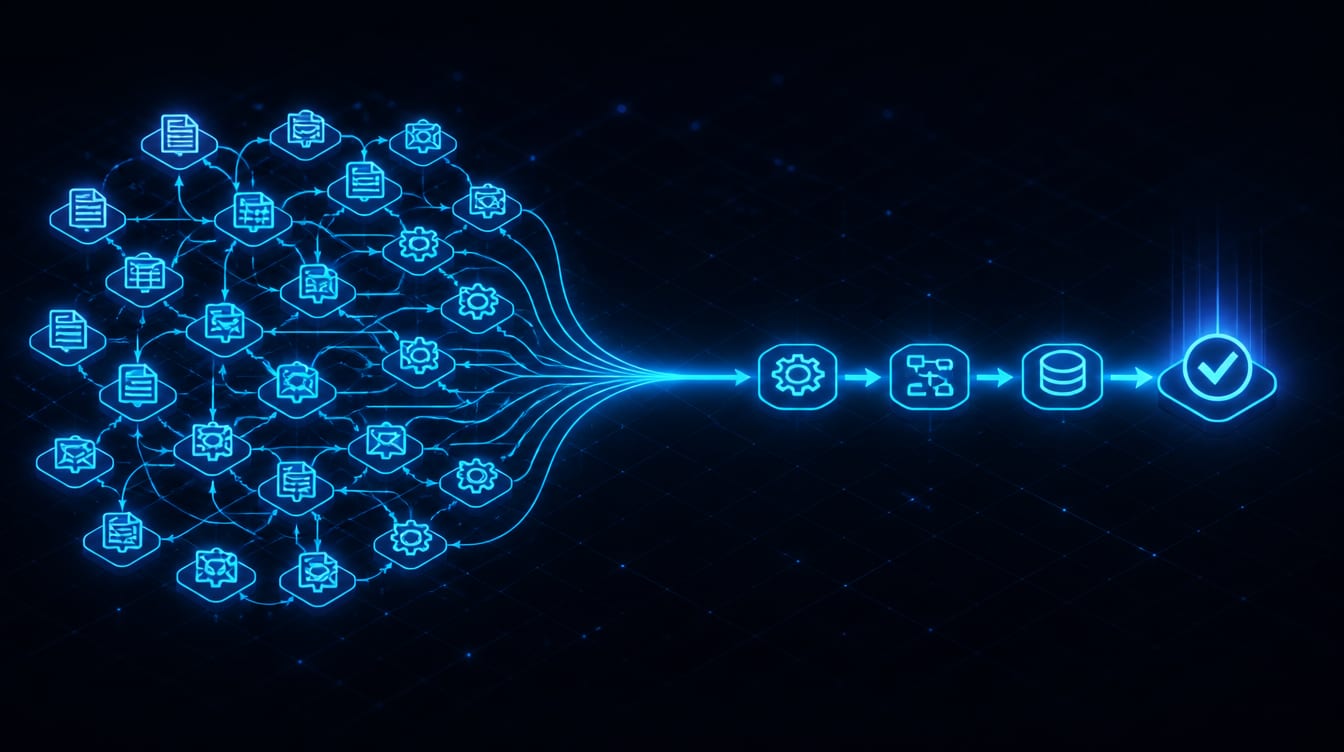
You do not need another AI tool to babysit. You have probably tried a few, and each one added a login, a dashboard, and a little more to keep track of, without actually taking anything off your plate.
That is the trap. The point of AI automation is not to add a clever assistant you have to manage. It is to remove repeated work from your week, the sorting, the follow-up, the data entry, the drafting, the lookup, so a person only shows up where judgment actually matters.
Done right, it gives you hours back. Done wrong, it is one more thing to check. Here is where AI automation genuinely saves time, where it wastes it, and how to choose a first workflow you can measure.
Key Takeaways
The clearest time savings come from frequent, boring tasks, not from trying to automate an entire job.
Automation can't repair unclear rules or messy data. A broken process wired to AI is just a faster broken process.
Fixed rules handle predictable steps; AI handles language, variation, and classification. Use the smallest system that works.
Low-risk steps can run on their own; consequential decisions stay human. That balance is the whole design.
Capture a baseline, then track hours returned, response time, and errors, or you can't tell if work was removed or just moved.
Your accounts, data, workflow, and instructions stay under your control, so you are never trapped.
It Only Counts If It Removes Work
Here is the test that cuts through the hype. A useful automation removes steps from a real process. It does not add another dashboard or approval queue for you to tend. The difference is easiest to see in an example.
Before: A lead comes in. Someone copies the details into the CRM, decides who should handle it, writes a first reply, sets a reminder, and checks back later. Five manual steps, every time, and follow-ups slip when the day gets busy.
After: The submission creates the record itself, identifies the service, alerts the right person, drafts the response, and schedules the next task. A person approves the reply or handles the odd exception. That is measurable work removed, not a new tool to manage. If a proposed automation doesn't pass this test, that it takes real steps out of a real process, it isn't worth building.
AI Automation for Small Business Starts With Repeated Work
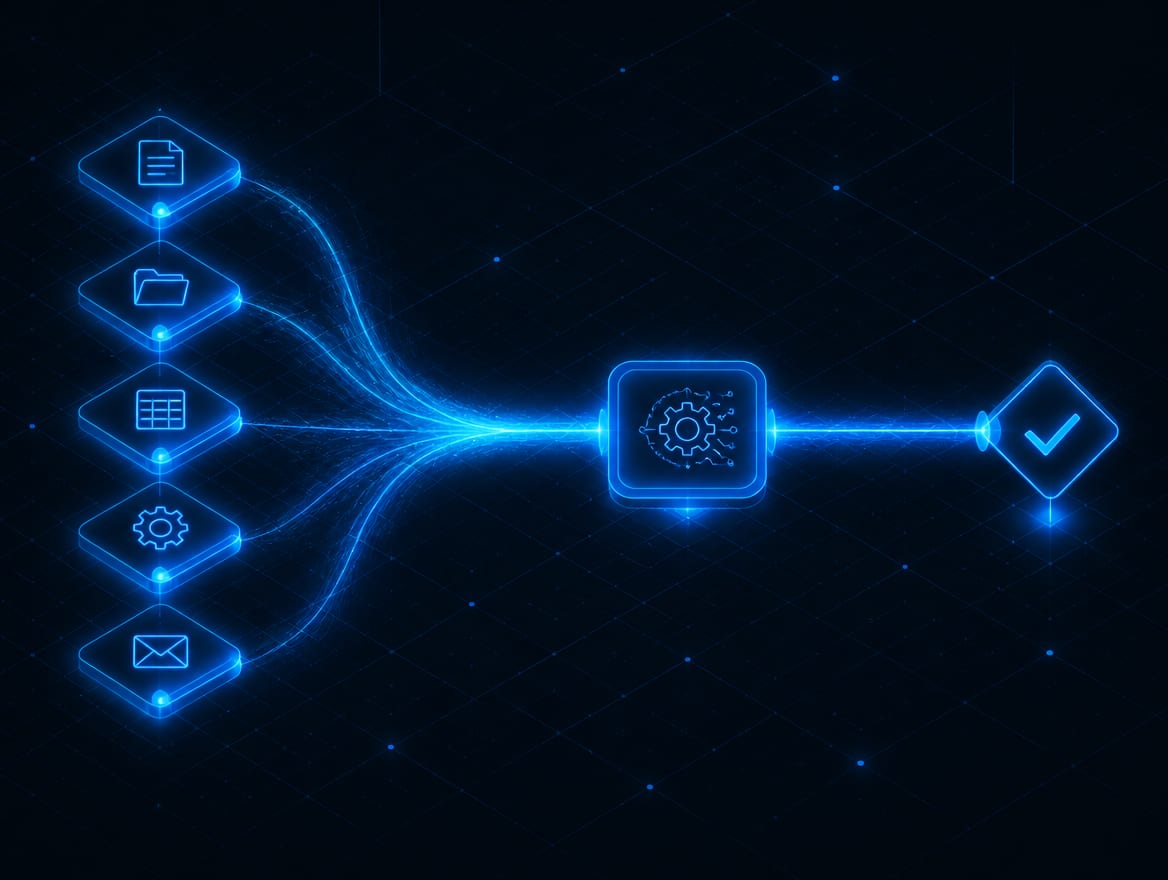
Small businesses almost always gain more from removing repeated administrative work than from trying to automate a whole role. And a good first workflow shares four traits: the task happens often, the current process is easy to explain, the cost of a mistake is manageable, and the result can be checked. If you have several candidates and no way to rank them, scoring your own shortlist takes an afternoon and settles it. Miss those and you are automating something too rare to matter or too risky to trust.
Good starting points tend to be the same across businesses: lead intake and routing, inbox triage, appointment follow-up, CRM updates, proposal drafts, customer-service routing, review requests, reporting, and internal knowledge lookup. None of them are glamorous. That is exactly why they are worth automating: they are frequent, repeatable, and eating hours.

How AI Automation Actually Works
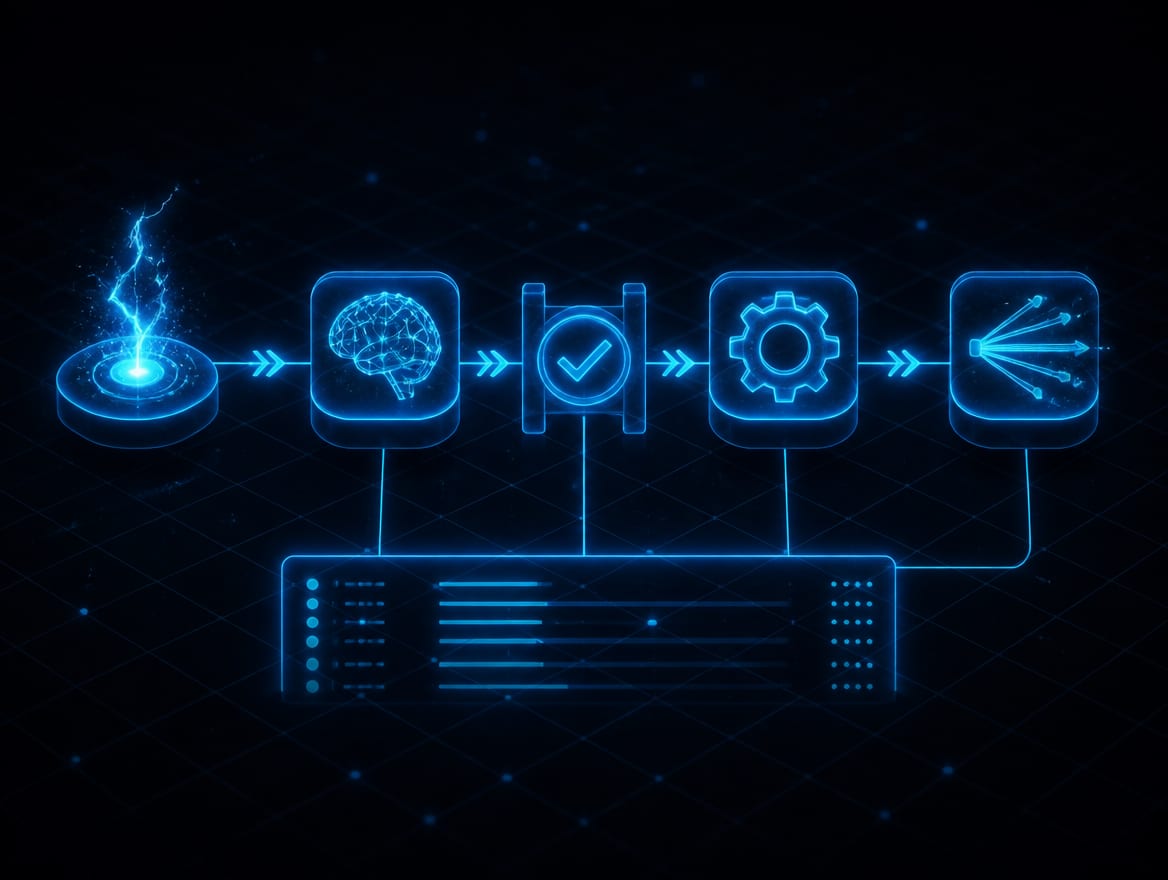
Under the hood, most workflows follow the same sequence: a trigger starts it, the system gathers approved information, AI classifies, extracts, summarizes, or drafts, rules decide what action is allowed, the system updates a record, sends a message, or requests approval, everything is logged, and a person handles exceptions. That is it.
The important part is knowing which tool does which job, because using the wrong one is where money gets wasted.
Fixed Rules
When the condition and the action are both known, a plain rule is best. "When an invoice is paid, send the receipt" needs no AI. Reaching for AI here is complexity for its own sake.
AI-Assisted Steps
When the system has to interpret language, summarize a thread, classify a request, or draft a reply, that is where AI earns its place. It handles the variation a fixed rule can't.
Agents
An AI agent is for a workflow that needs several steps and a choice between approved tools, within defined limits. Powerful, but overkill for a simple task. The smallest reliable system is always easier to test, explain, and maintain.
Automation also gets far more useful when it can reach your real systems. Wiring it into your CRM, inbox, and calendar is what AI integrations handle, and giving it accurate company context is what an AI knowledge base is for.
What to Automate, and What Stays Human
The single most important design choice is where a person stays in the loop. Put approval everywhere and you erase the time savings; remove it from the wrong step and you create real risk. The rule is simple: place human approval where the risk changes.
| Action | Human involvement |
|---|---|
| Tag a lead, create a draft, summarize a call | Can run automatically, low risk |
| Route a ticket, update a routine record | Runs with light oversight |
| Send a customer message, change a deal stage | Quick human approval first |
| Anything financial, legal, medical, hiring, or public | Stays a human decision |
Notice the pattern: the AI does the tireless reading, sorting, and drafting, and a person keeps the decisions that carry weight. That is not a limitation to apologize for. It is the design that makes the whole thing safe to run.
What Usually Does Not Save Time
Just as useful as knowing what to automate is knowing what to leave alone, which is most of what AI process automation consulting is actually for. These are the projects that reliably disappoint: automating a task that rarely happens, replacing a quick manual step with a complicated system, adding AI where a plain rule would do, requiring approval for every trivial step, removing approval from high-risk decisions, and building several agents before one workflow even works. And connecting messy data guarantees bad output, because AI cannot repair outdated records, inconsistent service names, or unclear ownership. Fix the process and the data first; then automate.
One more honest note: these systems need maintenance. Software, forms, policies, roles, and model behavior all change, so a workflow needs occasional review to keep working. Set-it-and-forget-it automation does not survive contact with a real week.
How to Tell If It's Actually Working
Automation is easy to feel good about and hard to judge without numbers, so capture a baseline before you launch. Measure how long the task takes today, then track what changes: hours returned per month, lead response time, missed follow-ups, manual data-entry steps removed, error and correction rate, and the percentage of cases that still need a human. Tie it to a business outcome where you can, qualified leads, appointments kept, retention. Without a baseline, you can't tell whether the automation removed work or just moved it somewhere less visible. And measure work removed, not activity: a busy-looking dashboard is not the goal; a quieter week is.

Quick Check: AI Automation
Pick an answer to begin.
1. What makes a task a good first candidate for automation?
2. Where should human approval go in an automated workflow?
3. Why can't you just point AI at your existing process and messy data?
Frequently Asked Questions About AI Automation
What is AI automation for a small business?
It combines business rules, your connected software, and AI to complete repeatable work, sorting leads, drafting follow-ups, updating records, routing requests, so your team spends less time on administrative steps and more on judgment.
How does AI automation work?
A trigger starts the workflow, the system gathers approved information, AI interprets or drafts, rules control what action is allowed, everything is logged, and a person reviews exceptions or higher-risk decisions.
Which process should I automate first?
Start with a frequent, repeatable, low-to-moderate-risk task that takes real time and has an output you can verify, lead intake, follow-up, or CRM updates are common first wins.
Does AI automation replace employees?
A practical system usually removes repeated administrative steps and gives people more time for judgment, relationships, and exceptions. Be skeptical of anyone promising to replace whole teams; the FTC has acted against exactly those claims.
Is it safe for customer data?
It can be, when access is limited to what the workflow needs, data use is approved, activity is logged, risks are tested, and people stay in charge of consequential decisions. Safety is a design choice, not a default.
Will the automation maintain itself?
No. Connected software, forms, policies, and model behavior change over time, so a workflow needs occasional review and tuning. Honest providers build that upkeep into the plan.
Final Thoughts
The right automation doesn't add another system for you to check. It removes repeated work from a process your business already understands, keeps a person where judgment matters, and leaves you owning the accounts, the data, and the workflow. Start with one task, measure the time it takes now, and build the smallest workflow that safely removes the steps. Then, and only then, reach for the next one.
That is how AI actually gives you your week back: not as a slogan, but as an intake that answers itself, a follow-up that never slips, and a pile of busywork that stops landing on your desk.
At Web Leveling, we build AI automation the practical way, one measured workflow at a time, wired into the tools you already run and owned outright by you. If your team is buried in work software should already be doing, contact us and we will send back a clear, practical plan within one business day, starting with the repeated task that's costing you the most time.