Let your AI reach the tools you already run.
Right now your AI can write a great follow-up, but it can't see the customer, open the ticket, or update the record. It's stuck in a chat window while the real work lives in your CRM, your inbox, and your project board. Integrations wire it into those systems, safely, so it can actually do the work, not just describe it.
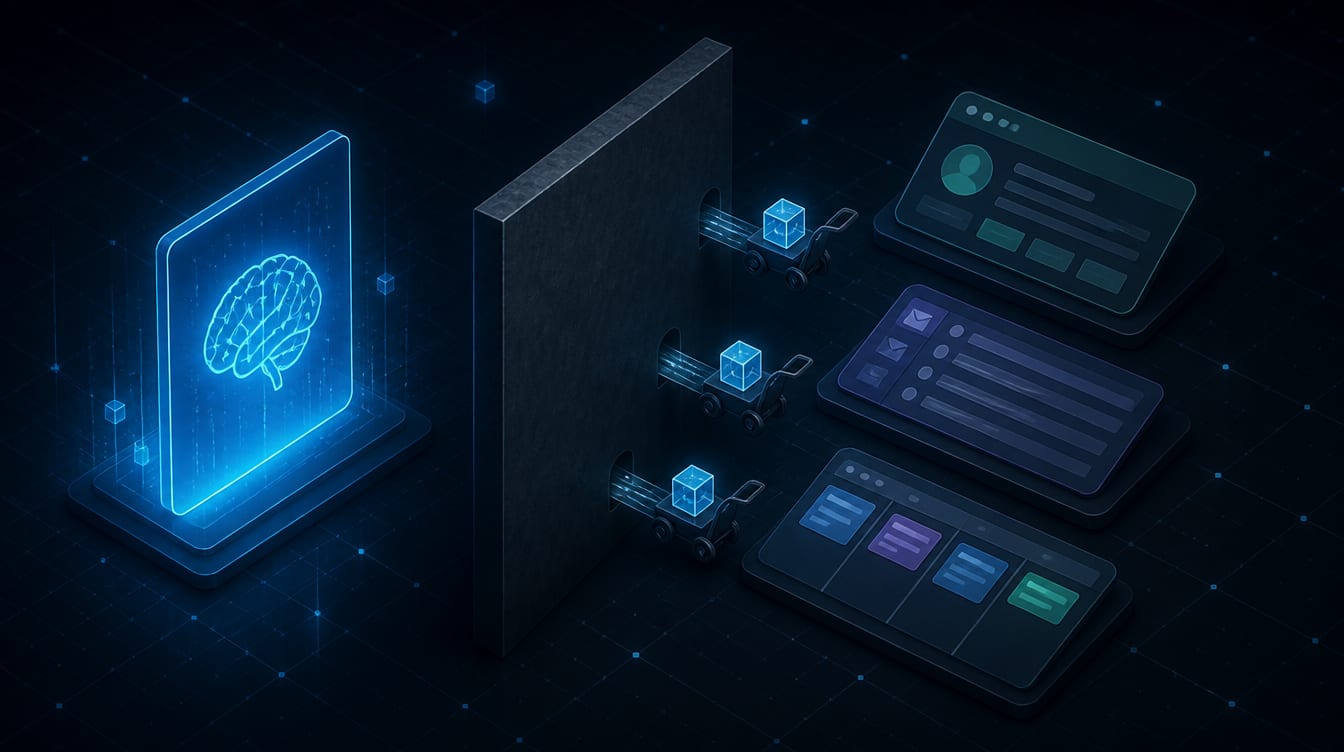
An AI on one side of a wall, the company's CRM, inbox, and project board on the other, work being copied back and forth by hand.
Your AI gives advice. It can't touch the work.
Here is the ceiling most businesses hit with AI. The assistant is genuinely useful, right up until the moment the work needs to move. It drafts the perfect reply, but it can't see whether that customer already called twice this week. It suggests the next step, but it can't open the ticket, update the record, or put the task on the board. So, a person copies the AI's output into the real system by hand, and copies the real system's context back into the AI by hand, all day long. The AI is a smart advisor locked outside the building where the work actually happens.
That is the silo, and it is why so much AI ends up as a fancy toy instead of a coworker. The intelligence is there. The reach is not. The AI can talk about your business but can't act inside it, because it isn't connected to the systems where your business records decisions and gets things done.
AI integrations remove that wall. They wire your AI into the tools you already run, so it can read the real context and, with your permission, take real actions: pull the customer's history before it drafts, route the ticket, update the note, prepare the invoice summary, and hand the risky steps to a human to approve. The advisor becomes a participant.
Wiring, not a rebuild. Connect what you have.
Start with the fear, because it's the common one: no, this does not mean ripping out your CRM or replacing the tools your staff already know. The whole point is the opposite. Integrations connect the software you already run so your AI can work with it. You keep your systems. The AI learns to reach them.
The connections come in a few flavors, and the jargon is simpler than it sounds. An API is just a documented doorway software uses to exchange data or actions with other software. A webhook is an automatic nudge one system sends when something happens, like a new lead arriving. MCP, the Model Context Protocol, is a newer open standard that gives AI a consistent, approved way to use a tool or data source, so we're not hand-building a one-off connector for every app. A CLI connection drives software that already runs by command. Most real projects use a couple of these together, plus one clean customer record so the AI never works from two conflicting copies of the truth.
You do not need to know which is which. That's our job. What matters to you is the result: the AI can finally see the current customer, the open task, the payment status, and the last message, and act on them inside the systems you already trust, instead of guessing from an empty chat.
“The goal was never to give the AI more tools. It was to give it your tools, with a fence around each one.”
Read first. Write with permission. A human on anything that counts.
This is the section that should decide who you hire, so we lead with it. Connecting AI to your customer data, your inbox, and your payments is exactly as risky as it sounds if it's done carelessly, and exactly as safe as any other business system when it's done right. The difference is entirely in the design, and we build under a few non-negotiable rules.
- Least privilege. The AI gets access to one workflow's systems, records, and actions, and nothing more. No broad administrator account, ever. If a task doesn't need the payments system, the connection can't reach the payments system.
- Read and write are separate. Reading your CRM to summarize a customer is low-risk and can run freely. Changing a record, sending a message, or touching money is a different thing, and it's gated.
- A human approves the steps that count. Sensitive actions, sending an email, changing a deal stage, issuing a refund, pause for a person to confirm. The AI proposes; a human commits. "Autonomous" is a slogan we don't sell.
- Everything is logged, and there's a kill switch. Every action the AI takes is recorded, so you can see exactly what happened. If anything looks wrong, one switch cuts its access.
We prove all of this on one workflow first, in a safe test environment, before it ever touches live data. Security here isn't a disclaimer at the bottom of a proposal. It's the first design decision, not the last.
The tools you already run. One workflow at a time.
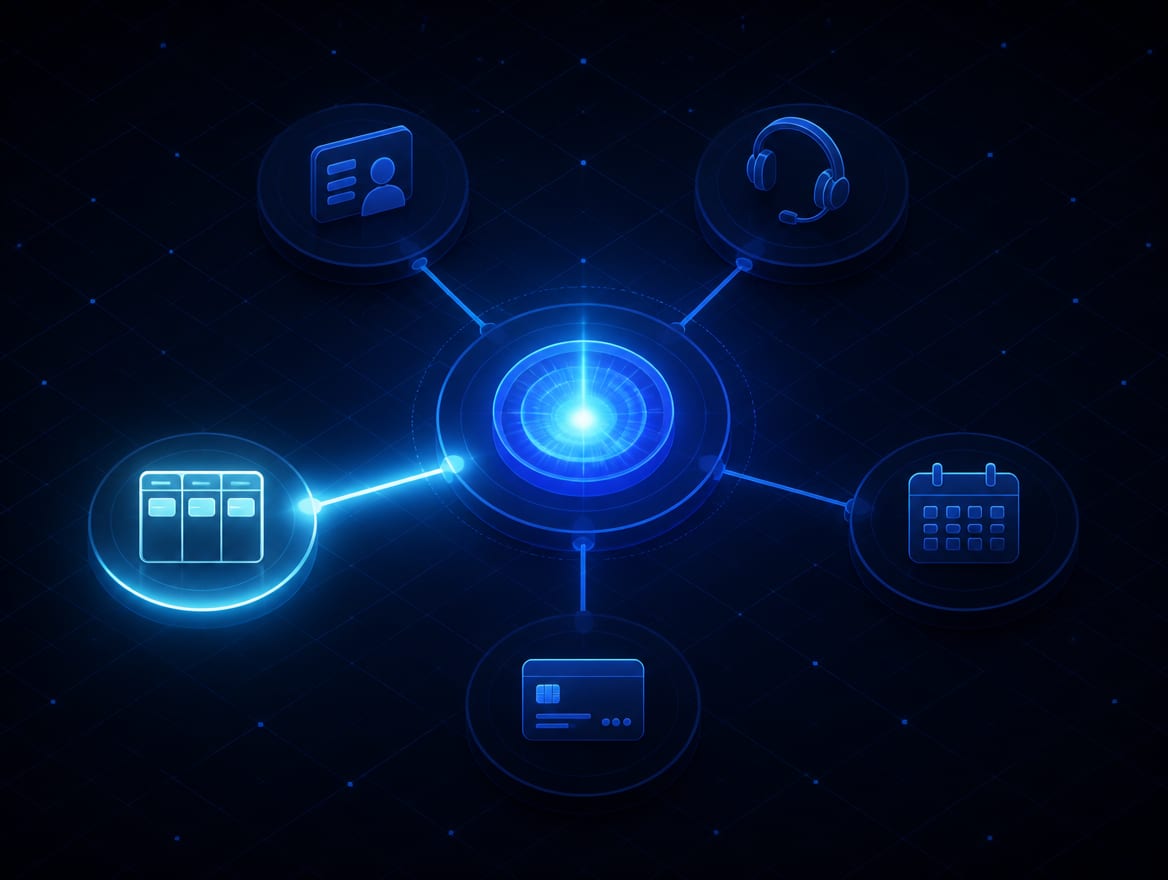
The systems worth connecting are the ones where your work already lives: your CRM, your help desk, your project board, your email and calendar, your client portal, and, carefully, your payments or accounting. Wired in, the AI can pull a customer's full history before it answers, turn an incoming form into a routed ticket, keep the project board current, draft the follow-up at the right moment, or prepare an invoice summary for a person to approve.
But more connections is not more value, and a provider who wants to wire everything at once is a provider to be wary of. The right way is one workflow at a time: pick the task that eats the most hours or drops the most balls, connect only what that task needs, prove it works safely, and only then reach for the next one. That is how you get a system that actually holds, instead of a sprawling web nobody can trust or maintain.
Integrations are also what make everything else you build with AI real. An AI knowledge base gives the AI approved context; integrations let it use that context inside your live systems. A chatbot holds the conversation; integrations let it actually book the appointment. An automation defines the steps; integrations connect those steps to the CRM and the calendar. The connection layer is the piece that turns advice into done.
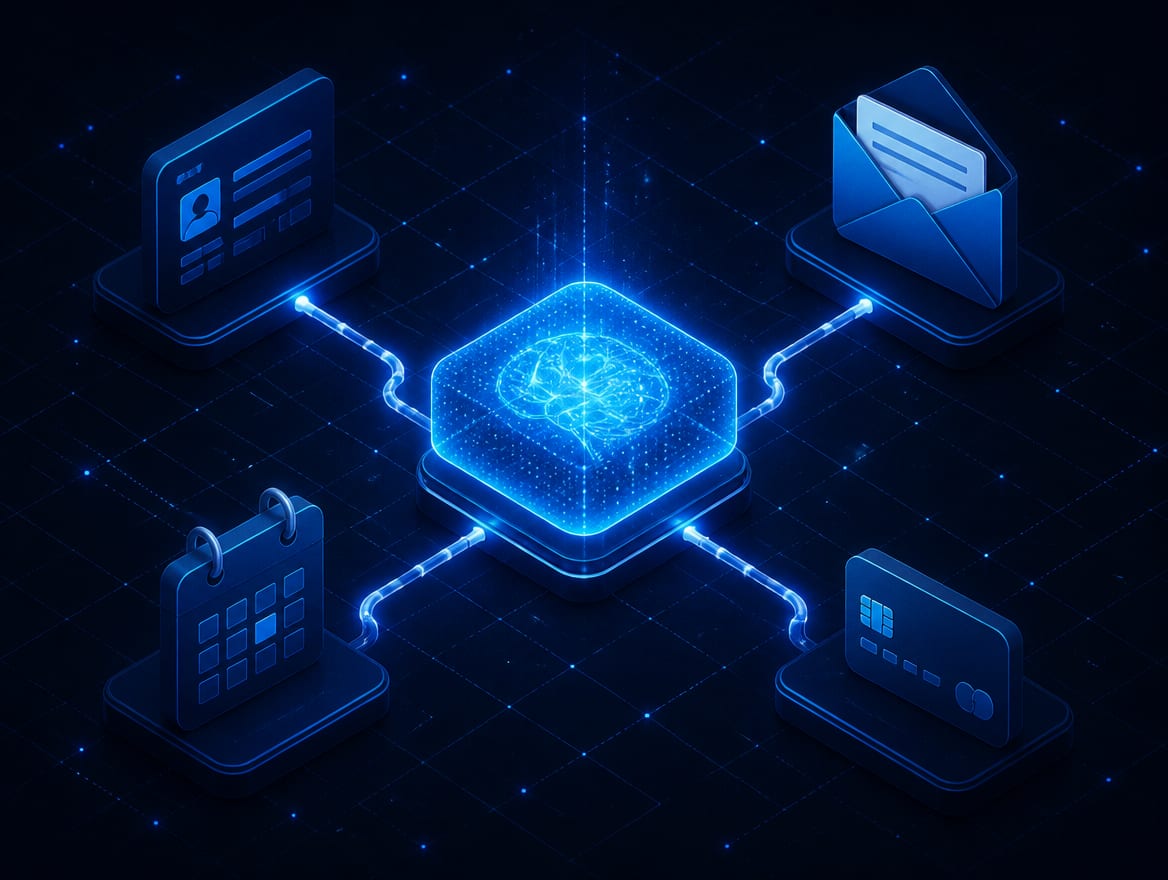
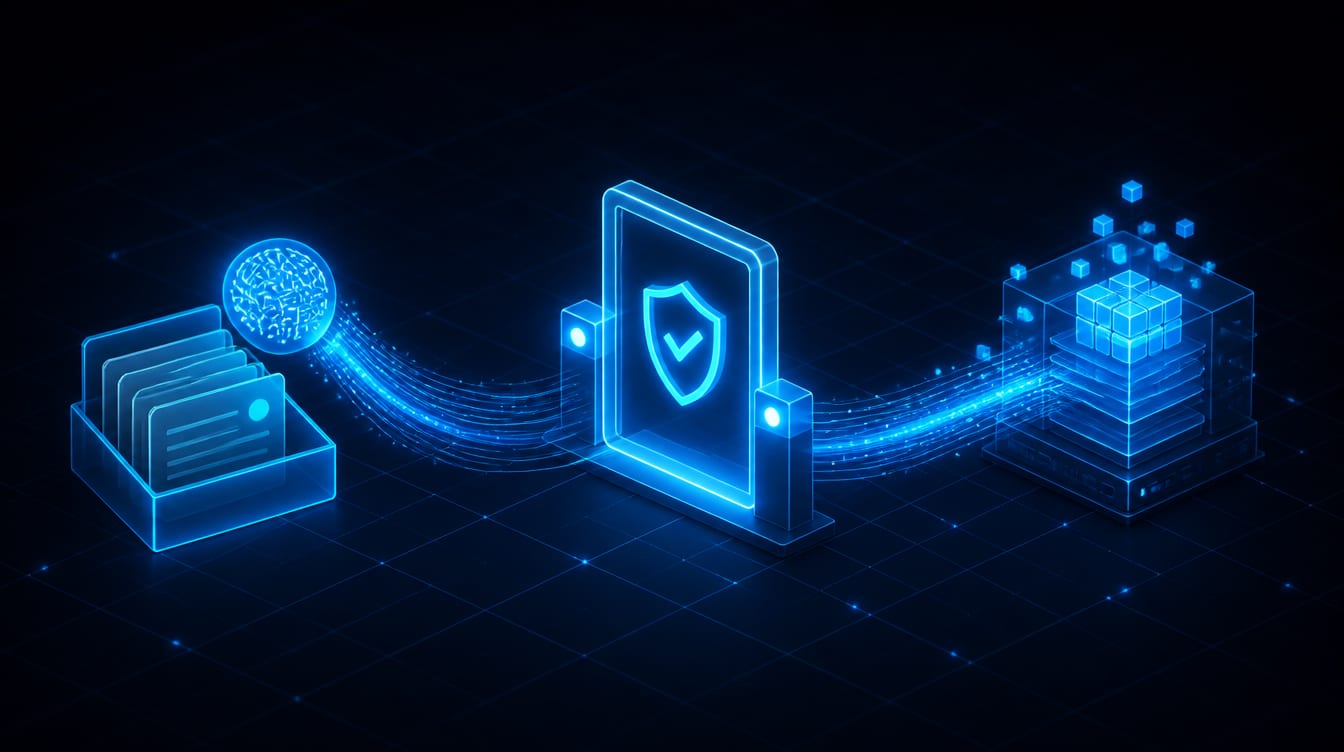
Boundaries first. One workflow, proven, then the next.
Careless AI integration is how businesses end up in the news for the wrong reasons. We build the deliberate way, boundaries before reach, so you get the usefulness without the exposure.
Map the workflow and the boundaries
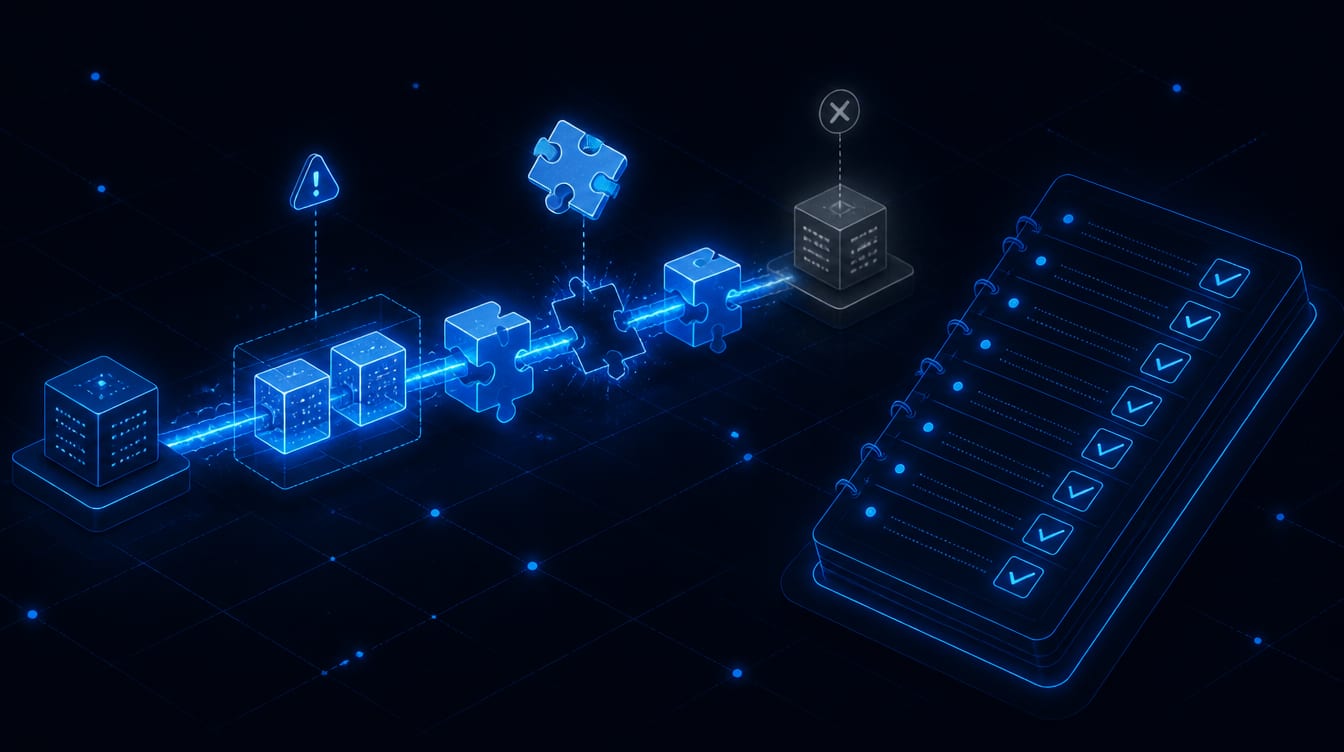
We start with one real workflow: what triggers it, which systems it touches, what data it needs to read, what it may change, and which steps a human must approve. We draw the data boundaries before we connect a thing, because "what should it never be able to do" matters as much as what it should.
Connect read-only first
We wire the safe half first, the AI reading approved context from your systems, and prove it pulls the right information reliably. No writes, no risk, while we confirm the connection is solid and the AI is working from the true record.
Add approved actions with gates
Then the writes, one at a time, each behind the right control. Low-risk actions can run; consequential ones pause for human approval. We add validation, retries, timeouts, and clear error handling so a hiccup in one system never turns into a mess in another.
Test the ugly cases, watch the logs
We test in a safe environment against the real edge cases: the duplicate, the missing field, the system that's briefly down, the action that shouldn't fire twice. Every tool call is logged. It goes live only when it behaves on the hard cases, not just the demo.
Hand it over with the keys
You get the connectors, the credentials, the data mappings, the rules, and the accounts, all in your name, plus documentation a normal person can read and a kill switch you control. You own the wiring, not a subscription to it.
1
The honest footnote: connections need upkeep. The apps you connect update their software, and an integration has to keep pace or it breaks. We're straight about that maintenance going in, because a connection that no one tends is a connection that fails at the worst moment.
The wiring is yours. So, you can change anything but that.
The quiet trap in integration work is dependency. A vendor connects your systems, then keeps the connectors, the credentials, and the accounts on their side. Everything runs beautifully until you want to change providers or swap an AI model, and then you discover the wiring was never yours, and unpicking it means starting over. That's how a lot of integration shops keep clients: not by being good, but by being tangled in.
We build for the exit door instead. You own the connectors, the credentials, the data mappings, the rules, and the accounts. If a better AI model comes out next year, you can switch to it without rebuilding a single business connection, because the wiring is separate from the model. If you ever want another provider to take over, everything is documented and portable, and they can pick it up and keep it running.
“If changing your AI means rebuilding all your connections, you don't own the integration. You're renting the wiring to your own business.”
None of that means no commitment. Real work runs on real terms: a setup fee, a clear scope, and a plan for the maintenance live connections genuinely need. What you'll never sign is a trap. Clear terms up front, every account and connector yours at the end, and a kill switch that answers to you.

Ready when you are. Your work, actually yours.
Tell us about your business and what this needs to cause. You'll have a plan back within one business day, including when the answer is that you do not need this.
Tell us your caseThe connectors, credentials, and accounts passing to the owner, a kill switch resting in their hand.
Asked and answered, before the call.
Will this replace our CRM or other tools?
No, the opposite. Integrations connect the tools you already run so your AI can work with them. You keep your systems and your staff keep the software they know. We connect; we don't rip out.
Ask how we actually run AI IntegrationsIs it safe to connect AI to our customer data?
It's as safe as the design makes it, which is why design comes first. We use least-privilege access, keep reading separate from changing, require human approval on sensitive actions, protect credentials, log every action, and give you a kill switch. Connected carelessly it's risky; connected this way it's ordinary business security.
Ask what happens if AI Integrations goes wrongCan the AI read our records without being able to change them?
Yes, and that's usually where we start. Read-only access lets the AI summarize and draft with real context while touching nothing. Write access is added separately, one action at a time, behind the right approvals.
Ask what AI Integrations is built onDo we need MCP, or an API?
Depends on the tool and the workflow, and that's our call to make, not yours to worry about. Some systems connect best through MCP, others through a direct API, a webhook, or existing automation. We pick the right method per connection.
Ask us about AI IntegrationsWhat happens when an app changes its software?
Connections need maintenance, and that is part of the cost rather than a surprise later. When a connected system updates, the integration may need a tune-up to keep pace. We build in error handling so a change degrades gracefully instead of failing silently, and upkeep is part of the plan.
Talk AI Integrations through with usWho owns the integration?
You do. The connectors, credentials, data mappings, rules, and accounts are registered in your name and documented, so you can change AI models or providers without rebuilding your business connections. That's written into the agreement.
Ask who owns what on AI IntegrationsCan we start small?
You should. The right approach is one workflow at a time: connect the task that costs you the most, prove it works safely, then expand. Wiring everything at once is how integration projects collapse.
Tell us what you need from AI IntegrationsCan a person approve actions before the AI acts?
Yes, and you decide which actions need it. Sending a message, changing a record, or anything touching money can pause for a human to confirm. The AI proposes; a person commits.
Get a straight answer on AI IntegrationsTell us the one task where your team keeps copying between your AI and your real systems by hand. We'll map the workflow, draw the boundaries, tell you what it takes to connect it safely, and reply within one business day. We start with one workflow, prove it, and only then reach for the next.