
You opened Search Console hoping for one number: how many visitors Google's AI answers sent you. Instead you found a report with impressions and no click column, and a headline saying Google may never add one. It is easy to read that as "AI sends me nothing." Google's own help pages describe Search Console AI Mode clicks differently.
The clicks are counted. They sit in a different report than the one you were hunting through, mixed in with your other Google clicks.
Your pages can still be checked this week, with two free reports and a pencil.
Key Takeaways
Google says a click on an external link in an AI Overview or in AI Mode counts as a click in the main Performance report, under the Web search type.
The Generative AI report lists impressions by page, country, device and date, and has no click, query or position view.
Compare each top page's Web clicks, its AI impressions and its GA4 organic landing-page results over the same dates, and treat the answer as an estimate.
Do clicks from Google's AI answers show up in Search Console?
Yes. Google's Search Console Help on AI features says: "Clicking a link to an external page in the AI Overview counts as a click." It says the same for AI Mode. Those clicks land in the Performance report under Web search, next to every other Google click on your site. Google's AI features documentation puts it this way: "Just like the rest of the search results page, sites appearing in AI features are included in the overall search traffic in Search Console."
The clicks are in your total. What you cannot pull out today is a line that says "these came from AI."
Two counting details help when you read the numbers. An AI Overview occupies a single position in search results, so every link inside one shares that position. AI Mode follows the same position method as a regular results page. A follow-up question in AI Mode is treated as a new query, with its own impressions, clicks and positions.

What did Gary Illyes say about click data for AI reporting?
On November 2, 2026, Search Engine Roundtable reported a LinkedIn reply from Google's Gary Illyes. The reply answered a post that quoted a Googler at a Search Central live event as saying click data for AI reporting was not coming. Per that report, Illyes wrote: "I don't think we've phrased it like this."
He also wrote, as reported: "The team is super interested in giving more data, data that makes sense, but we don't have anything to announce yet."
It was a reply on LinkedIn, not a Google announcement or a product post. It leaves a new click report as neither promised nor ruled out. Until Google publishes something in its help pages, plan around the reports you have.
Dated facts about Google's AI reporting
- 1
June 3, 2026
Google Search Central announces the Generative AI performance reports and starts rolling them out to a subset of sites.
- 2
August 31, 2026
Google notes the reports have rolled out to all websites worldwide.
- 3
November 2, 2026
Search Engine Roundtable reports Gary Illyes' LinkedIn reply saying there is nothing to announce yet.
What does the Generative AI report show, and what is missing?
The Generative AI performance report counts an impression each time a link to your site was shown to a person in a generative AI feature on Google Search. Google's announcement on June 3, 2026 says the data also stays in the overall Search Console Performance report. For Search, the new report covers AI Overviews and AI Mode.
You can split those impressions by page, country, device and date. That is the full list of views. There is no click column, no query list and no position.
| What you want to know | Where it is | What it shows |
|---|---|---|
| Clicks on your links in AI Overviews and AI Mode | Performance report, Web search type | Counted inside your total Google clicks |
| How often your links were shown in AI features | Generative AI report | Impressions by page, country, device and date |
| Position of an AI Overview link | Performance report | One shared position per AI Overview |
The table gives you a rule of thumb. Use the Generative AI report for the question "where am I being shown?" Use the Performance report for "how many people clicked?" Neither one alone answers "how many customers did the AI send me?"
Where do AI Overview and AI Mode visits appear in GA4?
Google Analytics has the same blind spot, for a different reason. Google's default channel group documentation says Organic Search covers non-ad links in organic search results, "including Google's AI Overviews and AI Mode." So a visitor who clicked your link in an AI answer is grouped with someone who clicked a blue link on the same results page.
Your Google organic total stays complete. It also means a standard GA4 report generally cannot show how many of those sessions began in an AI answer.
What you can see is which pages those organic visitors landed on and what they did next. In the Traffic acquisition report, filter to Google organic traffic and add the landing page as a second dimension. Then look at your key events (a form sent, a call tapped, a booking made) for those same pages.
How do I check whether AI answers are sending me visitors?
This takes about ten minutes, and it works with the reports you already have. Run it on your top five pages.
In Search Console, open Performance and pick a date range, such as the last 28 days. Set the search type to Web. Write down each page's clicks and impressions, then switch to the previous period of the same length and write those down too. Next, open the Generative AI report for the same dates and record the impressions for those pages.
Last, open GA4 for the same dates. Record the Google organic sessions and key events for each landing page. Use the same date range and time zone in both tools, or the comparison will mislead you.
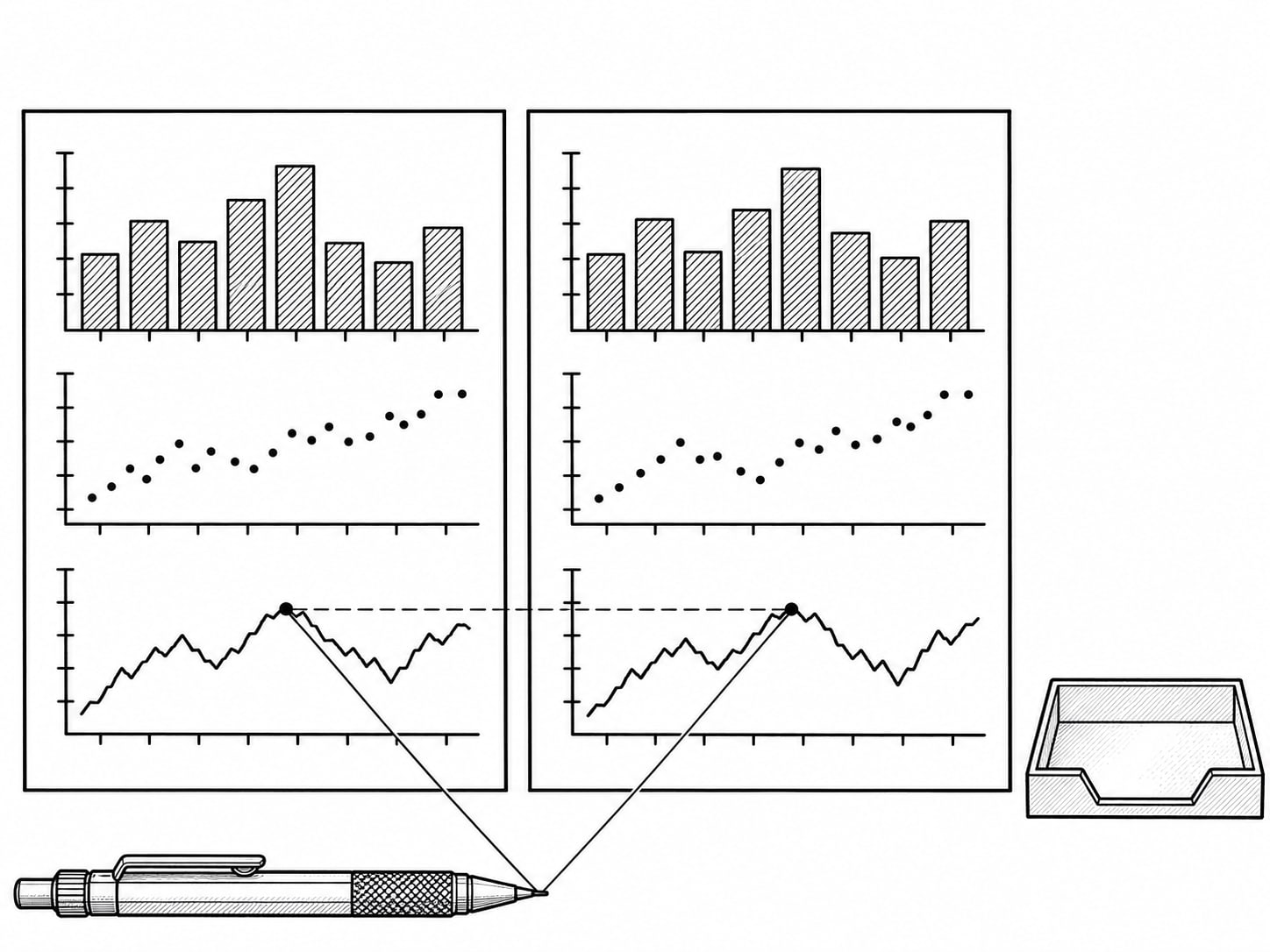
Now read the sheet one page at a time. A page with rising AI impressions, steady Web clicks and no new key events is being seen, and not yet acted on. A page with rising Web clicks and more form submissions is a page worth protecting, whichever feature sent the visit.
Your ten-minute AI visibility check
Record clicks and impressions for your top five pages, this period and the one before.
Record AI impressions for the same pages and dates.
Record Google organic sessions and key events for the same landing pages and dates.
Match visibility to actions page by page, and call the result an estimate.
Is an AI impression the same as a visit?
No. An impression means a link to your site was shown in an AI answer; whether anyone read it, clicked it or called you is a separate question. An AI citation is a fair sign that Google's systems find your page useful, and it is not a sale.
Some searches get answered right on the results page, with nothing left to click. A definition or a quick comparison can be settled in the answer itself, so your impression stays an impression. A click gets likelier when the person needs something the answer cannot hand over: a quote, an appointment, a local provider, a calculator, a price list or a detailed set of steps.
For a small business, that points to a plain job. Make the pages that earn AI impressions easy to act on, with the next step visible and the phone number tappable on a phone.
What should I ask someone who sells AI traffic tracking?
Start with what the reports can and cannot give. No provider can hand you a separate AI click total from Google's current Search Console reports, and a promise of one deserves a follow-up question: where does that number come from? Third-party AI visibility scores are estimates from their own tools, not Google traffic data.
Useful work in this area is practical. It checks that GA4 records real key events, aligns date ranges, lines up Search Console pages with GA4 landing pages, ties calls and forms to the pages that produced them, and explains what the result does and does not prove. That is measurement setup and interpretation, and it is worth paying for when the numbers feed a real decision about search engine optimization or generative engine optimization.
If you want more on the surrounding pieces, our posts on AI Overviews and brand searches in Search Console, whether AI search is bringing you customers and tagging Gemini traffic in GA4 each cover one of them in detail.

Can you tell what Google's AI sent you?
Pick an answer to begin.
1. Where does Google count a click on a link in an AI Overview or AI Mode?
2. What does the Generative AI report show for your pages?
3. Which channel does GA4 place unpaid AI Overview and AI Mode links under?
Frequently Asked Questions About Search Console AI Mode Clicks
Does Search Console count AI Mode clicks?
Yes. Google says clicking a link to an external page in AI Mode counts as a click in the Performance report.
Does the Generative AI report show clicks or queries?
It shows impressions by page, country, device and date. Use the main Performance report for clicks.
Did Google say it will never add AI click data?
Search Engine Roundtable reported that Gary Illyes replied on LinkedIn that the team is interested in giving more data but has nothing to announce yet. That was a LinkedIn reply, not a Google announcement.
Where do AI Mode visitors appear in Google Analytics?
Google's default channel group places non-ad links from AI Overviews and AI Mode under Organic Search, grouped with other Google organic visits.
Does an AI impression mean someone visited my site?
No. It means a link to your site was shown in an AI feature. Check landing-page sessions and key events for real visits and actions.
What is AI Mode in Google Search?
AI Mode is one of the generative AI features in Google Search, alongside AI Overviews. Both show links to websites, and clicks on those links count in your Web search totals.
The Bottom Line
Google counts clicks from AI Overviews and AI Mode in your main Performance report, and the Generative AI report adds impressions by page, country, device and date. Gary Illyes' reported LinkedIn reply says there is nothing to announce yet, so the working method is a page-by-page comparison of Search Console and GA4 for the same dates. An impression is not a visit, and a citation is not a sale.
Run the ten-minute check once a month and keep the sheet. After a few months you will see which pages get shown, which get clicked and which lead to calls, forms or bookings, and you will be able to judge an agency report against your own numbers.
If you want help setting this up, Web Leveling can check your Search Console and GA4 side by side, tie the numbers to your real inquiries and tell you what they do and do not prove. Our generative engine optimization work starts with that measurement. We work with small and medium businesses across the country and overseas. Send us your Search Console and GA4 numbers, and we will help you read them.
Terms
Words used in this post
Tap a term to see what it means.
AI Overview. An AI-written summary that Google shows at the top of some search results, with links to websites.
AI Mode. A Google Search feature that answers questions in a conversation, with links to websites.
Impression. One time a link to your site was shown to a person.
Generative AI report. The Search Console report that lists impressions from AI features by page, country, device and date.
Organic Search. The GA4 channel for unpaid links in search results, which includes AI Overviews and AI Mode.
Key event. An action GA4 is set to count as important, such as a sent form or a booking.