
Meta has said it trains its generative AI on public posts, comments, photos and captions from adult users, and does not use private messages with friends and family. Generative AI is software that writes text or makes images after learning from existing material. Meta said so for the UK on September 13, 2024 and for the EU on April 14, 2025, and offered adults in both a form to object.
Reports this week describe artists leaving Instagram and Facebook over that training. If you sell your own products, designs or photos and post them for customers, you may be reading those reports late at night with two questions: is my work part of this, and do I have to post differently now?
Where you live decides what you can do about Meta AI training on Instagram posts. Outside the EU and UK, the rules for you are the ones Meta's Privacy Center shows for your country, so that is the first stop. After that, the controls sit in your own accounts: who can see the account, who can see each post, and where your original files live.
Key Takeaways
Meta's EU and UK announcements cover public posts, comments, photos and captions from adults, and exclude private messages with friends and family.
Meta announced a form for adults in the EU and UK, so check the Privacy Center for what it offers where you live and save any confirmation.
A private Instagram account shows reels only to followers, so weigh fewer new viewers against tighter control, and keep full-size originals on a site you own.
What does Meta say it uses to train its AI?
On September 13, 2024, Meta told people in the UK it would train its AI on "public content shared by adults on Facebook and Instagram in the UK." That means public posts, comments, photos and captions from adult accounts. On April 14, 2025, Meta made the same move in the EU, naming public posts and comments shared by adults on its products there.
Some things sit outside it. Meta wrote in its EU announcement: "We do not use the content of your private messages with friends and family to train our AIs." It added that "public data from the accounts of people in the EU under the age of 18 is not being used for training purposes," and it set the same under-18 limit for UK accounts.
Private messages are a separate matter.
The EU page has changed once since it went up. A note dated March 27, 2026 says it was updated "to clarify that people can share messages with our AI features." That note is about messages people choose to send to Meta's AI tools. It is not a new rule about public posts.
This week's reports sit at the end of a chain of dated steps. In June 2024, Meta said it was "disappointed by the request" from Ireland's Data Protection Commission to delay training on public content from adults in Europe. The Commission says Meta first told it about the plan in March 2024, that it "made a number of recommendations to Meta," and that Meta's updated plan was to begin training in the EU on May 27, 2025.
| Date | Where | What changed |
|---|---|---|
| June 2024 | Europe | Meta said it was "disappointed by the request" from Ireland's regulator to delay training |
| September 13, 2024 | UK | Training on public content from adults announced, with an objection form |
| April 14, 2025 | EU | Training on public posts and comments from adults announced, with a form to object "at any time" |
| May 27, 2025 | EU | Meta's planned start date, as recorded by Ireland's Data Protection Commission |
| March 27, 2026 | EU | Page updated to clarify that people can share messages with Meta's AI features |
Can you opt out of Meta AI training where you live?
In the EU and UK, the route starts with a notification inside the app. Meta said its EU notifications include "a link to a form where people can object to their data being used in this way at any time." UK adults got the same pairing: an in-app notice and an objection form they can use at any time.
Ireland's Data Protection Commission says Meta changed its EU form into an "easier to use Objection Form," which the Commission is watching across Facebook and Instagram. It also reminded people to review their privacy settings regularly. That reminder is good advice in any country.
Your country decides whether there is a form at all.
Everywhere else, start with what Meta shows you. Open Meta's Privacy Center, go to the generative AI section, and read the explanation for your country. If an objection form appears for your location, fill it in for each account you run and save the confirmation. A screenshot is enough.
If no form appears, your controls are the audience settings on each account and each post, and the place where you keep your original work.
What does a private Instagram account cost a business in reach?
Open Instagram's settings and find account privacy. One switch there decides who sees your posts and reels.
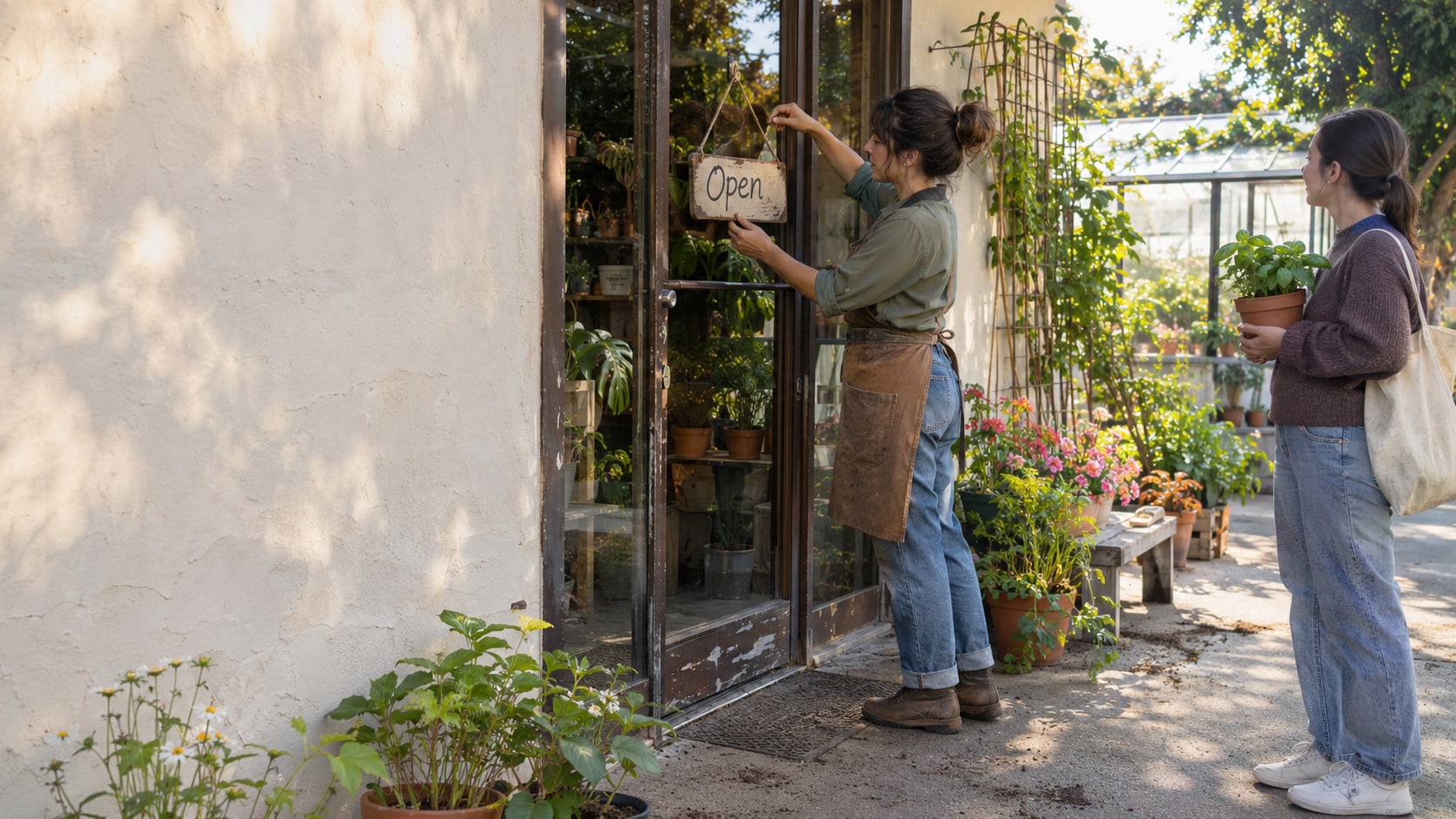
A public account is your shop's front window. Anyone walking past sees what you put in it. A private account turns that window into a back room, open only to people you have already let in.
Meta spells out the trade in its Reels lesson for businesses. A public reel can reach anyone who taps the Reels tab in their app. Then the private side: "If your account is private, your reel will only be visible to followers in your profile and in their Feed."
Meta also classes business and creator accounts as public. In the rules for its research library, Meta writes: "Public Instagram accounts include professional accounts for businesses and creators." That library is a research data set, not AI training, but it shows where Meta files a professional account.
Going private trades new viewers for control.
People who do not follow you yet stop seeing your reels and posts, and for a shop that sells through those first looks, that is the cost. Plan for fewer new viewers. If you try it, write down your reach for the weeks before the switch and compare the weeks after. A private setting also changes who sees the account from the day you switch, so do not count on it to undo anything that was public before.
But what if you are a two-person studio and every sale starts with a stranger seeing a reel? Then a private account cuts off the customers you have not met yet. Keeping the account public and choosing which posts go public is the more useful control for you.
On Facebook, each post carries its own audience, shown by the small icon beside the post: Public, Friends or another group you picked. Check that icon on your recent posts, and set the default for new ones on purpose.
Who owns the photos and designs you post?
Facebook's Terms of Service, effective January 1, 2025, leave ownership with you. What you give Meta is a "non-exclusive, transferable, sub-licensable, royalty-free, and worldwide license" to host, use, distribute, modify and make derivative works of your content, "consistent with your privacy and application settings."
A license is permission to use something you still own. That's it.
The terms also say when it stops: "This license will end when your content is deleted from our systems." If you delete your whole account, the terms allow up to 90 days for the deletion to run and up to another 90 days for copies to leave backups. The license can continue where deletion is delayed for listed reasons, such as other people having used your content, technical limits, or legal and safety holds.
In other words, you keep the work, and Meta holds a broad permission to use it while it stays on Meta's systems.
Ownership and AI training are two separate questions.
Ownership is about who holds the rights to a design or a photo. AI training is about what Meta uses under its terms and privacy rules, and the objection form is a privacy route, not a copyright one. Instagram has its own Terms of Use, so read the section on your content there too, and keep a copy of what you read with the date.

What can you check in ten minutes tonight?
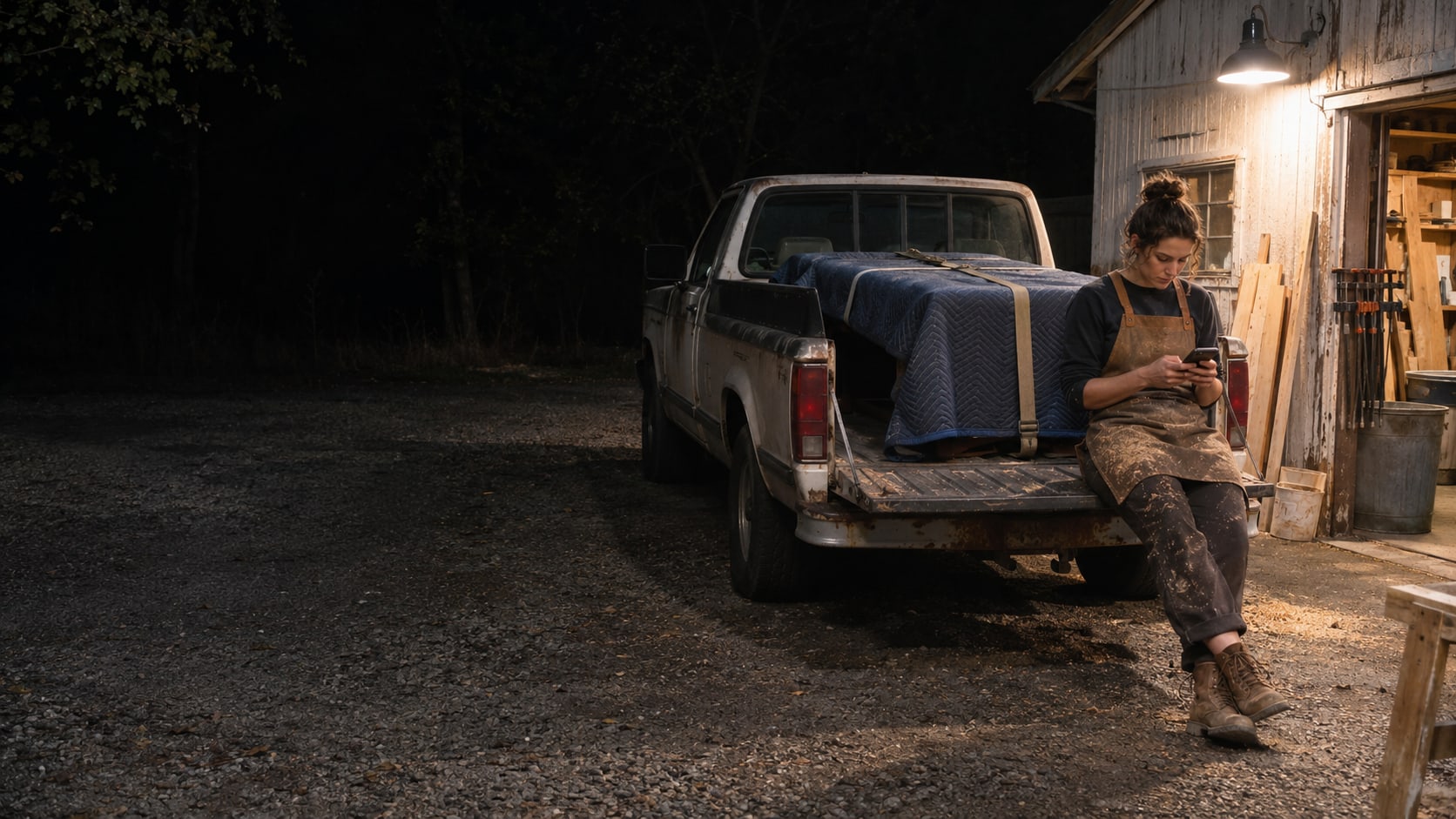
You sit down after closing with your phone and a coffee. The first pass takes ten minutes and needs only the apps you already use. None of it needs outside help, and every answer you write down tonight makes next month's check faster. The bigger choices can wait a week or a month.
Tonight: the ten-minute check
Start with the facts about your own accounts. Write each answer down as you go, so next month's check has something to compare against.
The ten-minute Meta account check
- 1
Minutes 1 to 3
Open Meta's Privacy Center, find the generative AI section and read what it says for your country.
- 2
Minutes 4 to 5
If an objection form is offered where you live, submit it for each account and screenshot the confirmation.
- 3
Minutes 6 to 7
In Instagram, note whether the account is personal, creator or business, and whether it is public.
- 4
Minutes 8 to 9
On Facebook, check the audience icon on recent posts and the default audience for new ones.
- 5
Minute 10
List the posts that show original work: designs, product photos and finished pieces.
This week: keep the originals somewhere you own
Look at that list of original work and ask where the full-size files live. If the only copy is the one you posted, save the originals to a drive you control and put your best pieces on a website or store in your name. It is the same habit that protects you if Instagram ever suspends your business account, and it means your catalog does not depend on one app.

This month: decide what stays public
Go back to the reach numbers and your list. Some posts carry your newest designs; others are shop updates and event notices. You can keep the account public and still be deliberate about which pieces you share in full.
If the Instagram account was opened under a staff member's personal login, fix that before anything else; our guide to setting up an Instagram business account your company owns covers it. Then put the privacy check on your calendar and repeat it whenever Meta's Privacy Center changes.
When is outside help worth paying for?
A shop with one account, one admin and a year of posts can do all of this alone. For that shop, the ten-minute check is the whole job.
Help earns its fee when the account is part of a bigger system. That means years of public posts, several admins, photos and videos made by staff, customers who appear in your images and gave permission, a website catalog that mirrors your feed, or paid campaigns. It also means the harder goal: keeping reach while posting less of your work in public.
Then the work is sorting out who posts what, which accounts the business owns, and how new customers still find you. That is where social media marketing help fits, with settings documented and original files in one place.

Check what you know about Meta AI training
Pick an answer to begin.
1. In its EU and UK announcements, which content does Meta say it does not use to train its AI?
2. What happens to your reels if you make your Instagram account private?
3. When does the license you give Meta under Facebook's terms end?
Frequently Asked Questions About meta ai training instagram posts
Does Instagram use my photos for AI?
Meta has said it uses public posts, photos and captions from adult users to train its generative AI, in its announcements for the UK (September 13, 2024) and the EU (April 14, 2025). Private messages with friends and family are not used. For your own country, read the generative AI section of Meta's Privacy Center.
How do I opt out of Meta AI training?
In the EU and UK, Meta offers adults an objection form, linked from in-app notifications, that they can use at any time. Elsewhere, check the Privacy Center for your country, and if a form appears, submit it and save the confirmation. Your other controls are the audience settings on your accounts and posts.
Where is the Meta AI objection form?
In the EU and UK, Meta linked it from in-app notifications on Facebook and Instagram, and Ireland's Data Protection Commission says Meta made it an "easier to use Objection Form." Start in the generative AI section of Meta's Privacy Center and see what it offers for your location.
Does Facebook AI training include my business Page?
Meta's EU and UK announcements describe public content shared by adults on Facebook and Instagram. Treat anything your Page posts publicly as public content, check each post's audience icon, and read what the Privacy Center shows for your country.
Why are artists leaving Instagram over AI?
Reports this week describe artists leaving Instagram and Facebook over Meta's AI training on public work. Whether to stay is a business decision. The controls you have are the objection form where Meta offers it, account and post audience, and keeping originals on a site you own.
Does making my Instagram account private stop AI training?
A private account limits your posts and reels to followers from the day you switch. Do not count on it to undo anything that was public before, and expect fewer new viewers.
Final Thoughts
Meta's EU and UK announcements say it trains its generative AI on public posts, comments, photos and captions from adults, and not on private messages with friends and family. Adults in those two places got an objection form; everywhere else, the Privacy Center shows what applies to your country. Your own controls are the account's audience, each post's audience and where you keep your original files. A private account limits who sees your work, and it also limits who finds you.
Once you know which posts are public and where the full-size files live, the next headline is something you can read and set aside. You choose what customers see, and nothing you made has to depend on a single app. Fill the window with your best work, and keep the originals in a building with your name on the door.
If your accounts have grown into something bigger, with years of posts, several admins and paid campaigns, Web Leveling can help you sort out what stays public and what lives on your own site. Our Facebook ads work can keep new customers seeing your products whatever you decide to make public, though no ad setting changes how Meta trains its AI. We work with small and medium businesses across the country and overseas. Tell us how your Instagram and Facebook accounts are set up today, and we will help you decide what to keep in public view.
Terms
Meta AI training words in this post
Tap a term to see what it means.
Generative AI. Software that writes text or makes images after learning from existing material.
Public content. Posts, comments, photos and captions anyone can see, the category Meta's EU and UK announcements describe.
Objection form. The form Meta announced for adults in the EU and UK to object to their data being used for AI training.
License. Permission to use content you still own; Facebook's terms say it ends when the content is deleted from Meta's systems.
Professional account. An Instagram business or creator account, which Meta lists among public accounts in its research library rules.
Privacy Center. Meta's help area where it explains how it uses information, including for generative AI, by country.
Data Protection Commission. Ireland's privacy regulator, which recorded Meta's plan to start EU training on May 27, 2025.