
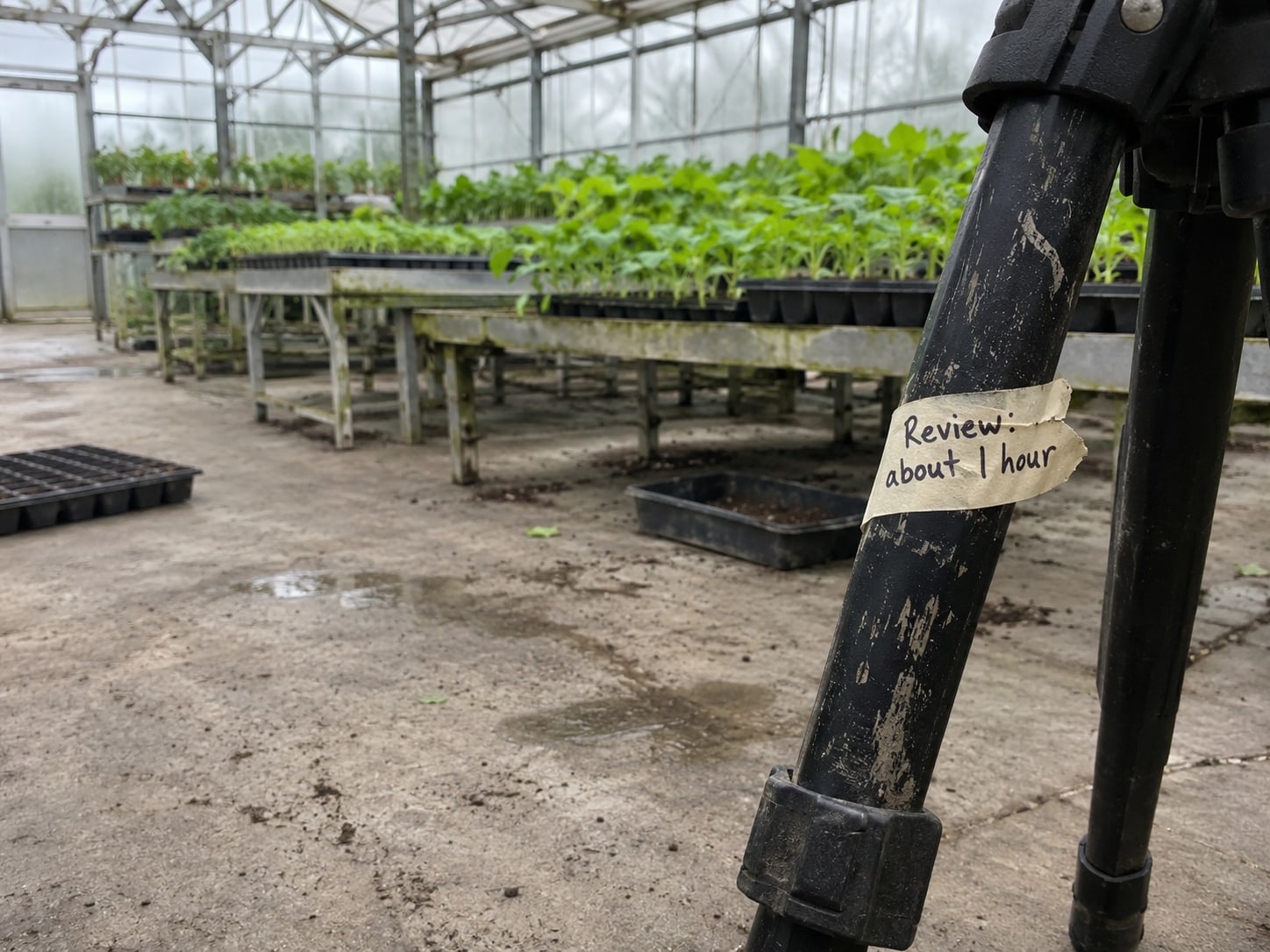
On November 25, 2026, Instagram asked me to confirm a human runs a brand-new account for one of our video channels, only a few days old. I sent a video selfie and a phone number, and the screen said review usually takes about an hour. Then the account was permanently disabled, with no further appeal offered and no reason given. One of its first Reels had about 50 likes.
If a new business account of yours just met the same screen, two facts help. The video selfie, a short video of your face, is described by Meta as an identity check, and the rules about what an account may do live in separate policies. A check on who you are is not a review of what the account does, so passing one does not tell you the other went well.
What matters first is on the disabled-account screen itself. If it shows a review option, use it, and keep every notice and reference number.
Key Takeaways
Instagram Help says "you may be able to ask us to review the decision by logging into Instagram and following the on-screen instructions." Use it if your screen shows it, and save every notice and reference number.
Meta says the video "only takes a minute to complete" and that it immediately deletes facial data from the comparison. Automation, spam and impersonation are judged under separate rules.
"We must not have previously disabled your account for violation of law or any of our policies." Do not open a replacement account while that line applies to you.
Name who owns the login, recovery email, phone, two-factor method, Page and Business Portfolio, then post the first two weeks by hand.
Use the on-screen review first, and keep every notice
Open the disabled account and read the screen before you do anything else. Ours showed a final notice with nothing to press. Yours may offer a button, and Instagram Help describes it this way: "you may be able to ask us to review the decision by logging into Instagram and following the on-screen instructions." The Instagram Help page on disabled accounts is where that line lives.
If the screen offers a review, use it and give accurate information. Save the notice, the confirmation email and any reference number somewhere outside Instagram, such as a shared folder the business owns.
Treat the hour on our screen as that screen's estimate, and plan for a wait of unknown length.
Meta has been changing how appeals work. On December 4, 2025, it wrote that "our appeals process is now faster and easier, with fewer steps and AI assistance for eligible cases." On March 19, 2026, it said people keep a central role in its highest-stakes decisions, "such as appeals of account disablement or reports to law enforcement."
In other words, a person stays in the loop on appeals, and neither line promises that yours will be reversed.
The Oversight Board, an outside group that reviews some of Meta's content decisions, is not a second chance for a disabled account. Its FAQ says individuals "must have an active account," and that "the account cannot be disabled and the person must be able to log into it."
For an account that has been running for years, the appeal steps for a disabled business account are a separate walk-through.
Pay no one to reverse the decision.
A selfie check says who you are, and a separate rulebook says what the account may do
On October 21, 2024, Meta announced a way to confirm identity with a video selfie and called the method "optional." The announcement, updated March 4 and September 28, 2025, describes it as a way to verify identity when Meta thinks an account has been compromised. Meta says the video "only takes a minute to complete," that "it will be encrypted and stored securely," and that "We immediately delete any facial data generated after this comparison regardless of whether there's a match or not."
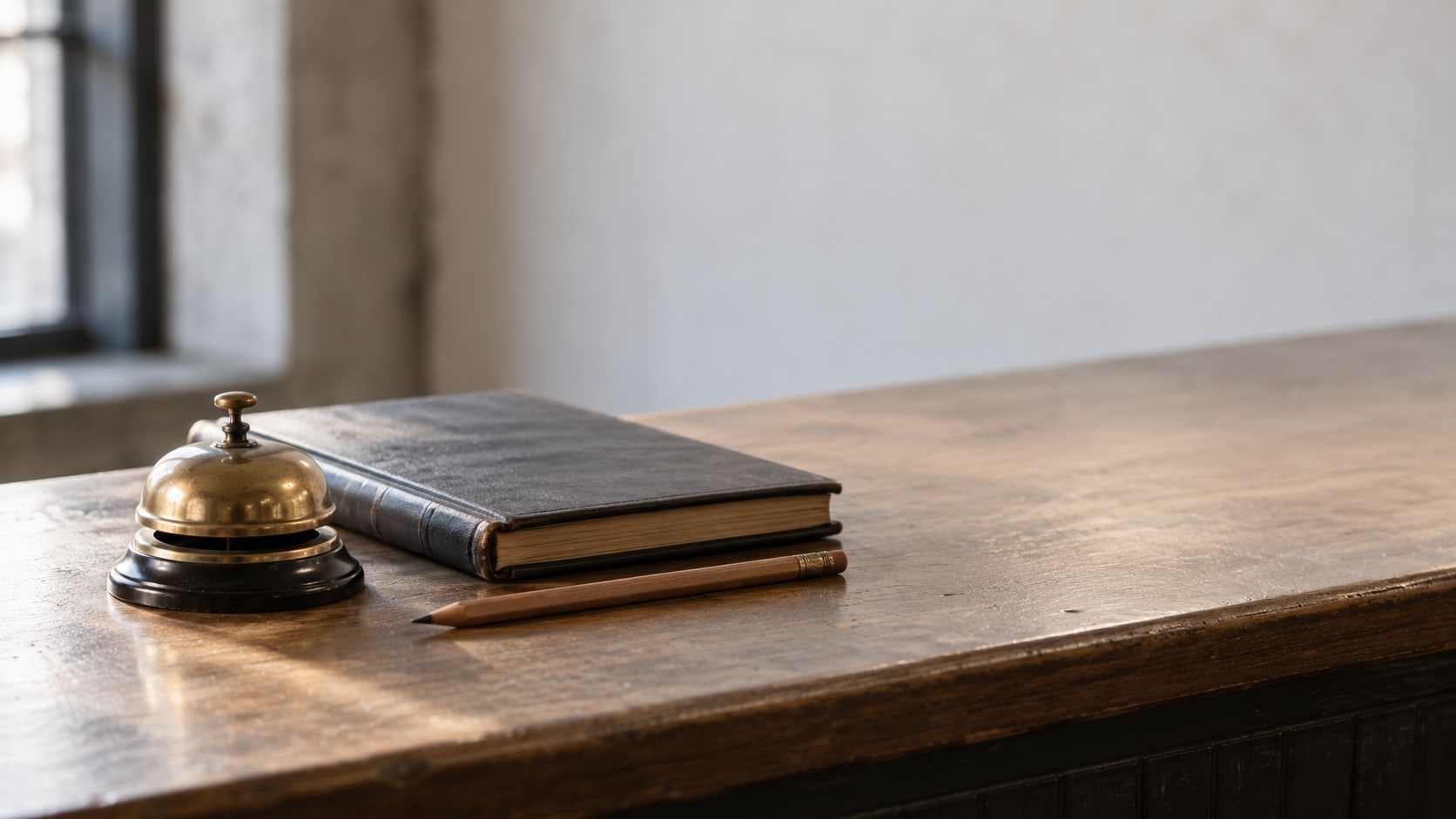
A badge check at an office front desk works the same way. The guard learns who you are, and nothing on the badge says what you will do on the fourth floor.
What an account does on the fourth floor falls under Instagram's Terms of Use and Meta's Community Standards, including its spam rules. These are the signals Meta names in its own words.
| Signal | Meta's words | Where it sits |
|---|---|---|
| Automation | "creating accounts or accessing or collecting information in an automated way without our express permission" | Instagram Terms of Use |
| Very high frequency | posting or engaging "either manually or automatically, at very high frequencies" | Meta spam policy |
| Signs of inauthenticity | lower-frequency accounts can be restricted when "signals of inauthenticity are present" | Meta spam policy |
| Impersonation or false details | "You can't impersonate others or provide inaccurate information." | Instagram Terms of Use |
That is the list Meta itself publishes. Which of these, if any, applies to a given account is Meta's call. Our notice did not say.
Instagram's Terms put one line between a disabled account and a new one
In the part of Instagram's Terms about who can use Instagram, one sentence reads: "We must not have previously disabled your account for violation of law or any of our policies."
That line is the reason to wait for the review result before anything new is opened under your name. A second sign-up can wait until Meta has answered the first.
So, take the review route first and leave replacement accounts alone.
| Option | Where it stands | Why |
|---|---|---|
| On-screen review | Use it if your screen shows it | Instagram Help: "you may be able to ask us to review the decision" |
| Oversight Board | Not open to a disabled account | Its FAQ says the person must be able to log into an active account |
| Paying someone to reverse it | Skip it | The decision sits with Meta, not with an outside company |
| A replacement account | Hold off | The Terms line on previously disabled accounts |
Set up the next account on paper first, then post slowly by hand
Grab a notebook before you open the sign-up screen. This plan is for a business or brand that has never had an Instagram account disabled, and it runs in the order you do it. Some steps come from what Meta's Terms and spam rules name, and some are conservative habits of ours, marked as such. A badge check only tells the guard who you are, and what you do once you are inside is the part you control.
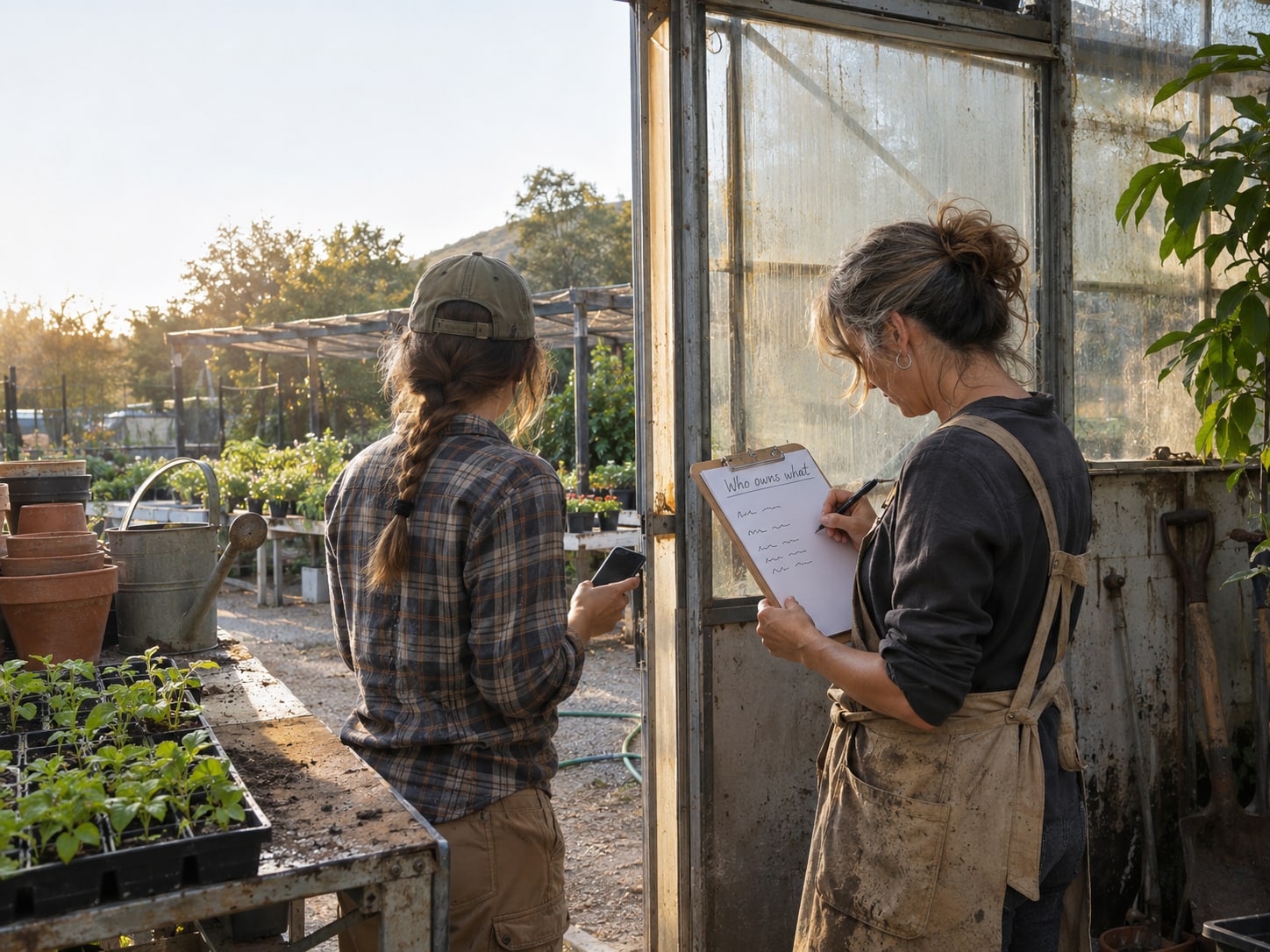
This afternoon: write down who owns what
Write one line for each item below. Each answer is a person's name, not "the team."
- Login owner: one named person holds the Instagram login.
- Email and phone: the recovery email and phone number belong to the business, not to a freelancer's personal account.
- Two-factor authentication: someone is responsible for it. This is the second code your phone asks for when you sign in.
- Page and Business Portfolio: decide which Facebook Page and which Business Portfolio the account will belong to. The Business Portfolio is where Meta lets a business manage its Pages and accounts and who can reach them.
- Access: each person who needs in gets individual permissions, never a shared password. Meta's Business Portfolio access guidance covers the permission screens.
- Identity: the account name, profile photo, bio and website say plainly what the account represents.
- First two weeks: the posts are written and reviewed before launch.
Which buttons to tap, and in what order, is laid out in our guide to setting up an Instagram business account, so this plan sticks to what to decide.
This week: create it with accounts you own, and connect it in order
Create the account with the email and phone you wrote down, and turn on two-factor authentication the same day. Then connect it to the Page and Business Portfolio once you have confirmed who owns what. That settles the business structure before any activity starts.
Choose a name and handle that are plainly yours, so no one could take the account for someone else's.
The first two weeks: post by hand and add nothing new
Post from the Instagram phone app, by hand. That is a conservative choice, not a Meta rule. It keeps the number of moving parts low while you confirm that the login, the identity and the account status all work.
Keep the pace steady. Meta's spam policy names posting or engaging "either manually or automatically, at very high frequencies."
Skip posting and scheduling tools for now. The Terms bar accessing information "in an automated way without our express permission," so confirm that Meta permits a tool before it touches the account. You wrote the first two weeks of posts this afternoon, so there is nothing to rush.
No agency can promise a restore, and the useful help is narrower than that
A message lands in your inbox offering to reverse your ban for a fee. Once a notice says the decision is final, Meta controls what happens next. No agency can guarantee approval, prevent a mistaken disable or make Meta restore an account, and that includes us.
The useful help is smaller and real. Someone can audit who owns each login, email and phone, remove access nobody needs, set up two-factor authentication, connect the Page and Business Portfolio correctly and write the first two weeks of posts.
Someone can also build the pieces you own, a website and an email list, so one platform's decision does not take every customer contact with it.
Check what you know about a disabled new account
Pick an answer to begin.
1. What does Meta say about the video selfie?
2. Can the Oversight Board take a case from a disabled account?
3. What should happen before the first post on the next account?
Frequently Asked Questions About new instagram account disabled
Why did my new Instagram account get disabled after a video selfie?
Meta's rules name several things: automation without permission, posting or engaging at very high frequencies, signs of inauthenticity, and impersonation or inaccurate information. A notice may not say which one applied. If yours shows a review option, use it.
What does "confirm you're human" mean on Instagram?
On our account it came with a request for a video selfie and a phone number. Meta describes the video selfie as an optional identity check that takes about a minute.
Is an Instagram account that is permanently disabled with no appeal gone for good?
Use the on-screen review if your notice shows one. If it shows none, the decision sits with Meta, and the Oversight Board does not take disabled accounts because the person must be able to log in.
Can I make a new Instagram account after being banned?
Instagram's Terms say: "We must not have previously disabled your account for violation of law or any of our policies." Do not open a replacement account while that line applies to you, and take the review route first.
How long does Instagram take to review a disabled account?
The screen on our account said about an hour, and that was the screen's estimate. Plan for a wait of unknown length and keep every notice.
Does passing the selfie check mean Instagram approved the account?
Meta describes the selfie as an identity check. The rules about what an account does, such as automation and spam, are separate.
What This Means for You
A selfie check confirms who you are, and the rulebook decides what the account may do. If your notice shows a review option, use it and keep every notice and reference number. Hold off on any replacement account, because the Terms line on previously disabled accounts is the one that decides. Pay no one who promises to reverse the decision.
A launch plan costs an afternoon and answers the questions an account faces later: who owns it, who has access, and what it represents. You cannot set the review screen's clock, but the first two weeks of the next account are yours.
If you are opening a new account for a business or brand, Web Leveling can sort out ownership, access and the launch plan with you before the first post, and our social media marketing work covers the setup and the posting that follows. We cannot make Meta restore a disabled account, and we will not promise it. We work with small and medium businesses across the country and overseas. Tell us what your account needs before launch, and we will tell you where to start.
Terms
Words in this post
Tap a term to see what it means.
Video selfie. A short video of your face that Instagram can ask for to confirm identity.
Disabled account. An account Meta has switched off, so you can no longer log in and use it.
Review. The on-screen option, when Instagram shows one, to ask Meta to look at a disable decision again.
Two-factor authentication. A second code, usually sent to your phone, that you enter after your password when you sign in.
Business Portfolio. Meta's tool for a business to manage its Pages and accounts and who has access to them.
Oversight Board. An outside group that reviews some of Meta's content decisions and needs an active account to take a case.
Automation. Software that creates accounts or reaches account information without a person doing it by hand.