You open your homepage and see a smiling stranger in a headset, a handshake between two people you have never met, and an office that looks nothing like yours. Your crew is good at the work, your jobs look better than that, and none of it is on the site.
The stock photos vs real photos website question comes up at exactly this point, usually while a redesign is half finished or a designer is asking you for images. You may also worry that photos taken on a phone will look cheaper than the polished ones you have now.
That worry is reasonable, and it has a clear answer. The rule below tells you which images to replace first, how to take usable photos yourself, and when a photographer or web designer is worth paying for.
Key Takeaways
Show your own people, place, products and finished work wherever a visitor needs to know who they will deal with or what they will receive.
Licensed stock fits generic concepts and atmosphere, as long as it does not imply the people, place or results are yours.
A ten-minute check of every photo of people on your site tells you which images to replace first, starting with the three nearest your contact form.
Photos in focus, in good natural light, of real work make a useful first library without a photographer.
Describe useful images in plain words, leave decorative ones empty, and confirm the license on any stock photo you keep.
Which photos should be real, and which can stay stock?
Use a real photo whenever the image answers a question a buyer is asking. Who will show up at my door? What does the finished job look like? Is this a real business with a real place? In Nielsen Norman Group's eyetracking studies, users looked closely at images that carry useful information, including photos of products and real people, and tended to skip decorative "feel-good" images. The same work draws a direct contrast between real people and stock-photo models. So, a photo of your actual crew at work earns attention in a way a posed model does not.
Stock still has a job. A generic image of a calendar, a coffee cup or an abstract pattern does not claim to be you, so it does not mislead anyone. The line is simple: if the photo says "this is us," it must be you. If it only sets a mood, licensed stock is fine.
| Job the image does | Use | Example |
|---|---|---|
| Proof of who you are | Real photo | Your team at work, your owner on a job |
| Proof of what you do | Real photo | Finished projects, tools and materials in use |
| Proof the place is real | Real photo | Your entrance, workspace or shop |
| Explanation of an idea | Licensed stock or a simple graphic | A generic image for a concept page |
| Atmosphere or decoration | Licensed stock | A background texture or abstract scene |
Real photos are not automatically better. A blurry, dark or outdated photo of your shop does less than a clear, accurate stock image of a generic idea. The research supports using real images where they help a visitor decide; it does not support a promise that swapping every photo will raise sales. If your copy is vague or your contact page is hard to use, fix those too, as covered in what belongs on a small business homepage.
How do you check which photos on your site are really yours?
This takes about ten minutes, and you can do it tonight. Open your site in a private browser window and go through the homepage, service pages, About page, team page, project pages and contact page. The goal is a list, so the decisions come afterward. The list also becomes your replacement plan, so keep it simple and write it down as you go.
Mark every photo of a person
For each photo of a person, write down whether it is a real employee, a real customer, your actual workplace, or an actual product or project. Then note whether it is stock, licensed, unknown or AI-generated. If you do not know where an image came from, treat it as unknown. Unknown images are the ones to check first, because you may not have a license for them.
Sort each image by its job
Mark each image as proof, explanation, atmosphere or decoration, and note whether it is current, clear, well lit and still useful on a phone screen. A photo of a former employee or a building you no longer use counts as outdated, and it can mislead visitors. Photos of work you no longer do belong in the same pile.
Find the three images closest to the ask
Mark the three images nearest a contact form, phone number, booking button, quote request or service explanation. If any of them is generic or misleading, those are the first ones to replace. A visitor deciding whether to call is looking right there, so that is where a real photo does the most.
How do you take usable photos of your own work?
A phone is enough for a first library when the photos are in focus, taken in good natural light, and clearly show the subject. The University of Maryland Extension puts the standard in a few words: "Photos need to be in focus and taken in good, natural light." That guidance is written for people submitting photos for answers, which is a good test for a business too: could a stranger tell what they are looking at?
Plan one short shoot rather than snapping photos whenever you remember. Pick a bright day, clean up the background, hold the phone steady, take several frames of each subject, and keep the best.
What to photograph
A starter shot list covers the questions visitors have:
- Your team at normal work: Real people doing the job, not lined up and smiling at the camera.
- Tools and materials in use: The details that show how the work is done.
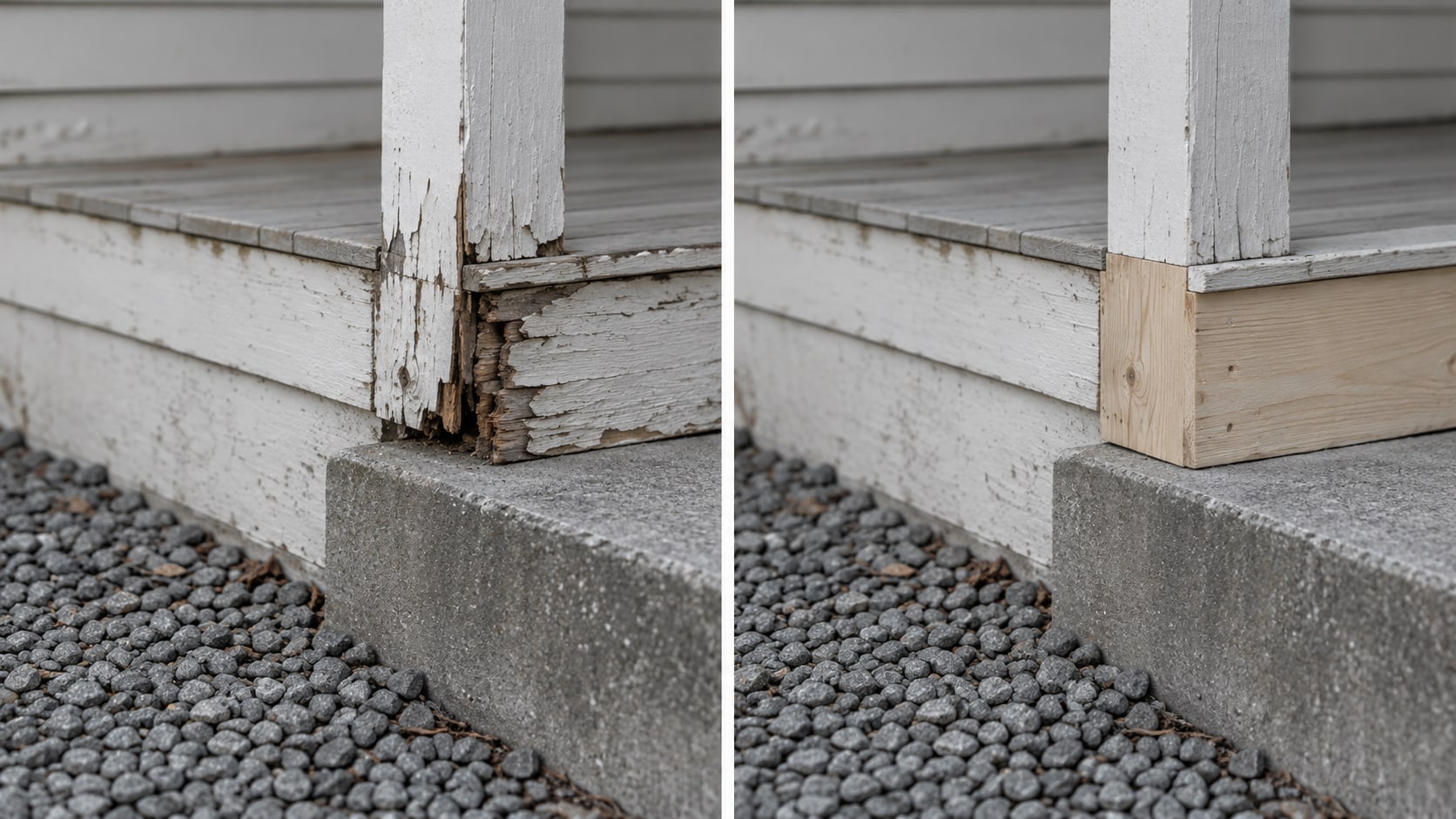
- Finished projects: The result a customer will receive, from a clear angle in good light.
- Your entrance or workspace: The place a visitor will actually arrive at.
- Products and the details customers need to understand: Anything a buyer would ask about before calling.
Get permission before you publish
If a customer, an employee or a private location is identifiable in a photo, get written permission before you use it. A real customer photo should also not be presented in a way that suggests an endorsement, a result or a relationship that is not real. The FTC's endorsement guidance requires an endorsement to reflect the real experience or opinion of the person giving it.
Google applies the same standard to Business Profile photos. Its photo guidelines say photos should be "in focus and well lit," with "no significant alterations or excessive use of filters," and should "represent reality." The same set of real photos can feed your website and your profile, which is another reason to shoot once and use them in both places. If a profile photo does not appear, see Google Business Profile photos not showing.

When is a photographer worth paying for?
Start with the phone shoot. A local photographer becomes worth the money when you need consistent portraits, when the lighting is difficult, when interiors or action shots matter, or when you want a planned library that covers several pages. A web designer or branding professional adds the work that surrounds the photos: matching each image to a customer question, cropping for phones, writing the alt text, recording licenses and permissions, and connecting images to clearer service pages. That is coordination and setup, and it is the real reason to hire help. A full photography package or an immediate redesign is not required to get started.
If you do hire a photographer, ask for a shot list tied to your pages before the day of the shoot, and ask which images you will be licensed to use, where, and for how long. Written terms save an argument later, especially if you want the same photos for your Business Profile, proposals and social accounts.
What does Google say about images, alt text and file names?
Google's image SEO guidance centers on practical page work: use standard HTML image elements, give files descriptive names, write useful alt text, place images near relevant text, and use responsive images in suitable formats. In Google's words, "The most important attribute when it comes to providing more metadata for an image is the alt text." File names give "very light clues," and `my-new-black-kitten.jpg` is preferred to `IMG00023.JPG`.
For your photos, that turns into three small habits. Name each file for what it shows. Place each photo beside the text it supports. Write alt text that describes the image's useful meaning in plain words, not a list of keywords. Our guide to alt text for a small business website goes through examples.
Decorative images are different. The W3C's decorative images tutorial says to use empty alt text, `alt=""`, so screen readers skip them, while informative images need a meaningful text alternative. Original images can add unique, relevant content to a page, particularly when they show your actual people, places and work, and Google's guidance on helpful, people-first content points the same direction. That is a reason to use real photos for proof, not a promise of a higher ranking.
Once your photos are chosen, shrink them before you upload. Resizing and compressing images keeps pages quick, and large files are one of the common ways a good photo ends up hurting a page.
What are the license rules for stock and AI images?
Keep stock images that you have a license for, and check the rules of the library each one came from. Unsplash permits free commercial and noncommercial use, but you cannot sell its images without significant modification or compile them into a competing service. Pexels does not allow you to redistribute or sell its images on stock or wallpaper platforms. Paid libraries have their own license terms, covering seats, editorial use, merchandise and redistribution; Adobe Stock's usage and licensing page shows how one of them lays this out.
Two terms get mixed up. "Royalty-free" does not mean unrestricted, and "copyright-free" is not the same as "licensed." A photo that shows up in a Google Images search is not free to use just because it appears there; confirm the license before you copy it.
AI-generated images can illustrate a concept when nobody is expected to read them as proof. Do not use them to show a real team member, customer, finished job, facility, credential or product that does not exist. For a longer look, see using AI images in business marketing.
How do you replace photos without redoing the whole site?
Work in order of value. First swap the three images nearest your contact form or phone number. Next, replace the images on your About and team pages, because visitors go there to learn who you are. Then move to service pages and project pages, giving each one its own proof images instead of repeating the same generic photo. Where you cannot replace an image yet, swap a misleading stock photo for an accurate generic one or a simple graphic, and mark the spot for a real photo later.
| Step | Where | What to do |
|---|---|---|
| 1 | Near your contact form and phone number | Replace generic or misleading images with real ones |
| 2 | About and team pages | Show your actual team and workplace |
| 3 | Service and project pages | Add page-specific photos of real work |
| 4 | Everywhere else | Keep licensed stock for atmosphere, and fix alt text and file names |
If your site already shows your work well, leave it alone and spend the effort on pages that need it. The ten-minute audit may show that only a handful of images need to change.
Which photo belongs where?
Pick an answer to begin.
1. A photo is meant to show the people a customer will meet. What should it be?
2. What kind of alt text fits a purely decorative image?
3. Which images on your site should you check first for replacement?
Frequently Asked Questions About stock photos vs real photos website
Should I use stock photos or real photos on my website?
Use real photos for your people, place, products and work, and licensed stock for generic visual support. If the image says "this is us," it should be you.
Do stock photos hurt SEO?
Google's image guidance focuses on relevance, alt text, file names, nearby text and technical setup, so a stock photo is not a ranking problem by itself. A page with clear, useful, well-described images serves visitors better than one with generic ones.
Are phone photos good enough for a business website?
Clear, focused, well-lit phone photos can be useful, especially when they show real work. Shoot in good natural light and keep the best frames.
Can I use photos I find through Google Images?
Search results do not grant permission to use an image. Confirm the license or use a licensed library.
What should I photograph for my site?
Photograph your team at work, tools and materials in use, finished projects, your entrance or workspace, products, and the details customers need to understand.
What should alt text say?
Describe the image's useful meaning in plain words. Use empty alt text for purely decorative images.
The Bottom Line
Use real photos where a visitor needs proof of your team, your place, your products or your work, and keep licensed stock for generic ideas and atmosphere. Check every photo of people on your site, replace the three nearest your contact form first, then shoot a starter library on a phone in good light. Keep alt text, file names and licenses in order as you go.
Clear, current, accurate photos help a visitor decide faster, and the same set can serve your website, your Business Profile, your proposals and your social accounts. You do not need to replace everything at once, and the first small swaps are the ones most likely to be seen.
If you want help turning scattered photos into a consistent set that matches each page, Web Leveling designs and builds sites where you own the code, the content and the accounts. Our web design work covers image selection, cropping, alt text and page layout. We work with small and medium businesses across the country and overseas. Contact Web Leveling about your site's photos and bring your ten-minute audit list.
Terms
Photo words in this post
Tap a term to see what it means.
Stock photo. A ready-made image from a library, licensed for use by many customers.
Alt text. A short text description of an image that screen readers read aloud and search engines can use.
Decorative image. An image that adds mood but no information, marked with empty alt text so screen readers skip it.
Royalty-free. A license that lets you use an image without paying per use, still subject to the library's rules.
Release. A written permission from a person or property owner to use their image.
File name. The name of the image file, which gives search engines a light clue about what it shows.