
No. Google does not accept a PO box, a remote mailbox or a virtual office you do not operate from as the address on your Business Profile. If you have been trying to put a PO box on your Google Business Profile, or you rent a mailbox and want it to look like an office, you can stop and sort out which of four setups you really have.
You work from home, or you pay for a mailbox, or you have a coworking desk, and you want a business address on Google without a suspension. You also want your home address off a public map, which is a fair thing to want.
Google has a built-in way to do that for businesses that travel to their customers. It takes about ten minutes.
Key Takeaways
Google says PO boxes and mailboxes at remote locations are not acceptable, and a rented address you do not operate from is a virtual office that is not eligible.
A staffed and signed location, a business that travels to customers, or a genuine staffed coworking office can each support a profile. A mailing address alone cannot.
Turn off "Show business address to customers" and list up to 20 service areas. You do not need to buy an address to do it.
Fix the violation, appeal with matching evidence, and wait. Opening a new profile during the appeal is the wrong move.
Find out in two minutes which of four setups you really have
Start with how customers actually reach you, because that decides which address Google will accept. Sort your business into one of these four cases, and be strict about it.
- Customers visit you: You have a staffed location with signage that people can walk into.
- You go to customers: They never visit, and you travel to their homes or sites.
- A genuine coworking office: You have an office there that meets Google's conditions.
- A mailing address only: You have a PO box, a mailbox store or a virtual address, and you do not work from it.
The first three can support a profile, each set up in its own way. The fourth cannot use that mailing address as the profile location. Google's guidelines for representing your business say, "P.O. boxes or mailboxes located at remote locations aren't acceptable," and they require your actual, real-world location.
If you land in case four, you probably also fit case two. A mailbox plus a home office plus customers you travel to is a service-area business, and that setup is allowed.
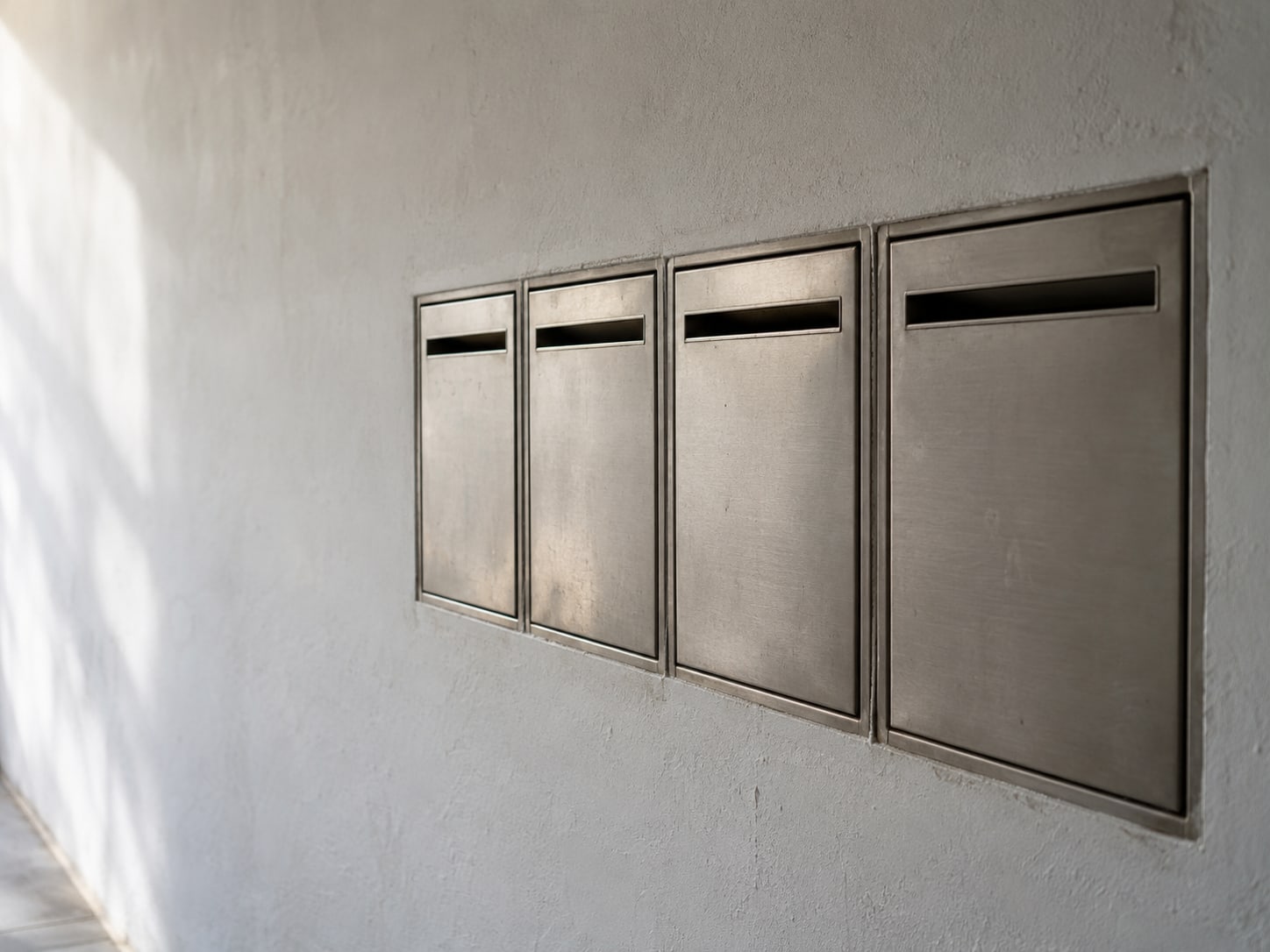
Keep your home address private and still show up where you work
If customers do not come to you, Google gives you a setup built for that. You remove the public address and list the areas you serve instead. The steps come from Google's help pages on managing your business address and managing your service areas.
Do them in this order, and give yourself a few minutes for each one. The result is a profile that matches how you work, so you never need a second address to look credible.
Hide the address
Open your Business Profile and choose Edit profile, then Location. Select Edit beside Business location and turn off "Show business address to customers." Save the change. Your street address stops appearing to the public, and your profile is treated as a service-area business.
Add the places you serve
Go back to Edit profile, then Location, and select Edit beside Service area. Enter the cities, postal codes or other areas you actually serve, up to 20, and save. Google says the whole area should generally sit within about two hours of driving time from your base.
Check that it took
Look at Business location and Service area in the profile one more time. The first should show no public address, and the second should list your areas. Use names of places you truly work in. Adding a city only because you want to appear there does not give you a presence in it.

Use a coworking desk without putting the listing at risk
A coworking space can work, but only when it behaves like your office. Google's guidelines list the conditions: you have a genuine office there, the space has clear signage, customers can reach you during business hours, and your own staff are present during those hours. A desk you book now and then, a mail-receiving service, or a rented address where you do not operate falls short.
The same logic covers a virtual office. If you rent the address and work somewhere else, Google calls it a virtual office and treats the location as ineligible.
| Your address | Accepted as the profile location? | What to do instead |
|---|---|---|
| PO box | No | Use your real base, or a service-area setup |
| Mailbox store or remote mailbox | No | Use your real base, or a service-area setup |
| Virtual office you do not operate from | No | Hide your address and list service areas |
| Coworking office with signage, customer access and your own staff | Yes, when all three are true | Keep it, and show the address |
| Occasional coworking desk | No | Hide your address and list service areas |
| Home office, customers do not visit | Yes, with the address hidden | Turn off "Show business address to customers" |
Read the coworking row strictly. If you cannot say yes to the signage, the customer access and your own staff, treat the desk as a mailing address and use the service-area setup.
Understand why a mailing address still cannot be your profile address
A PO box can look official. USPS even publishes standards for how addresses are written, and some PO box locations offer street-style addressing that combines the post office street address with a box number.
That is a rule about mail delivery, and USPS Publication 28 covers postal addressing only. A mailing format does not turn a box into a place where your business operates. Google decides eligibility, and it asks whether customers can find a real business there.
There is one place a mailbox number can go. Google says a mailbox or suite number may be included, but only after you enter the physical business address as Address Line 1. The number rides along with a real address; it cannot stand in for one.
The same goes for a street-style mailbox address, a registered-agent address or a paid virtual office. Each is a mailing arrangement, and paying for one leaves it a mailing arrangement.
Get a suspended profile back without starting over
Google says it may suspend or disable profiles that break its rules, and its policy overview states that a business using a PO box as its address will have its profile suspended. If that happened to you, work through it in order.
First, correct whatever broke the rules, which here means replacing the mailing address with your real base or switching to the service-area setup. Then use Google's appeals tool, following the steps in fix suspended or disabled profiles.
Attach evidence where the form asks for it. Google lists business registration, licenses, tax certificates and utility bills, and the business name and address on them should match the profile.

Do not open a new profile while the appeal is under review. A second profile can leave you with duplicates, and you cannot count on a result either way: appeals can be submitted once, and additional review may be available after a denial. If the profile was suspended, our post on a suspended Google Business Profile is the next read, and a failed verification has its own post.
Skip the purchased address and spend ten minutes on your profile instead
Before you buy anything, open your profile and look. Choose Edit profile, then Location, and check whether Business location holds a street address and whether "Show business address to customers" is on. Then check Service area.
Read what you see. A shown address means your profile claims a customer-facing location. A hidden address with service areas means you are set up as a service-area business. A PO box, mailbox or virtual office listed as the location needs to change. A coworking address needs the three conditions confirmed. And no address with no service area means the setup is unfinished, so complete it if you serve customers at their locations.
You do not need a separate profile for each city, either. Google says one service-area profile can cover the whole area you serve, up to 20 listed areas. Buying a virtual address to create a listing in a city where you do not work conflicts with Google's rules, and it puts the profile you already have at risk. If you work from home, our post on a home-based business on Google Maps is the companion read.
Help is worth paying for in a few situations: a suspended profile, a mix of storefront and service-area work, several genuine locations, or verification that keeps failing. In those cases, a careful cleanup beats guessing. No one can promise you a city ranking or a reinstatement, so be wary of anyone who does.

Which address can go on your Business Profile?
Pick an answer to begin.
1. You rent a mailbox at a shipping store and work from home. Can the mailbox be your profile address?
2. Which coworking setup can qualify?
3. Your profile is suspended for an address problem. What should you do?
Frequently Asked Questions About PO Box Google Business Profile
Can I use a PO box on my Google Business Profile?
No. Google says PO boxes and mailboxes at remote locations are not acceptable, and a business using a PO box as its address will have its profile suspended.
Can I use a virtual office address on Google?
Not if you only rent the mailing address and do not operate there. Google calls that a virtual office and says the location is not eligible.
Can I use a coworking space as my business address?
Only if you have a genuine office there with clear signage, customer access during business hours, and your own staff present during those hours. An occasional desk does not meet that test.
Can I have a Google Business Profile without showing an address?
Yes, if you travel to your customers. Turn off "Show business address to customers" in the Business location settings and add your service areas.
How many service areas can I add?
Up to 20 cities, postal codes or other areas, and the whole area should generally be within about two hours of driving time from your base.
Do I need an address to have a Google Business Profile?
You need a real business base, even when it stays hidden. A service-area business keeps its base private and shows the areas it serves.
Final Thoughts
A PO box, a remote mailbox and a virtual office you do not work from cannot be your profile address. A staffed, signed location can, a genuine coworking office can when it meets Google's three conditions, and a business that travels to customers can hide its address and list up to 20 service areas. If something already went wrong, fix it, appeal with matching evidence, and leave the profile alone while Google reviews.
The reward for doing this right is a profile that stays up. You keep your home address private, your reviews stay attached to a listing that is not at risk, and you stop paying for an address that was never going to work.
If you want a second set of eyes, Web Leveling can sort your setup into the right case, clean up the address, and prepare the evidence for an appeal. Our Google Business Profile management work covers the setup and the cleanup, and we will tell you plainly when you do not need to buy anything. We work with small and medium businesses across the country and overseas. Tell us about your address situation, and we will help you find the setup that fits.
Terms
Address words in this post
Tap a term to see what it means.
Business Profile. A business's free listing on Google Search and Maps, formerly called Google My Business.
Service-area business. A business that travels to its customers and shows the areas it serves instead of a public address.
Virtual office. A rented mailing address where the business does not actually operate, which Google treats as ineligible.
PO box. A locked mailbox at a post office, used for receiving mail and not accepted as a profile address.
Address Line 1. The first line of the address field, where the physical business address must go before any mailbox or suite number.
Appeal. A request to Google to review a suspended or disabled profile, sent with matching evidence.