
On November 19, 2026, PHP, the language WordPress runs on, released security fixes for several critical flaws, including one tracked as CVE-2026-129289 (a public ID number for a security flaw). The fixes are installed on the server that hosts your site, and the Updates screen in WordPress only covers WordPress itself. Your host or webmaster installs the fixed PHP version and restarts PHP.
Not every site is exposed. CVE-2026-129289 sits in PHP-FPM, the part of PHP that receives requests from the web server (the software that answers your visitors). It can only be reached when the web server reuses its connections to PHP-FPM. As of November 20, 2026, Wordfence lists it as absent from the U.S. Known Exploited Vulnerabilities catalog, and still advises updating without waiting.
That server setting sits where an owner rarely looks, so the practical move is to ask for the update now. Below you will find the versions to request, a message to copy, a one-minute check in WordPress, what to test afterward, and an option that takes this kind of update off your list for good.
Key Takeaways
Versions 8.2.36, 8.3.37, 8.4.28 and 8.5.13 fix CVE-2026-129289 and six other critical PHP flaws.
PHP runs on the server underneath WordPress, so the fix is a server update followed by a PHP-FPM restart.
Send one message that names the versions, the restart and a written reply with the final version.
Tools, Site Health, Info, Server shows your PHP version; test forms, login, checkout and scheduled tasks after the change.
PHP 8.1 and older have no fixed release, and PHP 8.2 security support ends December 31, 2026.
Know which PHP version fixes the flaw and what it protects
PHP published four security releases on November 19, 2026, one for each branch (a branch is a version line, such as 8.3). The PHP news archive lists each one as a security release. The GitHub advisory for CVE-2026-129289 rates the flaw critical, with a score of 9.2 out of 10.
In plain words, the flaw lets a specially built web request confuse PHP-FPM about where one request ends and the next begins. In the lab test Wordfence ran, that let an outsider run PHP code with the permissions of the site's PHP process. The same release also fixes six other critical PHP flaws, which Wordfence describes as having narrower conditions, so the one update covers all of them.
| PHP branch | First fixed version | Security support ends |
|---|---|---|
| 8.2 | 8.2.36 | December 31, 2026 |
| 8.3 | 8.3.37 | December 31, 2027 |
| 8.4 | 8.4.28 | December 31, 2028 |
| 8.5 | 8.5.13 | December 31, 2029 |
| 8.1 and older | No fixed release | Not supported |
The dates come from PHP's supported versions page. Some hosts install the fixes under their own version numbers, which is why the message below asks for either the PHP version or the host's patched package.
Find out in one minute whether your site is in range
Treat the update as applying to your site. Exposure needs two things together: a PHP version older than the fixed ones, and a web server that reuses its private connections to PHP-FPM. Wordfence notes that standard NGINX setups do not turn that reuse on by default, while PHP's advisory names Apache with mod_proxy_fcgi and enablereuse=on as affected. In Wordfence's lab, no code ran on PHP 8.2.36 or with reuse turned off.
You can read your PHP version yourself, but the connection setting lives in the server's configuration, where only your host or webmaster can see it. A fixed PHP version removes the question, so it is cheaper to ask for the update than to settle whether your server was in range.
Hand the fix to the right person, because WordPress cannot install it
WordPress and PHP are two separate layers. WordPress is the software you log in to, and PHP is the engine on the server that runs it. The Updates screen changes WordPress, your plugins and your themes. PHP changes when the host or whoever manages the server installs it, as covered in Wordfence's WordPress guidance. The same split applies to WordPress's own releases, such as WordPress 7.1.4, which you install separately from PHP.
Who to ask depends on how you host:
- Managed or shared hosting: Open a support request with your host and watch for their security notices.
- A server you manage yourself: Install the fixed PHP release and restart PHP-FPM.
- Containers: Rebuild from an image that contains the fixed PHP release.
- A webmaster handles it: Forward the message below to them.
If your host cannot install the update right away, Wordfence says disabling PHP-FPM connection reuse closes this one path until they can. That is a server setting, so it is another job for your host or webmaster, and it is a stopgap: the other critical flaws stay open until the update is installed.
Send one message that gets a written answer
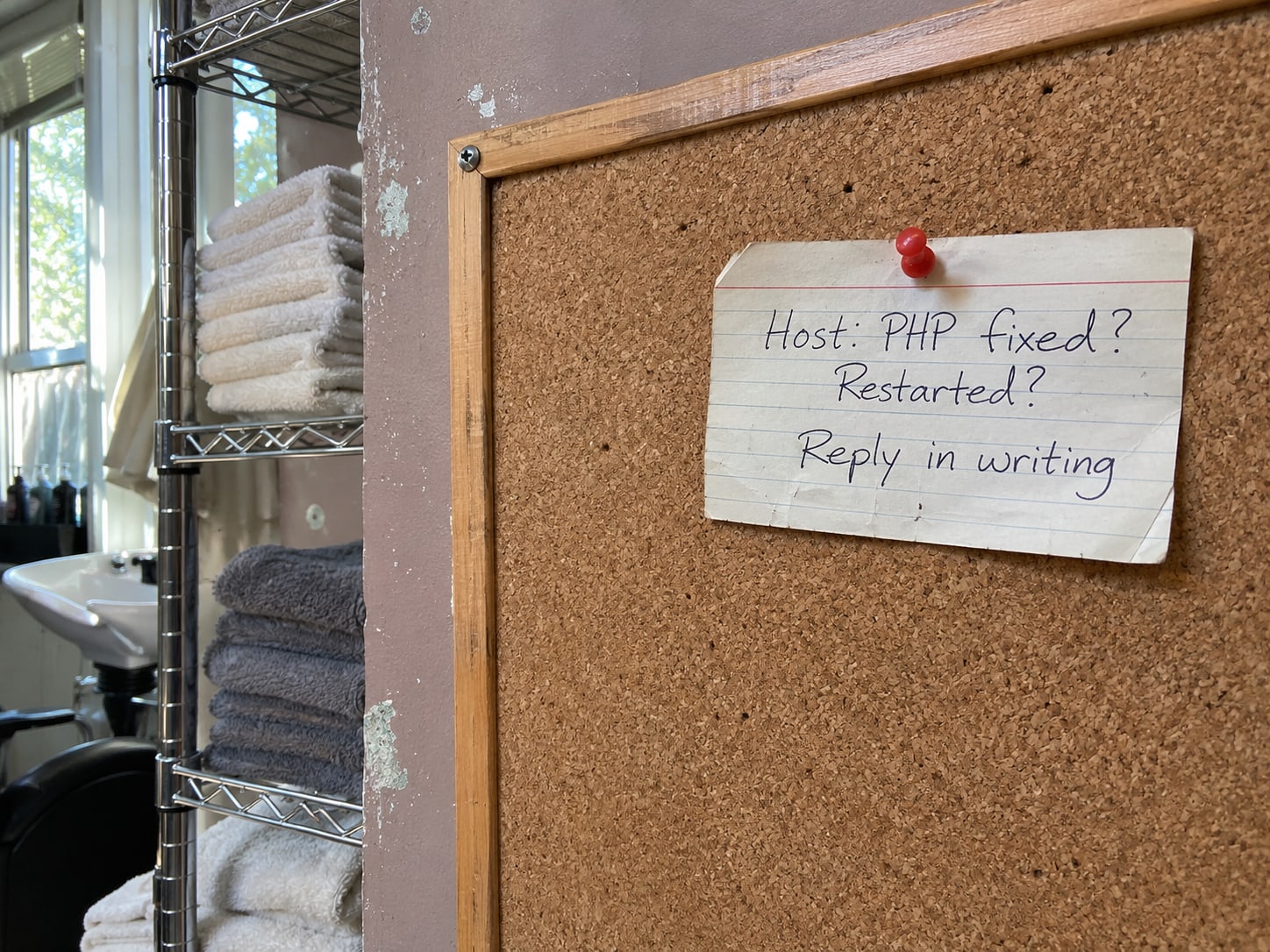
A vague request gets a vague reply, such as "we are on it." The message below names the versions, asks for the restart and asks for the final version in writing. Replace the bracketed part with your domain and send it to your host's support or your webmaster.
> Please confirm which PHP version serves [your domain]. Please install PHP 8.2.36, 8.3.37, 8.4.28 or 8.5.13, or your vendor's package that contains the November 19, 2026 fixes for CVE-2026-129289 and the related security issues. Please restart PHP-FPM and confirm that the patched package is now serving my site. Then reply in writing with the final PHP version, and test the site's forms, login and scheduled tasks.
Keep the reply. It is your record of what changed and when, and it answers a question WordPress cannot, which is whether a host's patched package or a restart happened.
Read your PHP version in Site Health before you hit send
Site Health shows the PHP version your WordPress installation is running right now, so it is the quickest way to know what you are asking about.
- Log in to WordPress and open Tools, then Site Health.
- Select the Info tab.
- Open the Server section and read the PHP version.
- Write the number down and paste it into your message.
- Repeat the check after your host replies, then compare it with their written version.
The WordPress Site Health screen documentation covers the tool. Site Health shows a version number and nothing more. A fix installed under a different version number, or a PHP-FPM restart, is invisible there, so the written reply is what confirms the change.
Catch broken forms and logins the same day
A PHP version change is the kind of update that can expose an old plugin or theme. A short test of the pages and actions your customers use tells you the same day whether anything broke, instead of the week a lead goes missing.
After the PHP update: test these
Open the homepage and two or three service pages on a phone and on a computer.
Send yourself a test message and confirm it arrives in the inbox.
Log in to WordPress and open one page in the editor.
Run a test order or booking through to the confirmation page.
Confirm automatic emails, backups and any connected calendar or payment service still run.
If something fails, tell your host or webmaster exactly which step failed and when. An old plugin or theme is a common place for a compatibility problem to show up. If you want a second pair of eyes on the whole site, our website security audit reviews the server setup, plugins and access together.
Move off PHP 8.1 or older, and plan the end of PHP 8.2
PHP 8.1 and older have no fixed release for this flaw, so a site on one of them needs a move to a supported branch. Ask your host or webmaster for a supported version and for compatibility testing on a copy of the site before the change. Old plugins and themes are the usual things that need attention, and a staged move keeps your live site working while they are fixed.
A site on PHP 8.2 gets this fix as 8.2.36, but that branch stops receiving security fixes on December 31, 2026. Ask for the move to 8.3, 8.4 or 8.5 now, while the schedule is calm, instead of the week support ends.
PHP security releases and the next deadline
- 1
October 21, 2026
PHP's October security release, covered in our post on the [October PHP update](/blog/php-critical-security-update-what-to-do/).
- 2
November 19, 2026
PHP 8.2.36, 8.3.37, 8.4.28 and 8.5.13 fix CVE-2026-129289 and six other critical flaws.
- 3
December 31, 2026
Security support for PHP 8.2 ends.
A site that needs no PHP updates at all
Two PHP security releases in two months, October 21 and November 19, 2026, is a normal rhythm for software that runs on a server. A WordPress site carries upkeep for PHP, WordPress, plugins, themes, the web server and the database, and a warning like this one is part of owning it. Web server flaws arrive on the same schedule, as in our post on NGINX and Apache HTTP/2 vulnerabilities and WordPress hosting.
Web Leveling builds sites a different way. Each page is built ahead of time and served as a finished file, so no PHP and no database run on the server. A PHP release like this one has nothing on your server to reach, and there are no plugins to keep patched. A prebuilt site still has things to look after, such as the tools that build it, your forms and your analytics, but none of those run PHP on your server.
There are trade-offs to weigh. Moving a WordPress site is a project, with pages to rebuild and addresses to redirect. Editing works differently from a WordPress dashboard. Forms, bookings, stores and third-party tools have to be rebuilt or moved. The approach fits best when your site is mostly pages and posts, and a site with heavy interactive features needs a closer look first. If you would rather keep WordPress, we can handle these updates for you, PHP included, through website maintenance. If you would rather stop patching a server, we can move your site to one that runs no PHP at all.
Our WordPress versus custom website comparison walks through the decision, and our web design service builds the prebuilt kind of site.

Check your PHP update plan
Pick an answer to begin.
1. Which version of PHP contains the November 19, 2026 fix for CVE-2026-129289 on the 8.3 branch?
2. Who installs the PHP security fix on a typical hosted WordPress site?
3. Your site runs PHP 8.1. What should you ask for?
Frequently Asked Questions About PHP Security Update November 2026
Does updating WordPress also update PHP?
WordPress and PHP are separate layers. The Updates screen in WordPress covers WordPress, plugins and themes, and PHP is installed on the server by your host or webmaster.
Which PHP versions contain the fix?
PHP 8.2.36, 8.3.37, 8.4.28 and 8.5.13, all released on November 19, 2026. A host may also install the fix inside its own patched package under a different version number, so ask for the final version in writing.
Is my site automatically exposed because it runs WordPress?
Exposure depends on your PHP version and on a web server setting that reuses connections to PHP-FPM. Wordfence says not every WordPress site is exposed. Because that setting is hard to see from the WordPress side, the practical step is to get the fixed version installed.
Are attackers using this flaw right now?
As of November 20, 2026, CVE-2026-129289 is not in the Known Exploited Vulnerabilities catalog that the U.S. cybersecurity agency CISA keeps, according to Wordfence. Wordfence also says technical details are public, so owners should not wait for evidence of an attack before updating.
How do I confirm my host actually installed the update?
Check Tools, Site Health, Info, Server for the PHP version, then ask your host to reply in writing with the final version and to confirm that PHP-FPM was restarted. Site Health cannot confirm a restart or a patched package under a different version number.
Can a website run without PHP?
A site built as prebuilt pages runs no PHP and no database on its server, so PHP security releases do not apply to that server. Moving a WordPress site to that model is a rebuild, and forms, bookings and stores need their own replacements.
Moving Forward
The November 19, 2026 PHP release is a server update, and the update button in WordPress cannot install it. Read your PHP version in Site Health, send your host or webmaster the written request, keep their reply, and test your forms, login and checkout afterward. If you are on PHP 8.1 or older, ask for a supported branch. If you are on 8.2, plan the move before December 31, 2026.
Doing this once, in writing, leaves you with a record of what changed and a way to check it the next time PHP publishes a release. It also gives you a calmer way to decide whether a site that needs server updates every month is the right fit for your business.
If you want a second set of eyes, Web Leveling can check your server setup and plugins with a website security audit, and we can talk through whether a prebuilt site suits your business. We work with small and medium businesses across the country and overseas. Tell us what your site runs on, and we will help you read the next step.
Terms
Words used in this post
Tap a term to see what it means.
PHP. The programming language that runs WordPress on your web server.
PHP-FPM. The part of PHP that receives requests passed on from the web server and runs the site's code.
CVE. A public ID number assigned to a specific security flaw, such as CVE-2026-129289.
Web server. The software, such as NGINX or Apache, that answers your visitors' requests.
Backport. A fix added to an older version of software under its existing version number.
Prebuilt pages. Website pages built ahead of time and served as finished files, with no PHP or database running on the server.