
Someone texts your business at 10 p.m. to ask if you are open Sunday, and nobody sees it until morning. Then you spot a Google option that would answer for you, and you wonder whether it will say the right thing. The real question about Google Business Profile AI replies is whether it will help or promise something you cannot keep.
Turn it on only when the facts it uses are right and a person can step in. Google's own help page describes the feature and its controls, and it is small enough to check yourself in about ten minutes.
One line to draw first. This is about live chats that customers start from your Business Profile. It is not about AI-written replies to your public Google reviews, which is a separate job covered in how to use AI to reply to reviews safely.
Key Takeaways
The agent draws on your verified Business Profile and verified website pages, and handoffs only help if someone sees the alert during business hours.
Google documents it for France, Germany, the United Kingdom and the United States through select mobile carriers, for Restaurant, Beauty Services and Vehicle Services businesses, after an additional review.
Select Take over to reply yourself, Resume AI agent to hand the chat back, or deactivate messaging in Settings.
Should you turn on AI replies for customer messages on your Business Profile?
Yes, if three things are true. Your hours, address, phone number and listed services are correct. The website pages Google may read match your Profile. And someone gets the handoff alerts and knows how to take over a chat.
If any of those is shaky, fix it first or leave the feature off. A wrong answer sent in your name reads to the customer as something you said.
Keep it off, or keep a human-run process, when nobody can watch handoffs during the hours you are open. Google's page says a handed-off conversation can return to the AI agent if the business does not reply within one hour during business hours. A quiet inbox does not hold a customer for you.
The agent also does not necessarily carry every internal policy or current staff instruction. Anything that lives only in your head, such as a one-time price for a regular or a rule you made last week, is not something to count on it knowing.

What does the AI agent do when a customer messages you?
Google calls the feature AI-enabled messaging, built on RCS for Business. A customer starts a chat from your Business Profile and carries on in their phone's Messages app. Incoming messages are first handled by the AI agent, which answers common questions such as your hours and can help with bookings.
For its answers, Google says the agent draws core details from your verified Business Profile, including business hours, address, phone number and listed services. It also references verified website URLs. That is why a stale Profile or a website that disagrees with it is the first thing to fix.
Google also limits what the channel is for. RCS for Business messaging is meant for "direct, 1:1 customer service," and Google prohibits unsolicited promotional blasts, marketing mass texts and one-time verification codes. Use it to answer customers who wrote to you, not to send offers.
It is also not the old Business Profile chat. Google discontinued that chat on July 31, 2024, and the current feature runs on RCS for Business instead, as Google's help page on the older chat explains.
Can your business use it yet?
Not every Profile has the option. Google lists a short set of limits, and they come with the answer rather than after it. If you do not see AI messaging in your account, one of these is the most likely reason.
| Limit | What Google says |
|---|---|
| Countries | France, Germany, the United Kingdom and the United States |
| Carriers | Through select mobile carriers |
| Business categories | Restaurant, Beauty Services and Vehicle Services |
| Approval | An additional review process before RCS for Business can be enabled |
| Guarantee | Availability is not guaranteed for every business |
A restaurant, a salon or barbershop, and an auto repair or detailing shop are the kinds of businesses that fit those categories. Confirm your own category in your Business Profile.
If you are outside the list, nothing is wrong with your Profile. Customers can still reach you through the channels you do offer, such as a messenger link on your Profile or the answers you post under questions and answers.
How do you take over a conversation, and what happens after you reply?
You can watch chats as they happen. Google says owners can monitor conversations in real time and get text or email notifications for conversations that need attention. In the conversation list, a chat sits under "AI agent" while the agent is handling it, or under "Needs your attention" when it wants a person.
To step in, select "Take over" and reply yourself. When you are done, select "Resume AI agent" to hand the chat back. A manual reply pauses the agent for that conversation for 24 hours after the last message.
The agent can also hand a chat to you on its own. Google lists these triggers: health conditions, food allergies, specialized requirements, complex reservations, custom quotes, unanswered questions, and a customer asking for a person.
How a chat moves between the agent and you
- 1
Customer writes
The message comes in through your Business Profile and the AI agent answers first.
- 2
Handoff
The agent passes the chat to you for allergies, a custom quote, an unanswered question or a request for a person.
- 3
You reply
Select Take over and answer yourself. The agent pauses for 24 hours after the last message.
- 4
You do not reply
During business hours, a handed-off chat can return to the AI agent after one hour.
- 5
Hand it back
Select Resume AI agent when you want the agent to carry on.
Those triggers cover the moments that can hurt most. A diner with an allergy question or a customer asking for a custom quote gets a person, provided someone is there to read the alert.

What should you check in ten minutes before switching it on?
The check is short and you can do it alone. Start on your phone: search your business name and tap "Messages" if it appears, or open Google Business Home and go to "Inbox", then open "Settings". There you can see whether RCS for Business messaging is active, and read your welcome message, conversation starters and handoff notification settings.
Then compare what customers would be told with what is true today. Google's help page on business information covers the Profile details the agent leans on, so correct any that have drifted before you go further.
The ten-minute check
Hours, special hours, address, phone number, services and booking information are all current.
The service, menu, pricing, booking and contact pages Google may reference match the Profile.
Prices, availability, cancellation terms, age restrictions and booking links are still right.
The phone number and email that get handoff alerts are watched during business hours.
Someone besides you knows the Take over and Resume AI agent controls.
If you renamed the business, check the messaging profile, because a name update does not change it automatically.
Test it the way a customer would. Ask the questions people ask you most: your hours on a holiday, whether you take walk-ins, what a basic service costs, how to cancel. Any wrong answer points at a page or Profile field to correct, not at a feature to fear.
NIST's AI Risk Management Framework says deployed AI systems should be evaluated for validity and reliability through ongoing testing or monitoring, and that human intervention may be needed when a system cannot detect or correct its own errors. NIST's generative AI profile extends that guidance. It does not certify Google's feature or set an accuracy threshold, so the practical version is yours to run: test it, read some chats each week, and keep a person in the loop.
What happens to messages when you close for a holiday or a vacation?
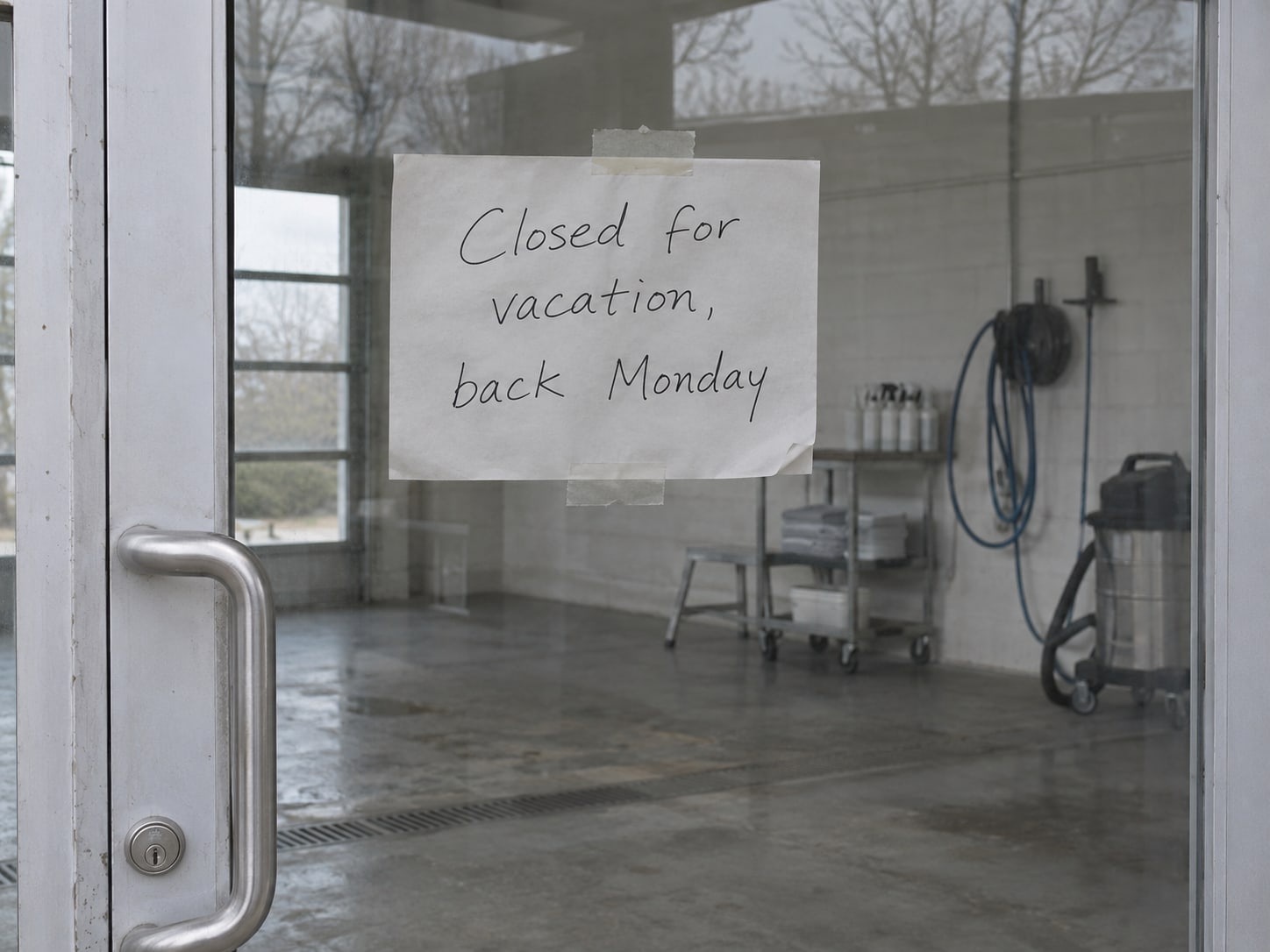
For temporary closures, Google says messaging stays active unless you turn it off manually. That means the agent keeps answering while the doors are shut, and a customer may be told something that was true last week.
Give a closure its own step. Before you leave, update your special hours, then decide whether to deactivate messaging until you are back, or confirm that someone will still read the handoffs. Our post on holiday hours and temporary closures on Google walks through the hours side.
How do you turn the AI agent off or keep control?
You have several controls, all in the messaging settings. You can deactivate RCS for Business messaging and reactivate it later. You can block contacts. You can also manage handoff notifications, customize the welcome message, and add up to three conversation starters.
If you want the feature on but tightly held, the welcome message and conversation starters shape what customers ask first. Pick starters for the questions your Profile and website already answer well, such as hours or booking.
To stop the AI from replying to a single chat, select Take over and answer it yourself. To stop it everywhere, deactivate messaging in Settings. Neither choice is permanent, so you can switch back on once your facts and your coverage are in order.
When is it worth paying someone to help?
For one location with a current Profile and a clean website, you do not need a vendor. A large AI setup is not required just to switch messaging on, and the ten-minute check is the whole job.
Help makes sense when the situation is bigger than a setting. That includes several locations, a Profile and website that disagree, complex services or booking rules, notifications that reach nobody, or no habit of reading handoffs and the conversation reports. Google shows total conversations, AI-handled conversations, missed handoffs, response times, booking clicks, website clicks, topics and estimated time saved, which gives you something to review each month.
In that case the useful work is practical: align the Profile and the site, set who gets alerts, write down when staff take over, and test common questions. The result you can feel is fewer unanswered routine questions and fewer corrections sent to customers afterward.
Is your Business Profile ready for AI replies?
Pick an answer to begin.
1. A customer asks about a food allergy in a chat. What does Google say the agent does?
2. You select Take over and reply. How long does the agent stay paused?
3. You close for a two-week vacation. What does Google say about messaging?
Frequently Asked Questions About Google Business Profile AI Replies
Are Google Business Profile AI replies the same as AI replies to reviews?
No. AI-enabled messaging handles live customer chats that start from your Business Profile. Replying to public reviews is a different job with its own cautions.
How do I turn off AI responses on Google Business messages?
Open your Business Profile's messages area, go to Settings, and deactivate RCS for Business messaging. You can reactivate it later, and you can block individual contacts.
How do I turn on AI responses?
There is no switch for every Profile. Google documents the feature for eligible Restaurant, Beauty Services and Vehicle Services businesses in France, Germany, the United Kingdom and the United States, after an additional review. Look under Messages or Inbox, then Settings.
What information does the AI use to answer customers?
Google says it draws core details from the verified Business Profile, including hours, address, phone number and listed services, and that it also references verified website URLs.
Can I take over a conversation?
Yes. Select Take over to reply yourself and Resume AI agent to hand the chat back. A manual reply pauses the agent for 24 hours after the last message.
Who gets notified when the AI hands off a customer?
You choose. Google lets you receive text or email notifications for conversations that need attention and manage handoff notification settings. Confirm that a watched phone or inbox is listed.
Moving Forward
The decision is short. Turn on Google Business Profile AI replies when your Profile and website say the same true thing, when someone watches the handoff alerts, and when your business is one Google lists. Keep it off, or run chats by hand, when nobody can cover the hours you are open. You can always take over, resume the agent, block a contact or deactivate messaging.
The payoff is a customer who gets a right answer at 10 p.m. and a person who handles the questions that need one. That depends on facts you control, and a ten-minute check each season keeps them honest.
If your listings and pages need to line up first, Web Leveling can sort it out. Our Google Business Profile management keeps your hours, services and website matching, and we can set up who gets the alerts and what staff do next. We work with small and medium businesses across the country and overseas. Tell us how your customers reach you today, and we will tell you whether this feature is worth switching on.
Terms
Words used in this post
Tap a term to see what it means.
AI-enabled messaging. Google's feature where an AI agent answers common customer questions in chats started from a Business Profile.
RCS for Business. The messaging technology behind the feature, which lets customers chat with a business in their phone's Messages app.
Take over. The control that lets you reply to a chat yourself and pauses the AI agent.
Resume AI agent. The control that hands a chat back to the AI agent after you have replied.
Handoff. When the agent passes a conversation to a person, such as for an allergy question or a custom quote.
Verified Business Profile. A Profile you have confirmed with Google, whose details the agent draws on.