
You have years of blog posts, a few service pages for things you no longer sell, and maybe some pages an old agency left behind. Some of them still bring in visits and calls, and you cannot tell which. Search advice on whether to delete old blog posts for SEO pulls in both directions, so it is no surprise that owners freeze.
The way out is to stop treating the archive as one problem. Each URL gets one of four labels: update it, merge it into a stronger page, redirect it to a close replacement, or remove it with a real 404 or 410.
You can export the numbers for free, label every page in an afternoon, and make the changes in your own site editor. Page age is not the test; what the page does for a visitor is.
Key Takeaways
A Search Console export of the last 12 months, plus the Links report, gives every page a record of clicks, impressions and links before you change anything.
Update a page that still serves customers, merge pages that answer the same search, 301 only to a close replacement, and use a true 404 or 410 when nothing matches.
Show the actual published or significantly updated date, and change it only when the page changed in a way a visitor would notice.
Export your pages from Search Console before you touch one
Open Search Console and pick your verified property. Go to Performance, then Search results, and set the date range to the last 12 months. Turn on Clicks and Impressions, choose the Pages tab, and use the Export button. Google's Performance report help walks through the report, and its export help page lists the formats: Google Sheets, Excel or CSV. A standard export holds about 1,000 rows, so on a larger site, work through it in sections of your site, such as blog first, then services.
Next, open the Links report. Under External links and Internal links, look at Top linked pages, select More where it appears, and export that list too. Google's Links report help is the reference. Treat that list as a sample of the pages other sites point to, not a full backlink count.
Put both exports in one spreadsheet with a column for each of these: clicks, impressions, external links, internal links, and whether the page ever produced a call or form in your own records. Save an untouched copy before you edit anything. That copy is how you undo a mistake.

A page with zero clicks in 12 months goes on your review list, not your delete list. Check its impressions, any links pointing at it, and whether it supports a page that earns money. A page can be quiet and still be doing a job, such as answering a question that customers ask once they are already talking to you.
Update a page when its topic still serves your customers
The page is a candidate for an update when customers still care about the subject and the page shows some life: impressions, clicks, links, or a link from a page that converts. Google's guidance on helpful content asks whether a page gives original, accurate information that satisfies the visitor's purpose. That is your checklist for an update, and it has nothing to do with how old the page is.
Open the page as a customer would and fix what is wrong with it. Replace prices, hours, service names and steps that have changed. Remove sections for things you no longer offer. Answer the question the page's title promises in the first paragraph. Add the link to the service page it supports and the contact page. Then update the byline date, as covered further down.
An update keeps the URL the same. That is the point: the links, bookmarks and search history that already lead to the page keep working. Do not publish a new page at a new address and leave the old one standing next to it, because that creates two pages that answer the same question. The two pages competing on Google post covers how to spot and fix that pair.
Merge two pages when they answer the same search
Two pages answer the same search when a customer would be equally happy to land on either. That happens on sites that published a post every year on the same topic, or that wrote a service page and then a blog post saying the same thing. Merging puts the best material on one page and retires the other.
Pick the stronger page to be the destination. It is usually the one with more clicks, more links or a better URL. Move any useful paragraphs, examples and answers from the weaker page into it, and edit so the result reads as one piece instead of two pasted together. Then update your internal links so they point at the destination, and redirect the weaker URL to it with a 301. Our post on internal links for a small business website shows how to find the pages still pointing at the old address.
If the two pages answer different questions, do not merge them. A pillar page and a narrow how-to post can both earn their place. In that case, give each one a clear job and link them to each other.
Redirect only to a page that closely matches
Google's crawling errors help page says to use a 301 permanent redirect when content has moved or has a clear replacement, and a 302 only for a temporary move. The test for a replacement is a simple one: if a visitor who typed the old title into Google landed on the new page, would they find what they wanted? If yes, redirect. If the answer is "sort of", the match is too loose.
The homepage is not a replacement for a retired blog post or service page. A visitor looking for one thing who lands on a general page has to start over, and sending a batch of unrelated URLs to one place does nothing useful. When no page on your site answers the old one, skip the redirect and use a real 404 or 410, covered next.
Write the destination next to each old URL in your spreadsheet before you set anything up. One old address, one new address, no chains. If a page was redirected before, point the old address straight at the final one rather than at the middle page. Whole-site address changes, such as a new domain or a redesign with new URLs, are a bigger job, and the post on moving your website without losing Google rankings covers it.
Use a real 404 or 410 when the page has no replacement
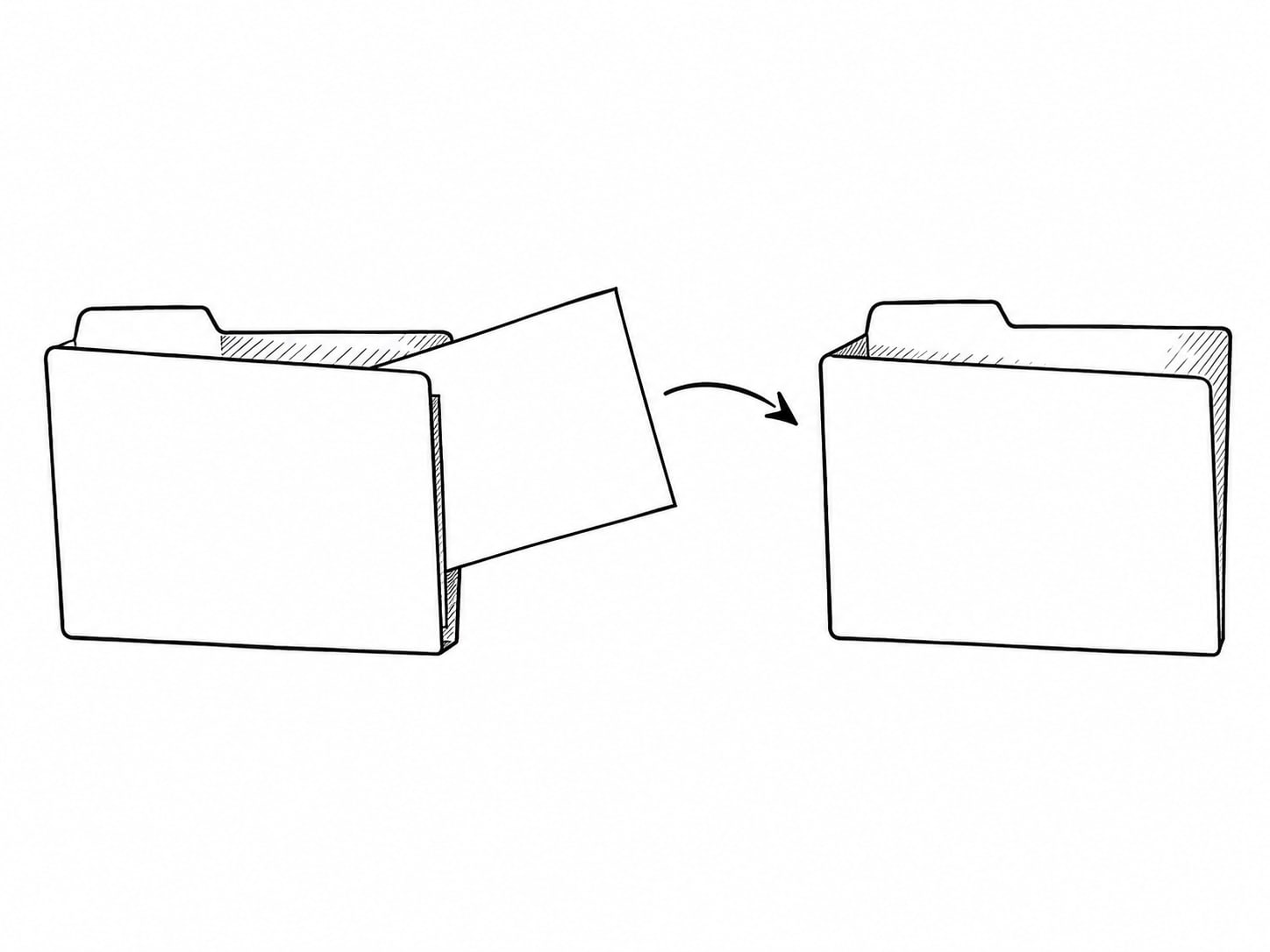
Google says that when content is removed and there is no similar replacement, the URL should return a true 404 Not Found or 410 Gone. Both are fine. Neither is presented as a ranking advantage over the other, so use whichever your site editor makes easy. A custom error page for visitors is a good idea, as long as it still sends a real 404 status. A page that shows a "not found" message but sends a normal success status is called a soft 404, and Google treats it as an error to fix. The HTTP status code standard defines both codes if you need the exact wording for a developer.
Use a 404 or 410 for pages about a product you stopped selling, an event that is over, a service you no longer offer, or content that is out of date and cannot be fixed. Add a link on your custom error page to your services and contact pages, so the visitor has somewhere to go.
Remove a page because visitors no longer need it, not because you expect the remaining pages to climb. If you only want a page out of Google quickly, Google's removal help says that deleting the content is the most secure way, while the Removals tool hides a result for about six months. Removing a page from your sitemap does not remove it from Google, and a noindex tag is a different action from deletion.

Match each page to an action with one table
Once your spreadsheet is filled in, the decision for each row takes under a minute. Use the table to check your own call.
| What the page looks like | Action | What happens to the URL |
|---|---|---|
| Useful topic, some clicks, links or leads, details out of date | Update | Same URL stays live |
| Two pages answer the same search | Merge | Weaker URL gets a 301 to the stronger one |
| Page moved, or a close replacement exists | Redirect | 301 to the closest matching page |
| Topic is over, no match on your site | Remove | True 404 or 410 |
| Zero clicks, no links, no job to do | Review, then remove | True 404 or 410 once confirmed |
| Quiet page that supports a service or sale | Keep, and add links to it | Same URL stays live |
If a row does not fit any of those, leave it alone for now and come back. Deleting is the one step that is hard to reverse, so it should be the last label you apply, never the first.
Change a date only when the page changed
Google says a byline date is the date it estimates a page was published or significantly updated, and it does not promise that a date will appear in search. Its byline dates guidance recommends a visible date labeled "Published" or "Last updated" that matches the date in your structured data, such as datePublished and dateModified in Article markup. It also says to use the real publication or significant-update date and not to use future dates.
In practice: when you rewrite a page, replace outdated facts, or add new sections a visitor would notice, set the "Last updated" date to the day you finished. When you fix a typo or move a comma, leave the date alone. If your site editor changes the date automatically on every save, switch that off or check it, because a fresh date on a page that did not change is not a freshness signal you can manufacture.
Keep the original published date visible on pages you update. Visitors read a page differently when they can see it was written two years ago and checked last month.
Test every change the day you make it
Redirects and removals are easy to get wrong without noticing. After each change, load the old URL in a private browser window and confirm it goes where you wrote down. For a redirect, it should land on the destination in one step. For a removal, the page should show your custom error page. If you are comfortable with it, a browser extension or an online header checker shows the status code itself: 301 for a redirect, 404 or 410 for a removal.
Then check your own site for links that still point at the old address. Update them to the new destination so visitors and crawlers do not take a detour. In Search Console, the URL Inspection tool shows how Google last saw a given page, and the post on fixing a page that is not indexed walks through reading it. If you have not set up the tool at all, start with Google Search Console setup.
Watch the Performance report for the pages you merged or updated over the next weeks, comparing them against the numbers you saved at the start. Give changes time before you judge them. If a redirect turns out to be a poor match, change it, rather than waiting for it to prove itself.

Do the cleanup yourself, and bring in help for the tangled cases
A short inventory and a handful of precise changes is a job an owner with basic access to their site editor can do alone. If you have a few dozen pages, an afternoon with the export and the table above is enough, and it costs nothing.
Paid help starts to make sense when the archive is large, when old URLs have strong links pointing at them, when redirects overlap with a redesign, or when your site editor makes it hard to send a proper 404 or 301. It also helps when you cannot tell obsolete content from content that is quiet but still useful, and a wrong call would cost more than a careful review. Whoever helps should give you the same spreadsheet, a one-line reason per page, and a redirect map you can read. Web Leveling's SEO work can take on that kind of job, and the what does SEO include post shows where cleanup fits among everything else.
What should happen to each old page?
Pick an answer to begin.
1. A blog post got zero clicks in 12 months. What is the right next step?
2. A page about a service you no longer offer has no similar page on your site. What should it return?
3. When should you change a page's "Last updated" date?
Frequently Asked Questions About delete old blog posts seo
Should I delete old blog posts with no traffic?
Not automatically. Check impressions, links, whether the page supports a service, and whether the topic is still useful. Update it if it is, merge it if another page covers the same search, and remove it only if it has no job left.
Does deleting pages hurt SEO?
It can remove visits and links that came through those URLs, so check the numbers first. Google does not say that every deletion causes a ranking penalty, and a true 404 or 410 is the right response when the content is gone.
When should I use a 301 redirect?
When a page has moved permanently or a closely matching replacement exists. Send the old address straight to the final destination.
Is a 410 better than a 404?
Google describes both as appropriate for removed content. Use whichever your site makes easy, and make sure it is a real status and not a soft 404.
Can I redirect old pages to my homepage?
Only when the homepage is a genuine match for what the visitor wanted. Otherwise, redirect to the closest page or return a 404 or 410.
Does changing the date on a page help rankings?
Use the real published or significant-update date. Changing it without real work on the page is not a freshness signal.
Wrapping Up
Cleaning up old pages comes down to one record and four labels. Export 12 months of clicks and impressions, add the Links report, and save a copy. Then label each URL: update it, merge it, redirect it to a close match, or return a real 404 or 410. Zero clicks makes a page a candidate for review, not a verdict, and the date on any page follows the work done to it.
Do the first few pages today. Pick five from the bottom of your export, run them through the table, and set the changes live with a test on each. By the time you finish the list, you will have a written record of why every page stayed, moved or went, which makes the next cleanup much faster.
If the archive is large, or the old URLs carry links you cannot afford to lose, Web Leveling can build the inventory and the redirect map with you, as part of our search engine optimization work. We work with small and medium businesses across the country and overseas. Send us a note about the pages you are unsure of, and we will help you decide which ones to keep.
Terms
Old-page cleanup words in this post
Tap a term to see what it means.
301 redirect. A permanent redirect that sends visitors and search engines from an old address to a new one.
404 Not Found. A status code that tells browsers and search engines the page does not exist at that address.
410 Gone. A status code that says the page was removed on purpose and is not coming back.
Soft 404. A page that shows a "not found" message but sends a normal success status.
Merge. Combining the best material from two pages into one and redirecting the weaker address to it.
Byline date. The published or last updated date shown on a page and in its structured data.