It is past midnight, someone is locked out or stuck on a shoulder, and they type "locksmith near me" into Google Maps. Whether your phone rings depends on what your listing shows in that moment. Good locksmith SEO Google Maps work starts there, and it applies the same way to a towing company or a plumber.
Maybe the listing shows the wrong hours. Maybe a competitor appears in five nearby towns, or a suspension notice just landed in your inbox. Each of those has a fix, and many of the fixes are edits you can make yourself.
The rules behind them sit in Google's own help pages. Run the ten-minute check first, then fix what it turns up in the order that protects your listing.
Key Takeaways
A service-area business shows its service area instead of an address that customers do not visit, and a virtual office counts only if it is staffed during business hours.
Service areas are cities, postal codes or other defined areas, with no radius, generally within about two hours of driving time from your base.
The label is for a business that can genuinely accept and serve customers at all times, and locksmiths also face Local Services screening and Advanced Verification before ads run.
See what a stranded customer sees tonight, in ten minutes
You can run this check alone, on your phone, tonight. Search your trade and your town on Google Maps, then repeat the search with "open now," "24-hour," "emergency" and "near me." Look at your listing the way a stranger would, and compare it with how your business really runs.
The ten-minute night check
- 1
Minutes 1 to 2
Search from your phone, then repeat with "open now," "24-hour," "emergency" and "near me."
- 2
Minutes 3 to 4
Read the address line. It should show only if customers can actually visit that spot.
- 3
Minutes 5 to 6
Read the service areas. Every place should be somewhere your crew really drives.
- 4
Minutes 7 to 8
Tap the call button. The phone should reach you or someone who can dispatch.
- 5
Minutes 9 to 10
Read the hours shown for tonight and compare them with who is actually on call.
Then look wider. Is the primary category accurate? Does your website show the same business name, phone number and coverage? Are the reviews attached to the right business, and is there a duplicate listing or a suspension, verification or pending-edit warning on the profile? Can a caller tell who will arrive?
Fix problems in the order they cost you calls. Wrong hours and a phone that goes nowhere come first, then the storefront or service-area setup, then the address and service areas, then the category and any duplicate profiles. Google's Business Profile Help on service areas and hours covers the fields you will be editing.
Keep your home address private and still be found
A service-area business travels to customers and does not serve them at its own address. A mobile plumber or locksmith on a call-out fits that description. Google says such a business should have one Business Profile for its central location or office, and that "If you're a service-area business, you should hide your business address from customers," as the guidelines for representing your business put it.
Hiding the address does not hide the business. Google shows your service area instead, and you still need a real base that Google can verify. Google's help page on editing your address and service areas walks through the setting.
A virtual office is allowed only if it is staffed during business hours. A hybrid business, one that both visits customers and receives them, may show its storefront address only when customers can come to a staffed, signed location. A tow company with a yard should ask one question: do customers walk up to that gate during the day and find someone there? If the answer is no, hide it.
If you cannot tell which setup is yours, service-area business or storefront on Google sorts them by what customers actually do at your address.
Cover the towns you really serve without a copied footprint
A competitor who seems to be everywhere may simply have set up to 20 service areas, which Google allows. You can do the same, as long as the places are ones you reach. Google says a service-area business can enter cities, postal codes or other defined areas, and that a radius is no longer supported for new service areas.
The whole area should generally sit within about two hours of driving time from your base, although Google says larger areas may be right for some businesses. The Business Profile Help page on service areas lists the limits.
| Setting | What Google says | What to check tonight |
|---|---|---|
| Number of areas | Up to 20 | Count yours |
| Type of place | Cities, postal codes or other defined areas; no radius for new areas | Replace any radius with named places |
| Distance | Generally within about two hours of driving time from the base | Remove towns your crew will not drive to |
| Profiles | One for the central location or office | Look for duplicates |
| Primary category | The one that best describes the core business, with as few categories as possible | Pick the trade you are paid for most |
A long list of cities does not turn into real coverage, and it does not earn a second profile. A second town needs a second profile only when it has its own eligible location, its own service areas and its own staff. Pages on your website follow a similar rule. Google's spam policies treat multiple similar city pages that funnel visitors to one destination as doorway pages, so write a town page only when you can say something true and different about that town.
Keep tonight's hours true so every ring reaches a dispatcher
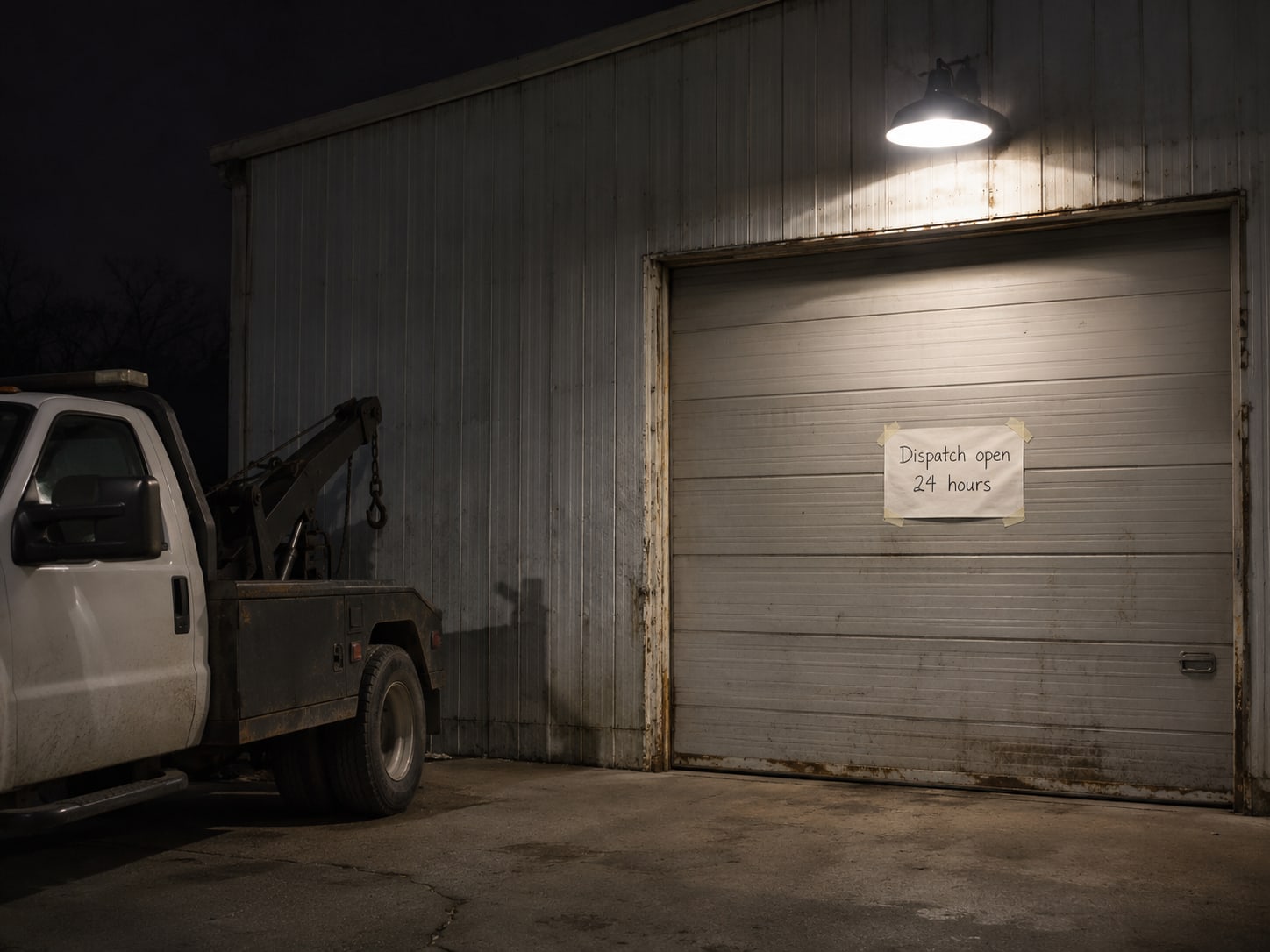
Set your regular hours to match when you actually work. Google says "24 hours" fits only a business that can genuinely accept and serve customers at all times, so a number that rolls to voicemail overnight does not qualify. If you are on call only some nights, list the real hours instead, and use special hours for holidays and temporary changes. "More hours" can mark different service hours, such as a separate window for emergency calls. The details are in Google's help on setting business hours.
The phone matters as much as the hours. Google says the number should connect to your individual business location or represent that location through its website. Call it from a phone that is not yours, at night, and see who picks up. If the number rings out, forwards to a mailbox, or reaches a person who cannot send a truck, the listing is promising something you cannot deliver.
If your website shows hours too, publish the same ones. Google's LocalBusiness structured data guide supports marking up hours and details, and the markup has to match what visitors can see on the page. It does not override Business Profile eligibility, so fix the profile first. For the step-by-step on hours, see 24-hour hours on Google Business Profile.

Clear Google's screening before you pay for ads
Paid emergency listings follow a separate process from organic Maps visibility. Google's Local Services Ads screening and verification can include business registration, insurance, licensing, minimum review requirements and background checks, depending on the category and location. Google classes locksmiths as an urgent category because customers often need them in time-sensitive situations.
That raises the bar for locksmith advertisers. They may need business, owner and service-professional background checks, general and professional liability insurance, state-level business licensing and owner licensing. Google also requires Advanced Verification for locksmiths, which can cover identity, business legitimacy and other checks. Requirements vary by country, category and location, so read the Local Services Ads requirements for your category and the business verification page before you budget for ads.
Licensing rules differ by jurisdiction and trade. Confirm yours with the state, provincial, territorial or national licensing authority that covers locksmiths, towing or plumbing where you work. Some regulators also warn customers directly. Connecticut's Department of Consumer Protection, for one, describes locksmith scams that rely on bait-and-switch pricing and tells consumers to verify the individual locksmith's registration. A current license on your own website and profile gives that customer something to check.
Protect your listing from suspension and from fake neighbors
Google says businesses must represent themselves accurately and may suspend profiles that break its guidelines. The ineligible examples include virtual offices that are not staffed, businesses without a real operating location or service area, duplicate profiles, misleading names, and businesses that do not actually provide the stated service. A listing built on any of those is at risk, however high it ranks today.
If a competitor looks ineligible, report it with facts. Open the listing in Google Maps, select "Suggest an edit," and choose "Place is closed or not here" when the place may not exist. Google's Maps Help on reporting a place also points to the business-conduct reporting option for misleading information or fraud. Write down what you can show, such as an address that is a mailbox or a phone that reaches a call center.
Do not answer a fake listing with a fake of your own. A copied address or a duplicate profile puts your real business in the position you are trying to get away from. If a notice has already arrived, what to do when a Google Business Profile is suspended covers the appeal.
Know which fixes are small edits and which are bigger jobs
When the setup is right, the listing shows the correct business identity, customers can tell whether help is available now, calls reach someone who can dispatch, the service area matches real coverage, and the profile stays eligible for verification and ads. That is what a good Maps setup feels like from the outside: fewer wrong-number calls, fewer arguments about hours, and nothing in the inbox from Google.
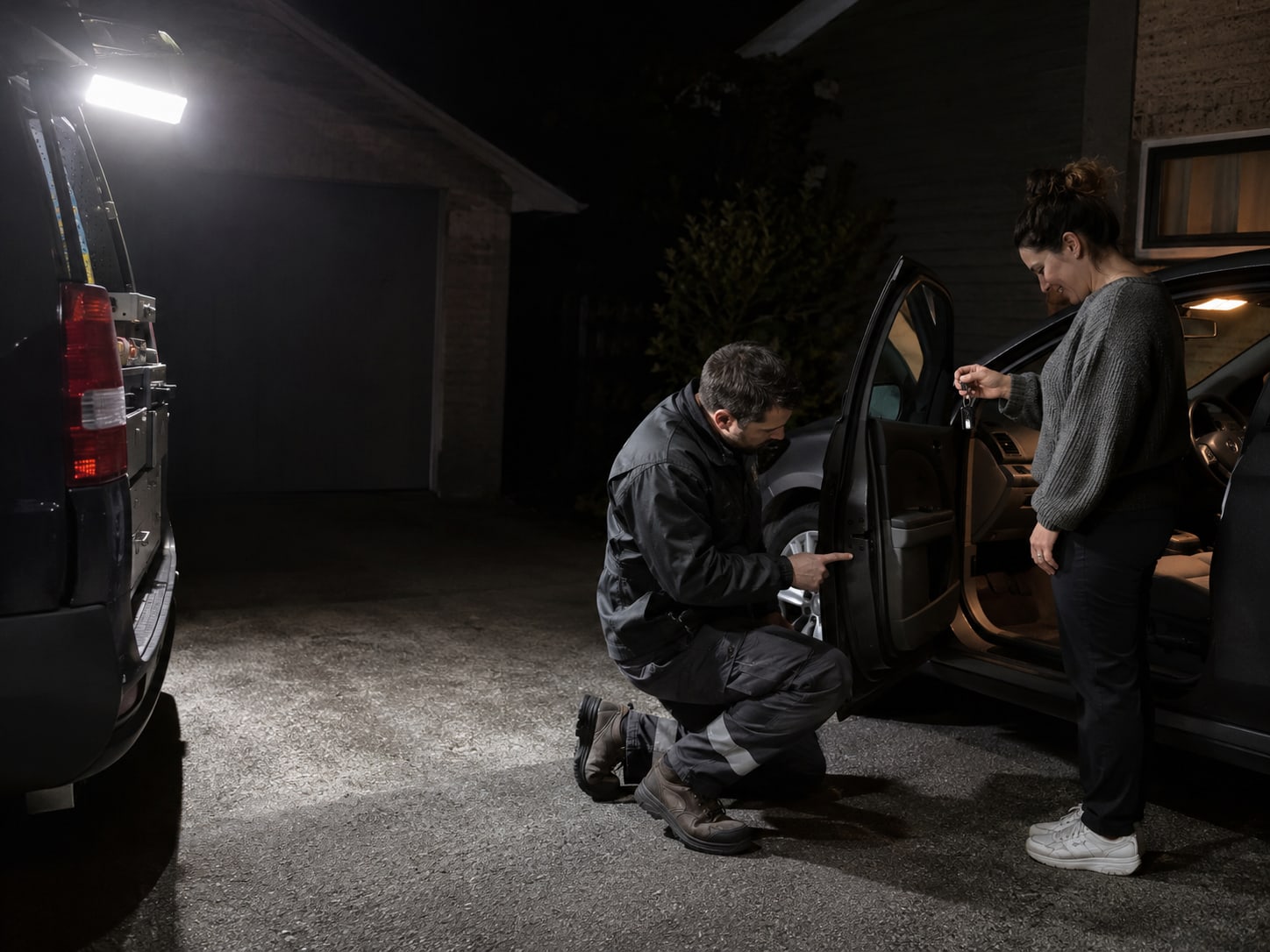
The wrong setup produces missed calls, wrong expectations, customer complaints, duplicate or suspended listings, confused dispatchers and wasted ad spend. Sizing the repair helps you decide what to do yourself and what to hand off.
| Problem | Typical job size |
|---|---|
| Wrong hours | Small edit; then check holidays and overnight changes |
| Wrong primary category | Small edit; review may delay it |
| Phone routing | Small routing change up to a larger call-handling project |
| Storefront versus service-area setup | Medium; address, areas, evidence and website may all change |
| Virtual-office or wrong address | Can need a significant verification correction |
| Duplicate or suspended profile | Medium to large; ownership recovery, evidence and an appeal |
| Missing Local Services Ads documents | Medium compliance task |
| Thin or duplicate town pages | Larger content and site-structure repair |
Even a perfect setup does not guarantee a position. Maps results depend on the search, the searcher's location and other signals, and no vendor can promise a spot or a set number of emergency calls. Be wary of anyone who does. The right first step may be removing risky information, such as a virtual office or a "24 hours" label, or declining a tactic the business is not eligible for.
Is your emergency listing set up right?
Pick an answer to begin.
1. How many service areas can a service-area business add to its Business Profile?
2. Customers never visit your home office. What should the profile do with that address?
3. When is it right to list your hours as 24 hours?
Frequently Asked Questions About Locksmith SEO on Google Maps
Can a locksmith hide their address on Google Maps?
Yes. If customers do not visit the address, Google says to hide it and show the service area instead.
Can I use a virtual office for my service-area business?
Only if the office is staffed during business hours and meets Google's other requirements.
How many service areas can a plumber add, and can I use a radius?
Up to 20 defined areas, such as cities or postal codes. Google says new service areas use defined places rather than a radius.
Can I list my towing company as open 24 hours?
Yes, only if the business is genuinely available every hour shown. Voicemail does not count as serving customers.
How do I report a fake locksmith listing?
In Google Maps, select the listing, choose "Suggest an edit," and report that the place is closed or not there when that applies. For misleading information or fraud, use the business-conduct reporting option.
Does a second town need a second profile?
Not automatically. A separate profile needs its own eligible location, service areas and staff.
Final Thoughts
A locksmith, towing company or plumber shows up in emergency Maps searches with one accurate profile: a real base, hidden if customers do not visit it, service areas you actually drive to, hours you keep, the right category, and a phone that reaches someone who can dispatch. Locksmiths add Local Services screening and Advanced Verification before ads. Google decides the rank, and no one can promise it.
The payoff for fixing these things is quiet. The phone rings with the right job at the right hour, and Google has no reason to question your listing. That is worth more than any trick for appearing in a town you do not serve.
If you want a second set of eyes on the profile, Web Leveling can walk through the same ten-minute check with you and then fix what it finds. Our local SEO work covers the profile, the website and the phone path together, and we will say so when the right move is to remove something instead of add it. We work with small and medium businesses across the country and overseas. Contact us about your Google Maps listing and we will start with what a customer sees tonight.
Terms
Google Maps words in this post
Tap a term to see what it means.
Service-area business. A business that travels to customers instead of serving them at its own address.
Hybrid business. A business that both visits customers and receives them at a staffed, signed location.
Virtual office. An address with no staff there during business hours. Google allows one only if it is staffed.
Business Profile. A business's free listing on Google Search and Maps.
Advanced Verification. An added Google check for locksmith advertisers, covering identity, business legitimacy and other items.
Doorway page. One of several similar city pages that funnel visitors to a single destination, which Google treats as spam.