
You rewrote a title, reworked a page or moved a layout around, and now you are checking Google every few hours to see if it helped or hurt. How to tell whether an SEO change worked starts with one comparison: the changed page in Google Search Console, over a complete period before the edit and a matching period after it.
Before you read anything into the numbers, make sure Google has actually looked at the new version of the page. A page that has not been recrawled cannot show you the effect of an edit it has not seen yet.
That is the whole method, and it takes about ten minutes. The rest is knowing which numbers to compare, how long to wait, and what to do when the answer is "not clear yet."
Key Takeaways
Use the 28 complete days before the edit against the 28 complete days after it, filtered to the one changed URL in Search Console.
Google says crawling after a request can take anywhere from a few days to a few weeks, so check the page in URL Inspection before judging.
Google recommends focusing more on clicks and impressions than on average position alone, then open Queries to see which terms moved.
A one-day spike or a small dip on a page that still gets visibility is not a verdict; look for a pattern that holds.
Get a clear verdict on one changed page in ten minutes
Pick one page you changed, not the whole site. Write down the date the edit went live, because every comparison hangs on that date. Then work through the Search Console steps in order, because each one narrows the question a little further. The menu names in these steps follow Google's help page on comparing date ranges, so they should match what you see on screen.
Set up the before-and-after comparison
Open Google Search Console, select your property, then open Performance and choose Search results. Click the Date filter, choose Compare, then pick Custom and enter the two ranges. Use the 28 complete days before the change and the 28 complete days after it, so both periods are the same length and include the same number of weekdays and weekends.
Apply the filter, then use the Pages tab to select the changed URL. Now the chart and the table describe that page and nothing else.
Read the four numbers side by side
Keep Clicks, Impressions, CTR and Average position switched on, and read the Difference column. Switch the chart to weekly or monthly granularity to flatten the day-to-day wobble. Google's common tasks page recommends focusing more on clicks and impressions than on position alone, and that is good advice here, because average position is a blend of every search the page appeared in, not a rank every visitor saw.
Clicks tell you whether people arrived. Impressions tell you whether Google showed the page. CTR tells you whether the people who saw it chose it, which is the number a new title is meant to move.
Open Queries to see which searches moved
Stay on the changed page, click the Queries tab and sort by the difference in clicks. A title edit often shows up here first, as a handful of searches gaining or losing clicks while the page total barely changes. If the searches that moved are the ones you were aiming at, that is stronger evidence than a total on its own. The Performance report overview explains each column if any of them are unfamiliar.
Confirm Google saw the edit
Paste the page address into the URL Inspection tool and check that the page is indexed. Request indexing asks Google to recrawl the page, and Google's recrawl guidance is clear that it is a request, not a guarantee of a crawl, an index update or a better ranking. If the page is not indexed at all, fix that first; our post on a page that is not indexed in Search Console covers the usual causes.
Treat the result as an early signal rather than proof, especially if the page has few impressions or the second period is not complete yet.
Know how long to wait before you judge the edit
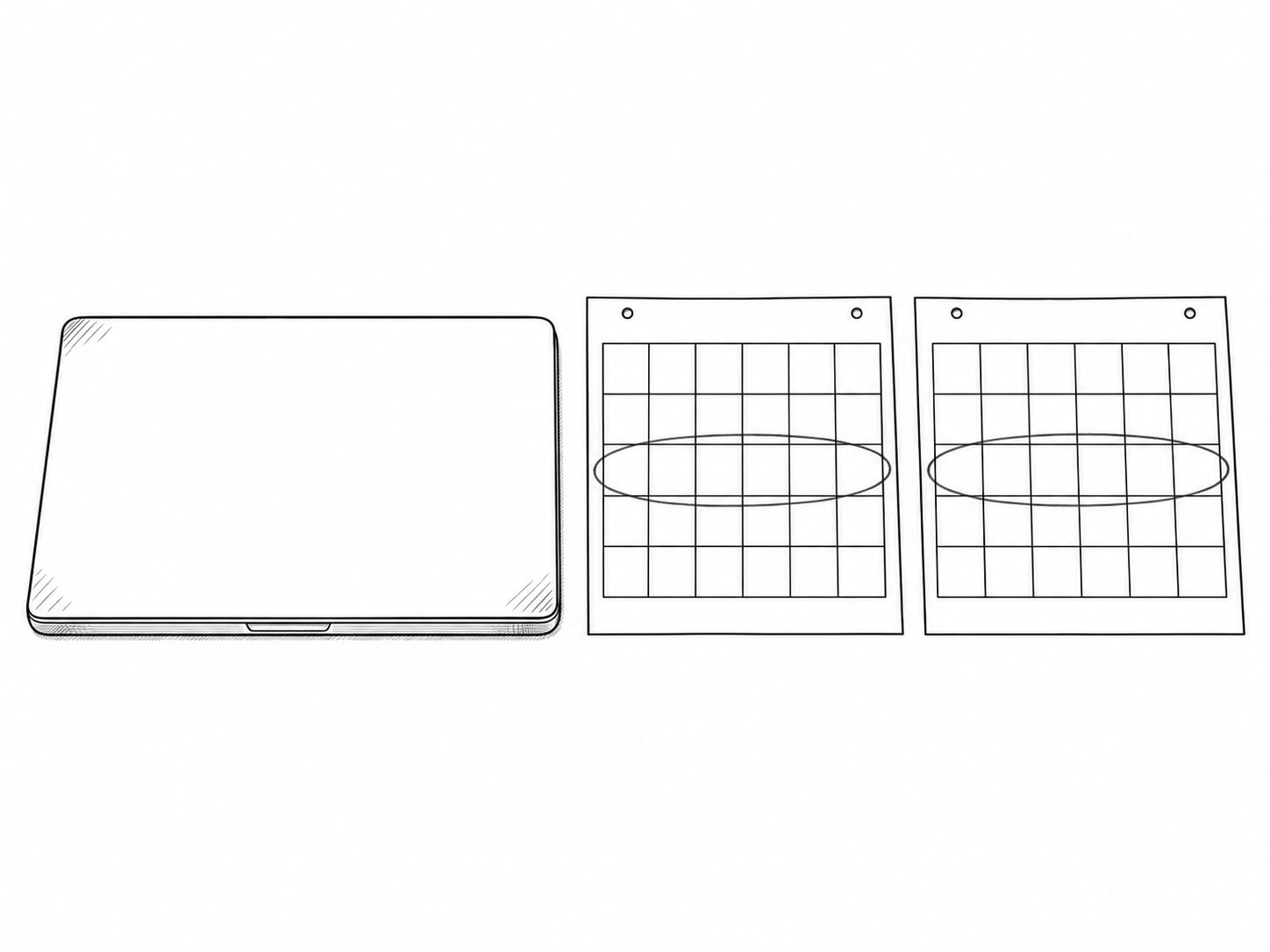
Checking too early is the easiest way to read a result wrongly. Google's own timing statements are wide on purpose, and they apply to your page whether it is a small site or a large one. Plan for a wait measured in weeks, and set a calendar date for when you will compare, so you are not tempted to look every morning.
| Step | What Google says | Source |
|---|---|---|
| Crawl after a recrawl request | Can take anywhere from a few days to a few weeks | Ask Google to Recrawl Your Website |
| Checking and indexing updates | Three days or more for most sites; same-day is not expected outside news and time-sensitive content | Ask Google to Recrawl Your Website |
| Effect of a core update | Wait at least a full week after the update finishes before analyzing it | Google Search's Core Updates and Your Website |
| Broader site-level evaluation | Can take several months | Google Search's Core Updates and Your Website |
Timing depends on how important Google considers the page, how many links point to it, your server's capacity and your sitemap and robots rules. That is why two edits made on the same day can show up on different dates. You can read the full wording in Google's core updates guidance and the crawling troubleshooting page.
If a core update rolled out while you were waiting, count the days from the end of the update, not the start. A page can look better or worse in that window for reasons that have nothing to do with your edit.
Keep a change log that shows what moved and why
Six weeks from now you will not remember whether you changed the title on the 3rd or the 10th, or whether you also touched the headings. A change log fixes that. Keep it somewhere you can find in a minute: a spreadsheet, a note, a shared document.
For each edit, write down the URL, the date and time it went live, the exact change, the reason you made it, the search or page you hoped to improve and any other change made the same week. Short and consistent works best, for example "Changed title to clarify emergency plumbing service."
Then put the edit on the chart itself. Google's Search Console annotations help page says to open Performance, right-click the date, enter a note of up to 120 characters and click Add. Annotations are shared across the property, so a colleague or a vendor sees the same marker you do. GA4 has its own annotations for report charts, with titles, descriptions and date ranges, which is useful when you want to see calls or form submissions next to the edit.
Do one change at a time when you can. If you rewrite the title, add a section and change the internal links in the same week, no chart can tell you which edit did the work.

Stop reacting to noise and keep an edit that is working
Search Console numbers move for reasons that have nothing to do with your edit. Seasonality and changing demand can lower impressions even when a page has not gotten worse. Weekly patterns, holidays, news and trends all create normal rises and falls. Core updates can move many pages at once, and competing sites change too.
Google's traffic drop guidance recommends longer comparisons, including the same period a year earlier where you have the data, and checking Google Trends to see whether demand changed across the whole search market. If your category dipped everywhere, your page probably did not fail.
Recent data can also be preliminary, so the last few days in a report may change after you look at them. The help page on why site traffic drops walks through the usual causes in order.
Google puts the limit plainly: "It can be difficult to determine if a specific change you made to a page directly caused an improvement in Search performance." Its suggestion is to check whether the improvement closely matches the timing of your change and to compare similar periods. A close match strengthens your case. It does not prove the edit alone caused it.
So, stop treating a one-day spike as a win. Stop treating one average-position move as a verdict. Stop assuming Request indexing forces a ranking change. And stop reversing an edit over a small dip on a page that still gets impressions and clicks, because a reversal resets the clock and muddies the next comparison.

Decide your next move: keep, wait, fix or change again
Once both periods are complete and Google has recrawled the page, you can name the changed URL, the two periods, the four numbers and the decision. The decision usually falls into one of a few groups, and each group has a sensible next step.
| What you see | Likely next step |
|---|---|
| Clicks and impressions up across the relevant queries, and the gain holds for several weeks | Keep the edit and note it in your log |
| Small dip, but the page still gets impressions and clicks | Wait for another full period before changing anything |
| Average position better, but clicks flat | Check CTR and the queries that moved; position alone is not the goal |
| Impressions fall to near zero | Check indexing in URL Inspection and the page's canonical and redirects |
| Numbers look plausible but leads did not change | Check that calls, forms and bookings are tracked from the organic landing page |
| Several changes were made at once | Pause, and schedule one change at a time from here |
The last two rows matter more than they look. A rise in position that does not bring qualified calls, forms, bookings or purchases is not a business result, and a business result is what the edit was for. Connect the organic landing page to a measured action in GA4, and read Search Console and GA4 as two different sources: Search Console counts appearances and clicks in Google, GA4 counts what visitors do on your site. Google's guide to using Search Console and Google Analytics data together shows how they fit.
If your numbers do not match what a rank tracker tells you, our post on why rank tracker numbers look wrong explains the gap. If Search Console itself looks late or empty, see the Performance report being delayed.
Know when paying for help is worth it
You can run the basic comparison yourself, and you should. Paying for help makes sense in a handful of situations: the result is ambiguous after a full period, tracking is unreliable or missing, several technical changes happened at once, or you need the evidence tied to qualified leads and revenue.
In those cases a specialist can keep the change history, confirm crawling and indexing, separate a page effect from seasonality and algorithm changes, repair gaps in measurement and turn the findings into a decision you can defend.
It also pays to know what no vendor can promise. No one can guarantee that a particular edit will raise rankings or revenue by a fixed date, and Google's core update guidance says there is no guarantee that changes will have a noticeable effect in Search. A credible next step is sometimes to wait, fix tracking or collect cleaner data before buying more work.
Ask anyone you hire to show you the changed URL, the two periods, the metrics they compared and what they recommend next. If they cannot, you are paying for a screenshot. Our posts on questions to ask when hiring an SEO company and what a monthly SEO report should show give you more to ask, and how to set up Search Console is the place to start if you have not yet.
Can you tell if your SEO change worked?
Pick an answer to begin.
1. Which comparison gives the fairest read of a single page edit?
2. You asked Google to recrawl a page this morning. What does Request indexing do?
3. Impressions dipped slightly, but the changed page still gets clicks. What is the sensible move?
Frequently Asked Questions About How to Tell Whether an SEO Change Worked
How long does it take for SEO changes to update?
Google says crawling after a request can take anywhere from a few days to a few weeks, and that checking and indexing updates takes three days or more for most sites. Broader effects can take several months. Compare complete periods and set a date to check, rather than looking daily.
What should I compare in Search Console?
Compare clicks, impressions, CTR and average position for the changed page over equal periods, then open Queries to see which searches moved. Google recommends focusing more on clicks and impressions than on position alone.
Does Request indexing guarantee a result?
No. It asks Google to recrawl the URL. It does not guarantee indexing or a ranking improvement.
Can one day prove an SEO change worked?
No. Look for a pattern that holds across a full period, and allow for seasonality, algorithm updates and preliminary data.
How can I check where my website ranks in Google?
Open Performance, choose Search results and read the Average position column for your site, a page or a single query. It is an average across every search where the page appeared, so use it as a direction over time and read it next to clicks and impressions.
How do I connect an SEO change to revenue?
Track the organic landing page through to a form submission, call, booking or purchase in GA4, and compare that count across the same two periods you used in Search Console.
Wrapping Up
To tell whether an SEO change worked, name the changed URL, compare 28 complete days before the edit with 28 complete days after it, and read clicks, impressions, CTR and average position, then the queries that moved. Confirm that Google recrawled the page, log the change with its date and reason, and look for a pattern that holds rather than a single good or bad day.
Done this way, you stop reversing good edits, stop paying for work you cannot judge and start building a record of what moves your pages. Each change you log makes the next decision easier, whether you keep it, wait or try something else.
If the result is unclear or your tracking is not trustworthy, Web Leveling can read the data with you. Our search engine optimization work includes setting up the comparison, fixing the measurement and tying your pages to calls, forms and bookings, and we will tell you when the right answer is to wait. We work with small and medium businesses across the country and overseas. Send us the page you changed and what you are seeing, and we will help you decide the next step.
Terms
Words used in this post
Tap a term to see what it means.
Search Console. Google's free tool that shows how a site appears in Google Search, including clicks, impressions and indexing status.
Impressions. The number of times a page appeared in search results.
CTR. Click-through rate, the share of impressions that turned into clicks.
Average position. The average placement of a page across the searches it appeared in, which is not a fixed rank every searcher sees.
Recrawl. Google visiting a page again to read the current version.
URL Inspection. A Search Console tool that shows whether a page is indexed and when Google last crawled it.
Core update. A broad change to Google's ranking systems that can move many pages at once.