The email says Google removed reviews from your business, and now the star count looks different. You open the profile at an odd hour and wonder whether you are in trouble and whether customers can still post anything. Those are fair questions, and the notice itself holds most of the answer.
A removal means Google decided certain reviews broke its rules. Google's policy says removal does not by itself establish that the owner created those reviews. A restriction on the profile is a separate step, and Google says it will email the owner if it plans to apply one.
So, your first job is to read the notice and see which of the two you have. After that the steps are short, and you can take most of them in an afternoon.
Key Takeaways
Google can remove reviews without restricting the profile. A restriction means a pause on new reviews or ratings, existing reviews unpublished for a time, or a public warning.
Look for the words "restriction," "paused," "warning" and "removed," and save the email with a screenshot of anything shown on the profile.
Where a restriction applies, use the Business Profile appeals tool. Google says appeals can take up to five business days and duplicate appeals should wait for a decision.
Ask real customers for genuine reviews after a real job. Buying, swapping or recreating reviews, or scripting what customers say, is not a safe remedy.
Tell a removal from a restriction before you worry
Start with what Google's rules say. Google Maps requires that a review or rating reflect an actual experience with a business and be genuine and unbiased. Its fake engagement policy covers content posted because of payment, incentives, multiple accounts, conflicts of interest, coordinated manipulation, or other activity that does not represent a real customer experience. Google says reviews may be removed when they break its rules, including spam, fake content, off-topic content, harassment or promotional material.
A sudden spike or a coordinated attack can also lead Google to remove suspicious reviews, as Google describes in its update on protecting businesses on Maps. That means a removal can have causes outside your own review requests. The notice does not tell you which cause applies, so the next steps matter more than the worry.
Restrictions are the part to watch for. Google's page on Business Profile restrictions gives examples: no new reviews or ratings for a set period, existing reviews or ratings temporarily unpublished, and a warning shown to consumers that fake reviews were removed. The wording in your own email and the banner on your profile decide which one you have.
| What you see | What it means | Your next move |
|---|---|---|
| Reviews removed, nothing else named | Content removal only | Do the ten-minute check and look at how you ask for reviews |
| New reviews or ratings paused for a set period | Profile restriction | Confirm in your account, then appeal with evidence |
| Existing reviews or ratings temporarily unpublished | Profile restriction | Confirm in your account, then appeal with evidence |
| A public warning that fake reviews were removed | Profile restriction | Screenshot it, then appeal with evidence |
Get a clear record of what changed in ten minutes
Save the email first, and screenshot any notice on the profile. Then build a before-and-after record, because the star count alone does not tell you what happened. These five checks take about ten minutes.
- Write down today's review count, average rating and the date of the latest review.
- Compare those numbers with a saved screenshot, monthly report or notification email from about a month ago.
- Read the newest reviews for repeated wording, unusual bursts, reviewers with no sign of being customers, and reviewers who are staff, relatives, vendors or competitors.
- Read the email for the words "restriction," "paused," "warning" and "removed."
- Ask one recent, genuine customer whether their review can still be posted and shown.
A review that has not appeared yet may be delayed rather than removed. Google has a separate help page on missing or delayed reviews that lists the possible causes, so check it before you decide a review is gone for good.
You may not be able to rebuild the exact list of removed reviews from the rating change alone. Keep every review notification email and every old report you have, and ask Google support what it can tell you about your specific profile.

Fix the habit behind the notice so it does not repeat
Once you know what the notice says, look at how reviews reach your profile. Check recent review requests, QR codes, email campaigns, scripts, agency and vendor activity, and what your staff say at the counter. Include any review software that offers incentives or posts on a customer's behalf. Stop anything questionable while you look into it.
These patterns are the practical ones to rule out. They are an ordered checklist, not a measured ranking of what happens most.
- A review vendor uses automated, recycled, incentivized or non-customer accounts.
- Staff ask only satisfied customers for five-star reviews, or hand over suggested wording.
- A reward is tied to a positive rating.
- Employees, owners, relatives or partner businesses post reviews.
- A sudden campaign produces an unnatural burst of reviews.
If a reward is part of how you ask, read whether you can offer customers a discount for a review before you send another request. If the pattern looks like an attack by someone outside your business, the post on competitor fake Google reviews covers that separate problem.
Fixing each one is a different size of job.
| Problem | What fixing it involves | Size of job |
|---|---|---|
| Vendor-generated or automated reviews | Stop the vendor, keep contracts and campaign records, and replace the process with direct requests to real customers | Medium |
| Staff scripting the wording | Rewrite the request so it asks for a genuine review without steering the rating | Small |
| A reward tied to a positive rating | End the conditional offer and check the law that applies | Small to medium |
| Insiders posting reviews | Stop the practice and document the relationship | Small |
| A sudden spam attack | Monitor, keep evidence, and contact Google support or appeal where it applies | Small to medium |
Appeal a restriction once, with evidence
If Google applied a restriction, the route is the Business Profile appeals tool, described on Google's page about how to appeal Business Profile content and profile restrictions. Google says supporting evidence may be requested. It also says appeals can take up to five business days and that you should not submit a duplicate appeal before you have a decision.

Because one appeal is the plan, gather your material before you file it.
Before you file the appeal
The saved email and a screenshot of whatever the profile shows.
Review count and rating today, beside the record from about a month ago.
How customers are asked, by whom, and with what wording, QR code or link.
Contracts, campaign logs and any change you made after the notice.
What you stopped, what you changed and the date you changed it.
No provider can guarantee that Google will restore a review, lift a restriction or return a particular star rating. Plan around that. Filing one well-supported appeal and then waiting out the stated window is a better use of the week than filing several thin ones.
Ask for new reviews in a way that stays safe
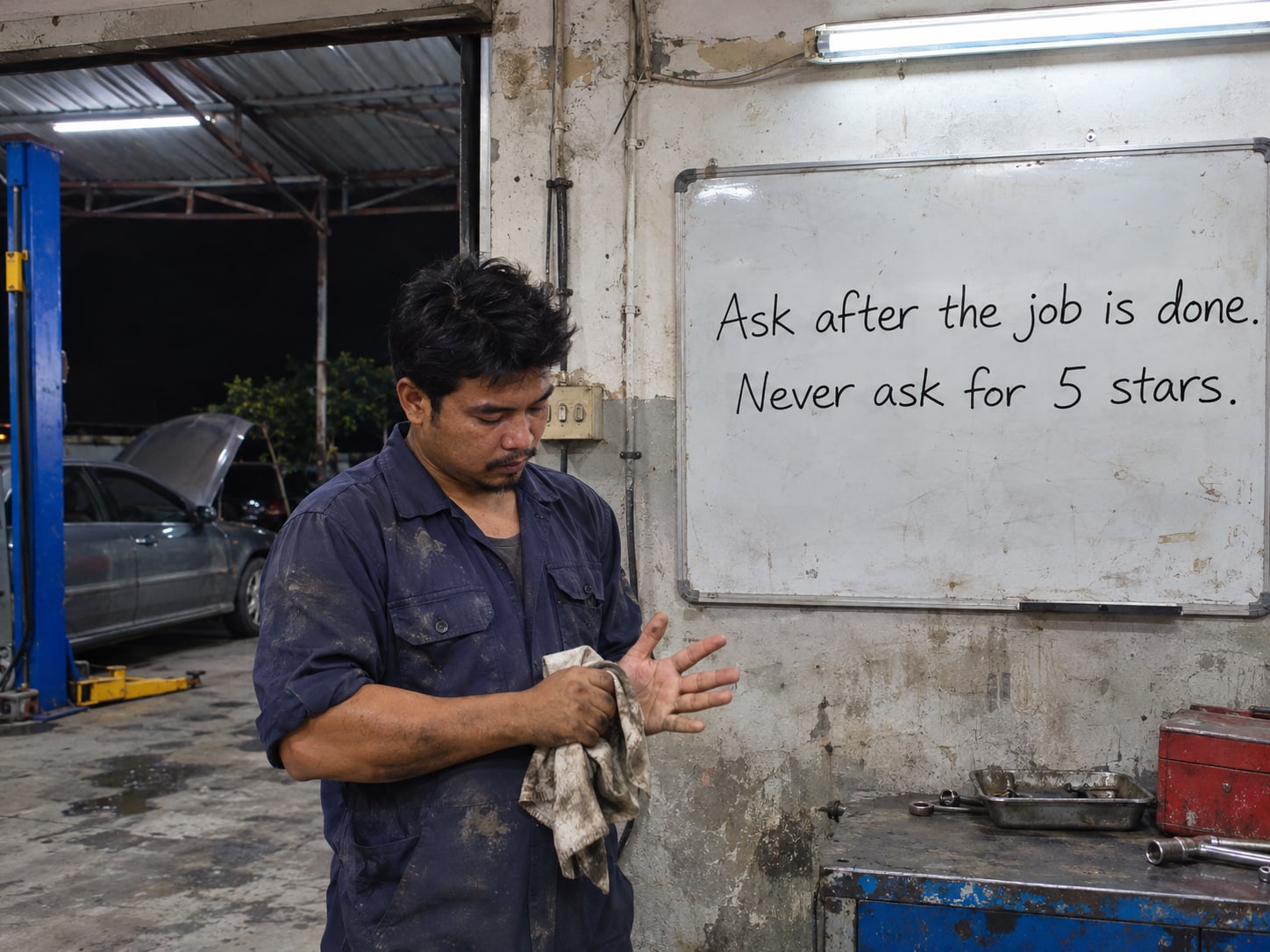
Ask genuine customers for a genuine review after a real sale or a finished job. Google's tips on getting more reviews say businesses may ask customers to leave reviews and may share a review link or QR code. The request should invite the customer's own account of what happened, in their own words.
Several habits break the rules, so cut them from every script and email. Do not ask only for five-star reviews. Do not tell customers what to write. Do not ask employees or relatives to post as customers, run review swaps with other businesses, or offer a reward that depends on a positive rating.
The same behavior is a legal matter too. The FTC's Consumer Reviews and Testimonials Rule, effective October 21, 2024, prohibits buying or selling fake reviews, reviews from people without relevant experience, certain undisclosed insider reviews, and incentives conditioned on a particular sentiment. The FTC's guide to soliciting and paying for online reviews is written for businesses that ask customers for reviews.
Replacing removed reviews is not a safe remedy. Asking customers to copy old wording, buying new reviews or opening a duplicate profile all work against Google's rules.
Know when you can handle this yourself and when help pays off
You can run the ten-minute check alone, and a notice that only removed spam reviews may need nothing more than a cleaner request process. Paying for a monthly service to fix that is not required.
Outside help earns its place in a few situations. It helps when someone must audit a contractor's review campaign, trace a sudden attack across accounts and dates, organize evidence for an appeal, monitor a restriction, or redesign a review process across several locations. In those cases the facts sit with a vendor, staff, customer records and software at once, and one person's afternoon will not cover it.
Whoever you hire should say plainly that the outcome is Google's call. If a provider promises to restore specific reviews, lift a restriction or return a star rating, treat that promise as a reason to look elsewhere.

Removal notice or restriction?
Pick an answer to begin.
1. Your email says Google removed spam reviews and names nothing else. What does that tell you?
2. According to Google, how long can an appeal of a profile restriction take?
3. A customer asks how to replace the reviews that were removed. What is the safe request?
Frequently Asked Questions About Google Removing Reviews from Your Business
Does removing spam reviews mean my Business Profile is suspended?
No. Review removal and profile restrictions are separate outcomes, and Google may remove reviews without restricting the profile. Check your email and your profile for any pause, unpublished reviews or warning.
Can Google stop new reviews?
Yes. Google lists a temporary block on new reviews or ratings as one example of a profile restriction. Ask a recent genuine customer whether their review posts and shows.
Will customers see that reviews were removed?
Possibly. Google says a profile may display a warning to consumers that fake reviews were removed. Look at your public profile, and screenshot anything you see.
Why was my Google review removed, and why do reviews seem to be deleted automatically?
Google's policy lets it remove reviews that break its rules, including spam, fake content, off-topic content, harassment or promotional material. A review you cannot see may also be delayed rather than removed, so read Google's page on missing or delayed reviews.
Can I see which reviews Google removed?
Do not count on an itemized list. Save every review notification email and your old reports, then ask Google support what it can tell you about your specific profile.
Can I ask customers to replace removed reviews?
Only by asking real customers for independent reviews. Do not ask them to copy old wording or inflate the rating.
Final Thoughts
You now know the difference between a removal and a restriction, and where to look for each. Read the notice, save it, record your numbers, and check whether new reviews are paused, existing ones unpublished or a warning is showing. Then look at how reviews reach you, stop whatever is questionable, and appeal once with evidence if a restriction applies.
A clean request process protects you long after this notice. Customers get a simple, fair ask, staff stop repeating a risky script, and the rating that remains reflects real customers.
If your review process runs through a contractor, several locations or software you cannot see into, Web Leveling can sort out the timeline and the evidence with you. Our online reputation work includes auditing review requests, organizing an appeal and monitoring a profile afterward. We work with small and medium businesses across the country and overseas. Send us the notice and what your profile shows, and we will tell you whether you need us or whether the ten-minute check covers it.
Terms
Review-notice words in this post
Tap a term to see what it means.
Fake engagement. Google's term for reviews or ratings posted because of payment, incentives, multiple accounts, conflicts of interest or coordinated manipulation, not a real customer experience.
Profile restriction. A step Google can take on a Business Profile, such as pausing new reviews or ratings, unpublishing existing ones for a time, or showing a warning.
Removal notice. A message that Google took down reviews that broke its content rules, which may or may not come with a restriction.
Appeal. A request made through the Business Profile appeals tool to have a profile restriction reconsidered, with supporting evidence.
Review gating. Asking only the customers likely to give high ratings; Google's guidance says not to ask only for five-star reviews.
Insider review. A review posted by an owner, employee, relative or partner business, which the FTC rule addresses when relationships are not disclosed.