
Restaurants and online sellers in four places have said customers sent AI-edited photos of burnt, raw, spilled or broken orders to get refunds. If a customer used an AI photo to get a refund from your restaurant or shop, the money can often come back when you dispute it in time with your own records.
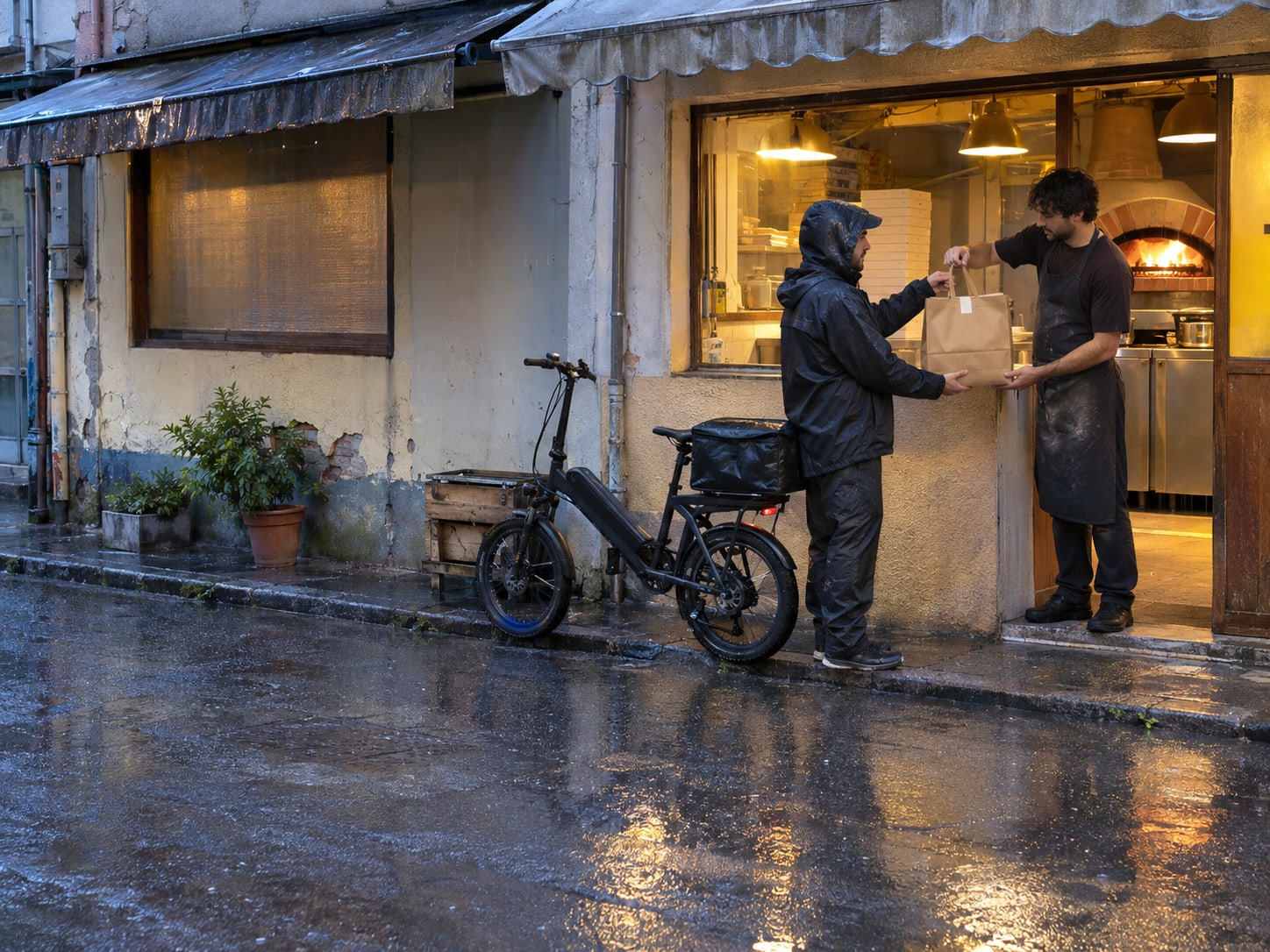
On November 10, 2026, KTLA reported that Masa of Echo Park, a family-owned pizzeria in Los Angeles, got a DoorDash refund claim with what the owner says was an AI-generated photo of a badly burnt pizza. Her kitchen footage showed the order leaving unburnt, she contested the claim, and the refund was reversed.
Food businesses in Dubai and Kuala Lumpur and online sellers in China have reported the same trick.
This applies to restaurants on delivery apps and to online shops that take card payments, and the clock decides how much you can recover. DoorDash generally gives you 14 days from the delivery to dispute a charge; Uber Eats and Grubhub give you 30. Start today by saving the claim, then pull the ticket, the sealed-bag photo and the camera footage for that order.
Key Takeaways
DoorDash generally gives 14 days from delivery, and Uber Eats and Grubhub give 30 days, so check each portal the day a claim lands.
In the Masa of Echo Park case, one app reported 96 percent confidence the photo was AI-generated, but the footage tied to the order did the convincing.
Uber Eats names footage of the order being prepared or bagged, sealed-bag photos with the order ID and signed-off tickets as evidence.
DoorDash and Uber Eats bar third parties from submitting disputes, so a manager with Admin or Store Manager access files it and nobody shares a login.
The card issuer decides a chargeback, and Stripe treats a missed response deadline as accepting the dispute.
What Four Businesses Say Happened, and What Worked for Them
The same tactic has been described in Los Angeles, Dubai and Kuala Lumpur, and by online sellers in China. Each account below is what that business or seller told the outlet named, with the outlet's dates.
Four reports of AI-edited refund photos
- 1
December 19, 2025
WIRED reports that online sellers in China posted about refund claims with allegedly AI-generated photos of sheets, mugs and live crabs.
- 2
May 21, 2026
The Online Citizen reports that Tonda Pizza Romana in Kuala Lumpur warned about AI-edited images in GrabFood refund claims.
- 3
October 26, 2026
Gulf News (last updated) reports that Taho Avenue, a Dubai cafe, got a delivery refund claim with a photo of spilled drinks that did not match its cups.
- 4
November 10, 2026
KTLA reports that Masa of Echo Park in Los Angeles got a DoorDash claim with a photo of a burnt pizza, and the refund was reversed after the owner contested it.
The Online Citizen reported that a GrabFood customer told Tonda Pizza Romana the pizza arrived completely raw, sent images the restaurant says were AI-edited, and threatened a chargeback. Staff reviewed the kitchen process, the order timing and the CCTV, and found the pizza was prepared, sliced, boxed and sent properly. In an Instagram post on May 20, the restaurant told other food businesses to keep detailed kitchen records, timing logs and CCTV backups.
Gulf News reported that Taho Avenue, a cafe in Deira, got a complaint photo of spilled drinks. The cafe said the customer ordered boba but the image showed what looked like sago, the writing on the cup sleeves did not match its sleeves, and the cups and lids were different. The cafe tapes its cups shut, and Talabat reached out to resolve the claim, according to the report.
Four reports show a pattern. They do not tell you how often it happens, so judge each claim on its own records.
Spot the Signs a Photo Was Faked, Then Treat Them as Leads
The businesses above pointed to the same kinds of mismatch. Compare the customer's photo with what you actually make and pack, and write down every difference before you answer the claim.
- Packaging that is not yours: Taho Avenue said the sleeves, cups and lids in the photo differed from its own.
- Food that does not match the order: the same cafe said the image showed what looked like sago for a boba order.
- Damage that does not behave like the real thing: WIRED described a mug whose cracks looked like paper tears and dead crabs whose legs pointed in a way a seller's family of crab farmers said they never see.
- Text that makes no sense: WIRED described a bed sheet whose shipping-label characters looked like gibberish.
- A seal you use that is missing: a business that tapes every cup or bag shut can compare the photo with its own sealed order.
A detector score is a clue, not proof. In the KTLA report, the owner ran the photo through one detector app, which reported 96 percent confidence it was AI-generated, and she also checked kitchen footage that showed the order unburnt and boxed with the customer's name and order number. The footage is what tied the claim to her order.
Provenance tools add clues, within limits. C2PA, the standard behind Content Credentials, says provenance metadata can be removed, so a photo with no credentials proves nothing either way. Google's SynthID checks for a watermark from Google AI and its partners; a positive result shows compatible AI was involved, not what the customer intended, and a negative result does not make a photo authentic.
Gather the Records That Tie the Order to Your Kitchen
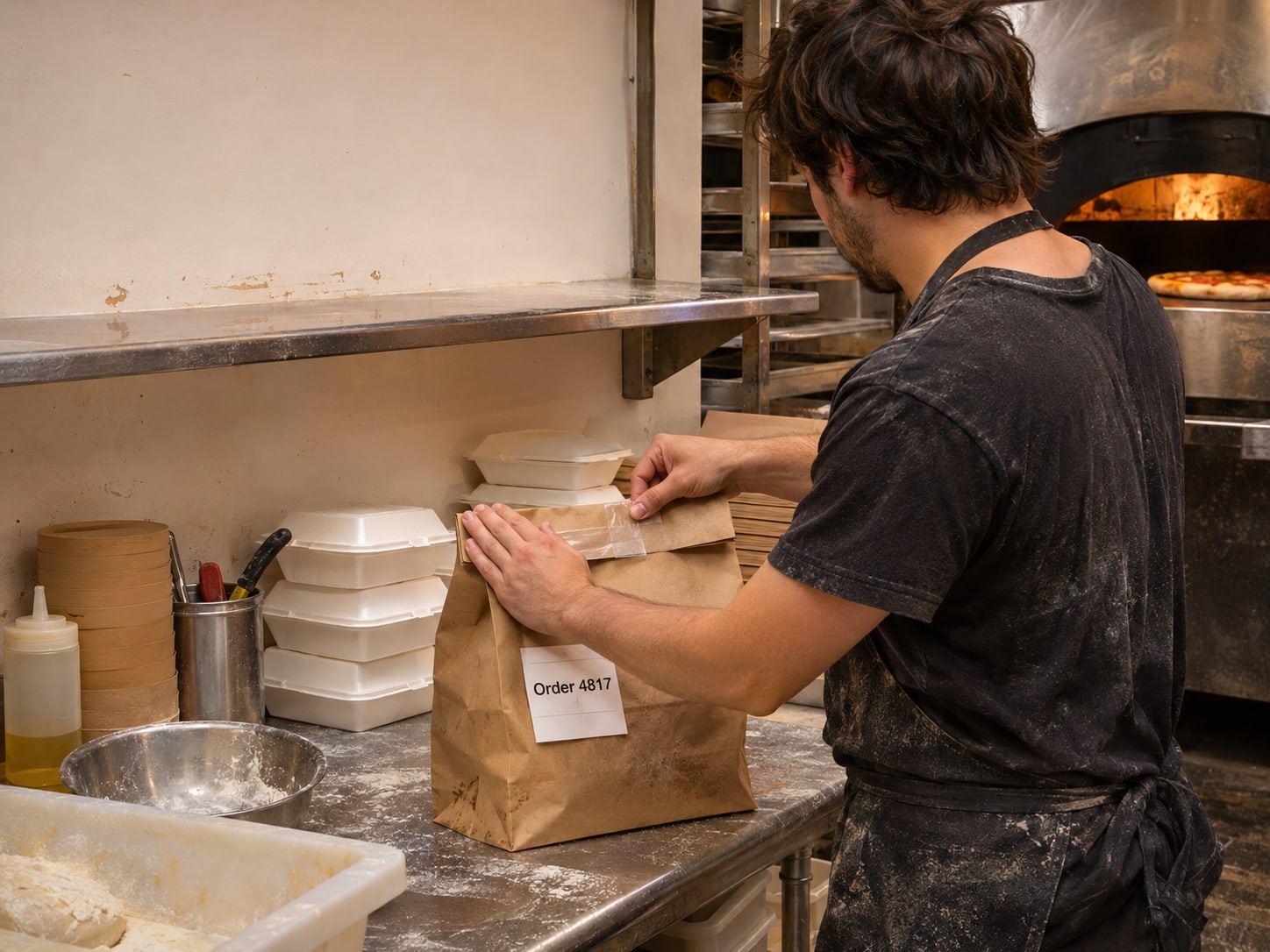
Open the claim and save it before anything else. Download or screenshot the refund notice, the order ID, the exact image the customer submitted, the claim reason and the payout adjustment, so all five sit in one folder.
Then pull the order-linked records:
- The order ticket: with the order ID, signed off by whoever packed it.
- A sealed-bag photo: the bag or box closed, with the order ID visible.
- Camera footage: that order being prepared or bagged.
- Timestamps that agree: the ticket time, the photo time and the camera clock.
- A short chronology: what the customer's image shows, what your records show, and why they belong to the same order.
Uber's help page names CCTV or security footage of the order being prepared or bagged, photos of the sealed bag that include the order ID, and photos of a signed-off ticket with the order ID. They are the right records to gather whichever platform sent the claim. Write the chronology in flat, factual sentences that say what your records show; a reviewer can check a timeline, and cannot check an accusation.
Get the Refund Reversed by Disputing on Each Platform in Time
Each platform has its own door and its own clock. The window runs from delivery on DoorDash and from the original order date on Uber Eats, so write down all three deadlines the day a claim lands. Menu names change, so confirm the labels on the live help page as you go. These dispute rules cover evidence and deadlines for any refund claim, whatever the photo shows.
| Platform | Where to file | Window | Good to know |
|---|---|---|---|
| DoorDash | Merchant Portal, find the error charge, open the order and dispute it | Delivery within the last 14 days; otherwise contact DoorDash Support | Admin or Store Manager access is required, and error charges come out of your payout |
| Uber Eats | Uber Eats Manager, Orders, select the order, Dispute | Within 30 days of the original order date | Admin or manager access; add photo or video evidence; a reversal is not guaranteed |
| Grubhub | Grubhub for Restaurants, Transactions, Prepaid Order Adjustment, then dispute it | Within 30 days; filing early helps | Give the order number, order date, adjustment date and reason |
DoorDash's help page, updated November 11, 2026, says the delivery must have occurred within the last 14 days, and otherwise you need to reach out to DoorDash Support. Error charges come out of your payout, so a dispute that is never filed leaves the loss with you.
On Uber Eats, you describe the issue, attach your evidence and submit; Uber reviews each dispute case by case and does not guarantee a reversal. Grubhub's restaurant policies say you can dispute a Prepaid Order Adjustment within 30 days, and filing early helps.
File the dispute yourself, or have a manager with portal access do it. DoorDash says third-party access to the Merchant Portal, and using third parties to submit disputes, go against its Portal terms, and Uber says no third-party services may file and nobody should share a login. That covers any agency.
Protect an Online Store With the Same Records and the Card Deadline
The same tactic reaches online shops as a damaged-item return, a wrong-item claim or a card dispute. Per WIRED, these claims landed in categories such as fresh groceries, low-cost beauty products and fragile items, where a seller may refund without asking for the item back, and that is what makes the tactic pay. Asking for the item back, where that is practical, takes the payoff away.
Card payments run on separate rules. The card issuer decides a chargeback. Stripe lets you challenge a dispute with evidence or accept it, and the card issuer makes the final decision. Square lists disputes under Orders & payments, Disputes in the Square Dashboard. Shopify says it is not involved in the decision and that the evidence you submit depends on the type of dispute. Answer inside the deadline on the notice.
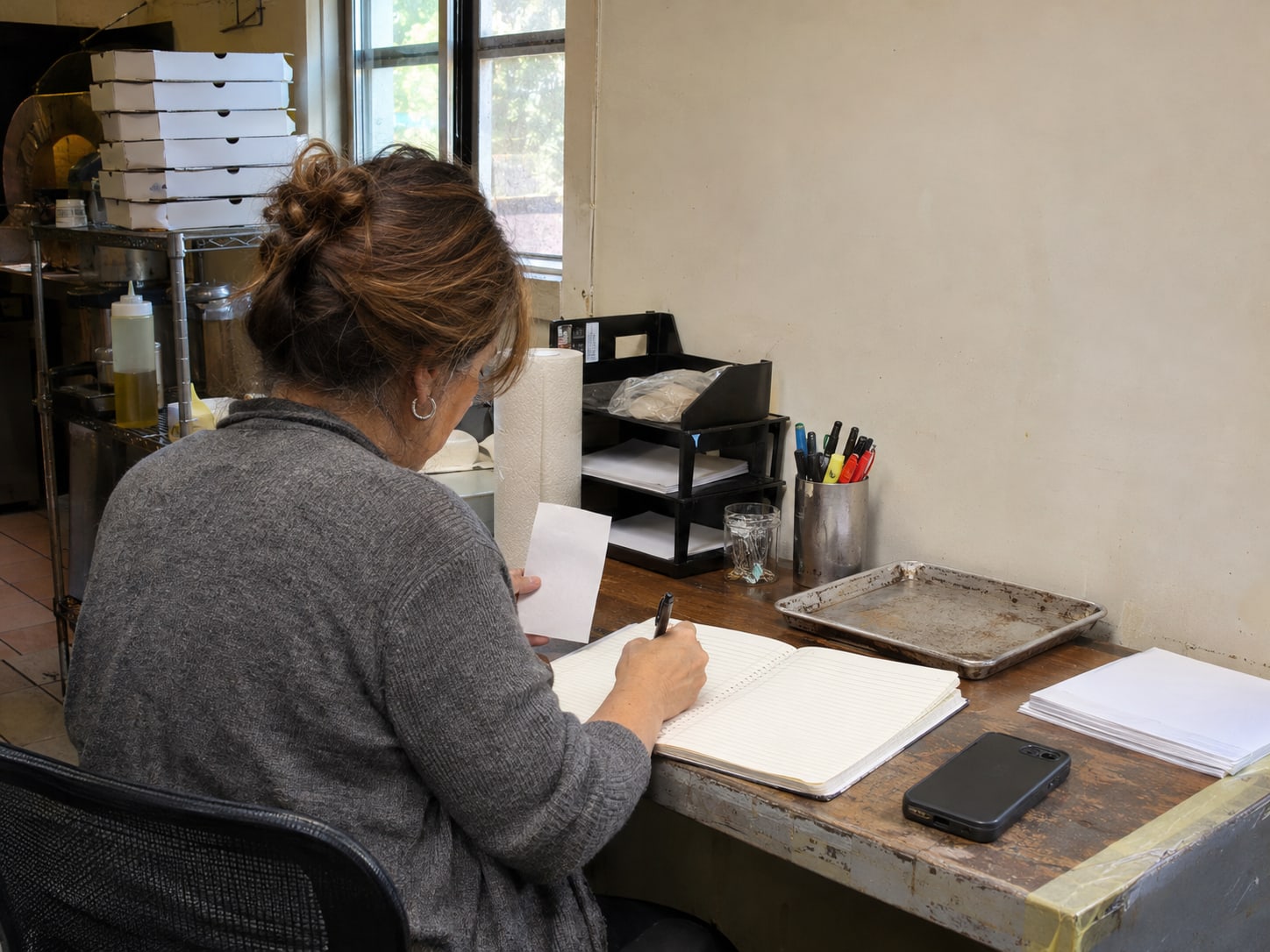
Keep the matching records for a store: the original order, the listing, packing-station photos and footage, tracking, delivery confirmation, customer messages, return tracking and the exact image the customer sent.
If the same photo turns up on your Google Business Profile, Google lets a business request removal of a customer photo that breaks its policies from its Business Profile, and the review can take several business days. Reply calmly and keep accusations out of public view without evidence; how to respond to negative reviews covers the wording.
If a customer demands money to keep a bad review off, read review extortion scams, and if a rival's account seems to be behind the review, see competitor fake Google reviews. A genuine quality complaint still deserves a refund or a remake, so do not ask every customer to prove a photo is real.
Set Up Once So the Next Claim Takes Minutes to Fight
The first check takes one sitting and needs no outside help. Open each merchant account, record the dispute path and deadline, and look at what your camera and your counter routine would give you on a bad night.
One-sitting setup checklist
14 days for DoorDash, 30 days for Uber Eats and Grubhub, and the response date on every card notice.
Name who holds Admin or Store Manager access, remove former staff, and keep each login to one person.
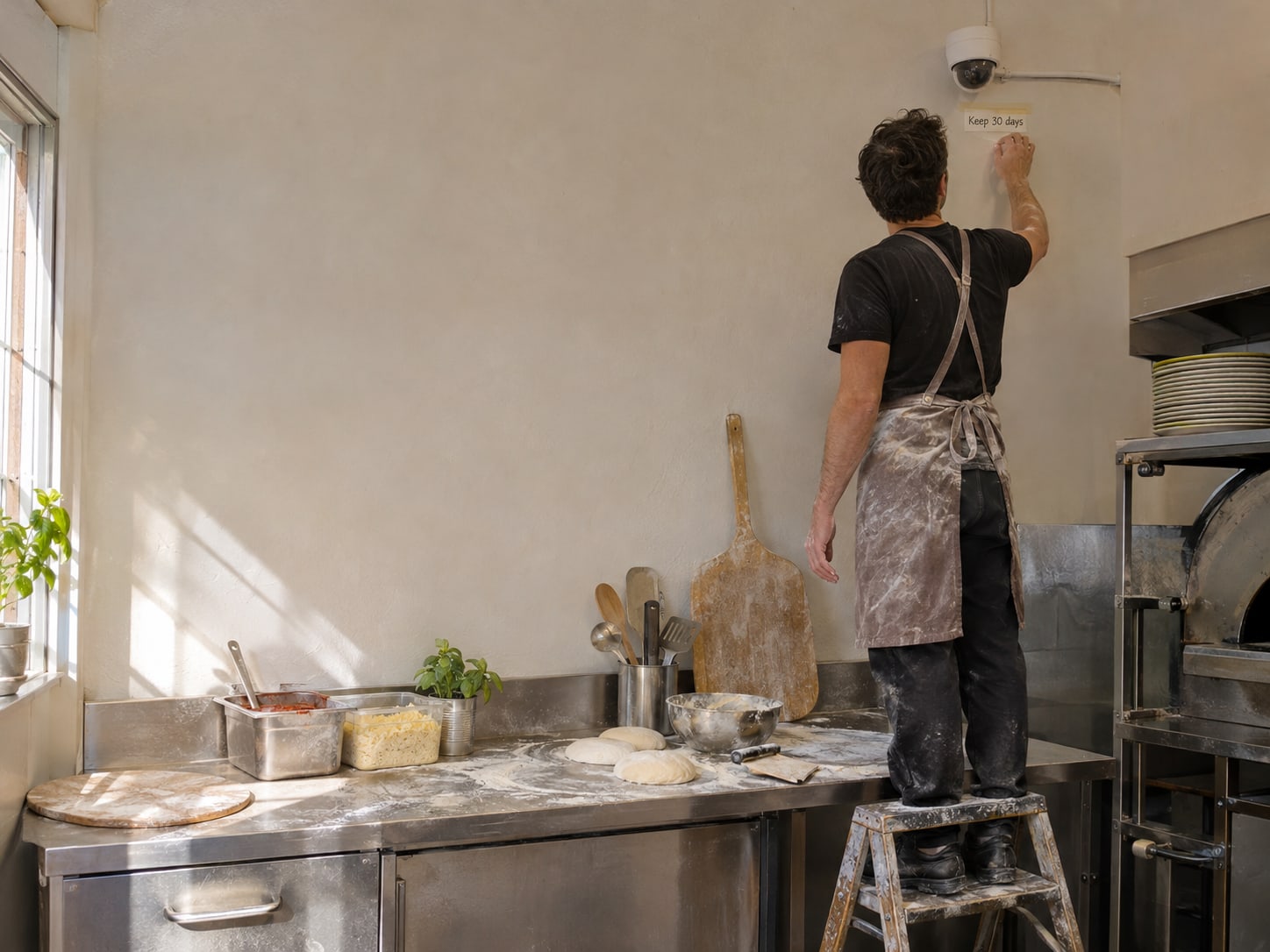
Keep footage at least 30 days, the longest window above, set the camera clock against a phone, and ask your camera vendor how to export a clip with the date and time.
Put the order ID on the ticket and on a photo of each sealed bag before it leaves.
The claim details, the records to pull, the portal path and a space for the chronology.
You can handle the first dispute alone. Paying for help makes sense when footage is overwritten quickly, when several platforms and card notices arrive separately, when staff access to your accounts is uncontrolled, or when you want a repeatable workflow that holds up in a busy week. No one can promise that a platform or card issuer will reverse a decision.
Can you win back the refund?
Pick an answer to begin.
1. How long does DoorDash generally give you, from the delivery, to dispute an error charge in the Merchant Portal?
2. In the KTLA report, what did the owner use that carried more weight than the detector app's 96 percent reading?
3. A card chargeback arrives for a damaged-item claim. What does Stripe do if you miss the response deadline?
Frequently Asked Questions About Using an AI Photo to Get a Refund
Can an AI detector prove a refund photo is fake?
A detector score is a probability, so treat it as a clue. In the KTLA report, one app's 96 percent reading sat beside footage that tied the order to the kitchen, and the footage carried the dispute.
How long do I have to dispute a refund on DoorDash?
DoorDash says the delivery must have occurred within the last 14 days to dispute in the Merchant Portal; after that, contact DoorDash Support. You need Admin or Store Manager access.
How long do I have on Uber Eats and Grubhub?
Uber Eats allows 30 days from the original order date, and Grubhub allows 30 days to dispute a Prepaid Order Adjustment. Filing early helps on Grubhub.
What evidence should I submit?
Send the order ticket with the order ID, a photo of the sealed bag with the order ID, camera footage of the order being prepared or bagged, and a short chronology with matching timestamps.
Does missing metadata show a photo is real?
No. Metadata can be stripped by editing, screenshots or uploads, so its absence tells you little either way. A positive SynthID result shows compatible AI was involved, not what the customer intended.
Can I hire someone to file the dispute for me?
DoorDash and Uber Eats bar third parties from accessing the portal and submitting disputes, so file it yourself or through a manager on your own account. Help with your records, your access and your online reputation is a separate job.
The Bottom Line
A refund claim with a photo that does not match your order is a records problem before it is a technology problem. Save the claim, pull the ticket, the sealed-bag photo and the camera footage, and dispute on the platform before the window closes: 14 days on DoorDash and 30 on Uber Eats and Grubhub. A detector score can point you toward the right questions, but the footage tied to the order is what turned the Masa of Echo Park claim around.
Set up once and the next claim takes minutes: deadlines written down, one person holding Admin access, camera footage kept long enough, and order IDs on bags and tickets. Stay generous with genuine complaints, so you fight the faked claims and keep the customers who had a real problem.
If a fake photo turns into a public complaint or review, Web Leveling can help you protect your reputation and keep your records in order through our online reputation work. We cannot log in to DoorDash or Uber Eats for you, and you would not want anyone to. We work with small and medium businesses across the country and overseas. Tell us what the claim and any review look like, and we will help you plan the next step.
Terms
Refund dispute words in this post
Tap a term to see what it means.
Error charge. A deduction DoorDash makes from your payout when it refunds a customer for an order problem, which you can dispute in the Merchant Portal.
Prepaid Order Adjustment. The Grubhub transaction entry for a refund taken from your payout, which you can dispute within 30 days.
Chargeback. A card dispute decided by the customer's card issuer, separate from a delivery app refund.
Content Credentials. Signed information about how an image was made or edited, from the C2PA standard; it can be missing without meaning anything.
SynthID. A Google watermark for AI-generated content; a positive result shows compatible AI was involved.
Sealed-bag photo. A photo of a closed bag or box with the order ID visible, taken before it leaves.
Chronology. A short, factual timeline of what the photo shows, what your records show and when each was made.